MV-2520-01-2020
.
eeese-aircare.com © All rights reserved by Eeese Air Care APS
67
DK
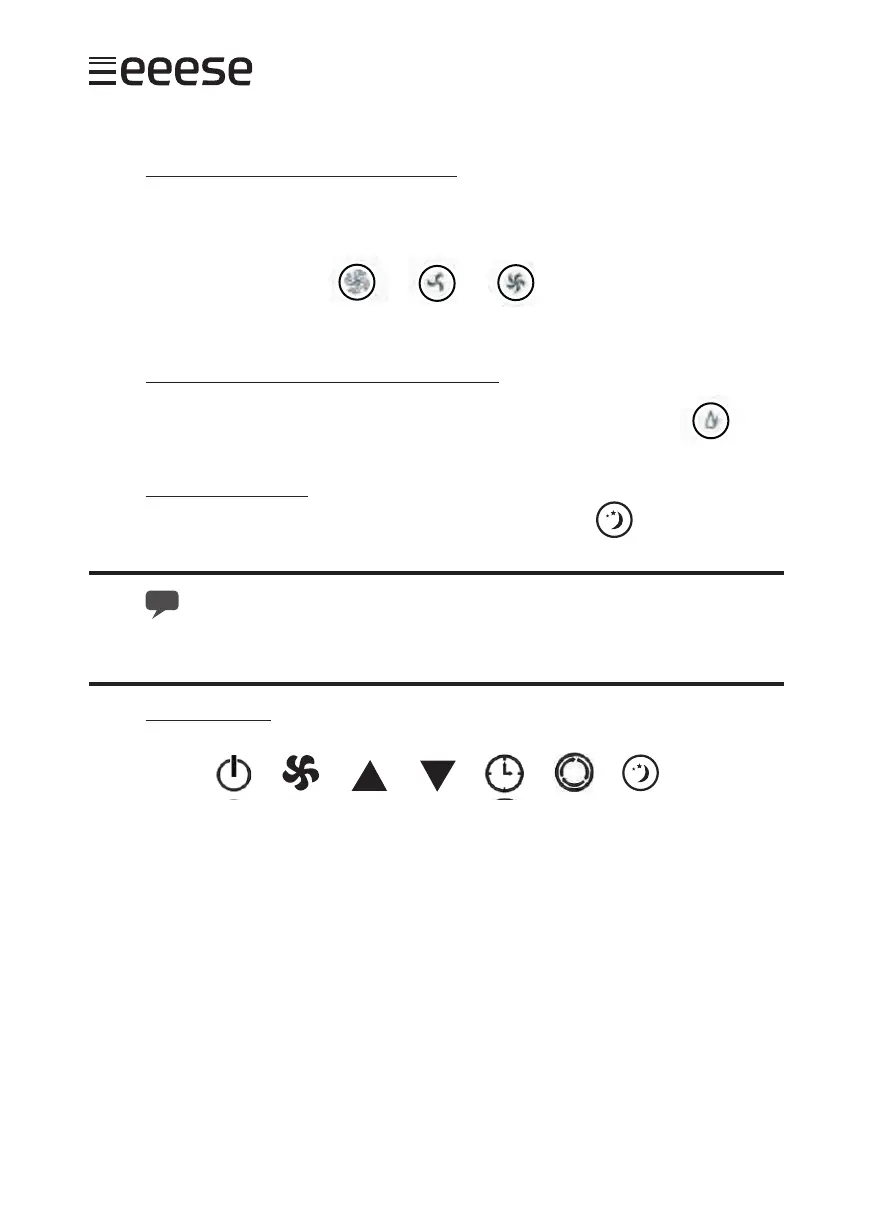
Air blower function [air blower button]
Press the air blower button A and choose between low blow speed (B) and high blow
speed (C).
Dehumidier function [dehumidier button]
Press the dehumidier button A to start the dehumidication of the room.
Sleepmode function
By choosing sleep mode the unit switches to low fan speed.
The dehumidier stops if the room is too cold, but restarts when the temperature
goes above 17 °C.
Remote control
When the unit is switched on with the remote control (A), the cooling function is switched
on automatically. The blowing speed can be changed between low and high blow speed
by pressing B. Press F to toggle between the cooling, blow and dehumidier function. The
timer is activated by pressing E, and the arrow buttons (C and D) set the number of hours
for the device to be automatically switched o. The timer is reset and stopped by press-
ing E twice. By choosing sleep mode (G) the unit switches to low fan speed.
5. Drain
There is a possibility to drain in two ways: manually or continuously.
Manual drainage
When the water tank is full, Alba stops dehumidication and the water tank indicator (A)
A B C
A
A B C D E F G


 To Next Page