- 26 -
Lifestyle
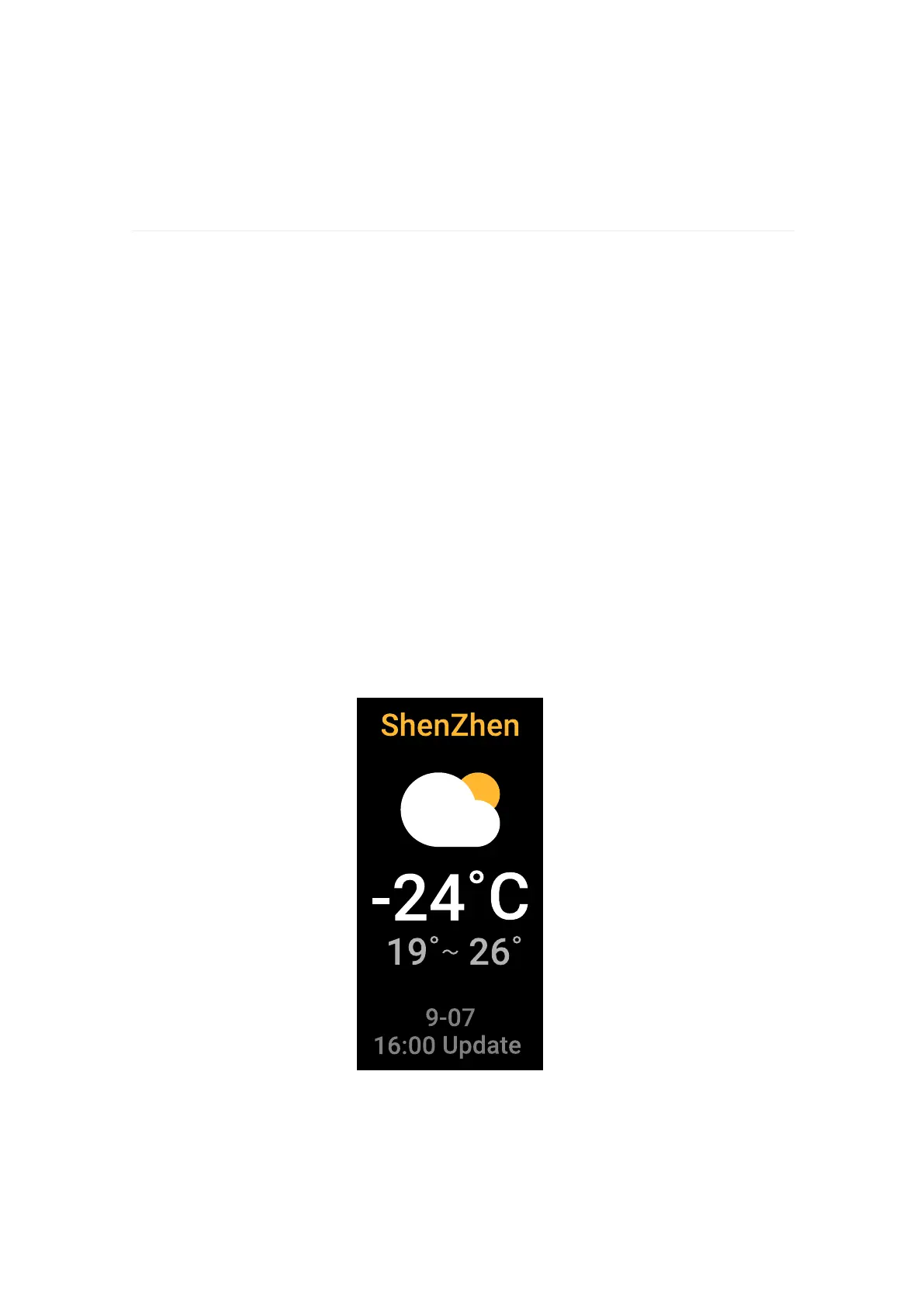
Check the weather
Swipe tracker left to reach the Weather app to see conditions in
your current location.
If the weather for your current location doesn't appear, check that
you turned on location services for the VeryFit app. If you change
locations or don't see updated data for your current location,
sync your tracker to see your new location and latest data in
the Weather app.
Choose your unit of temperature in the VeryFit app.


 To Next Page