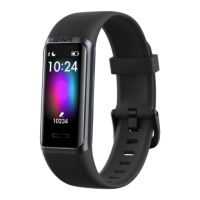
Learn how to restart, and erase Hyper X.
Restart and Erase
If you can’t sync Hyper X or you have trouble with tracking
your stats, restart your tracker from your wrist:
Swipe to reach the Settings app > Reboot Device.
If you want to give Hyper X to another person or wish to return it,
first clear your personal data:
1. On Hyper X, open the Settings app > Reset.
2. Swipe up, and tap the check mark icon to erase your data.
- 28 -
Restart Hyper X
Erase Hyper X


 To Next Page