Startup Settings
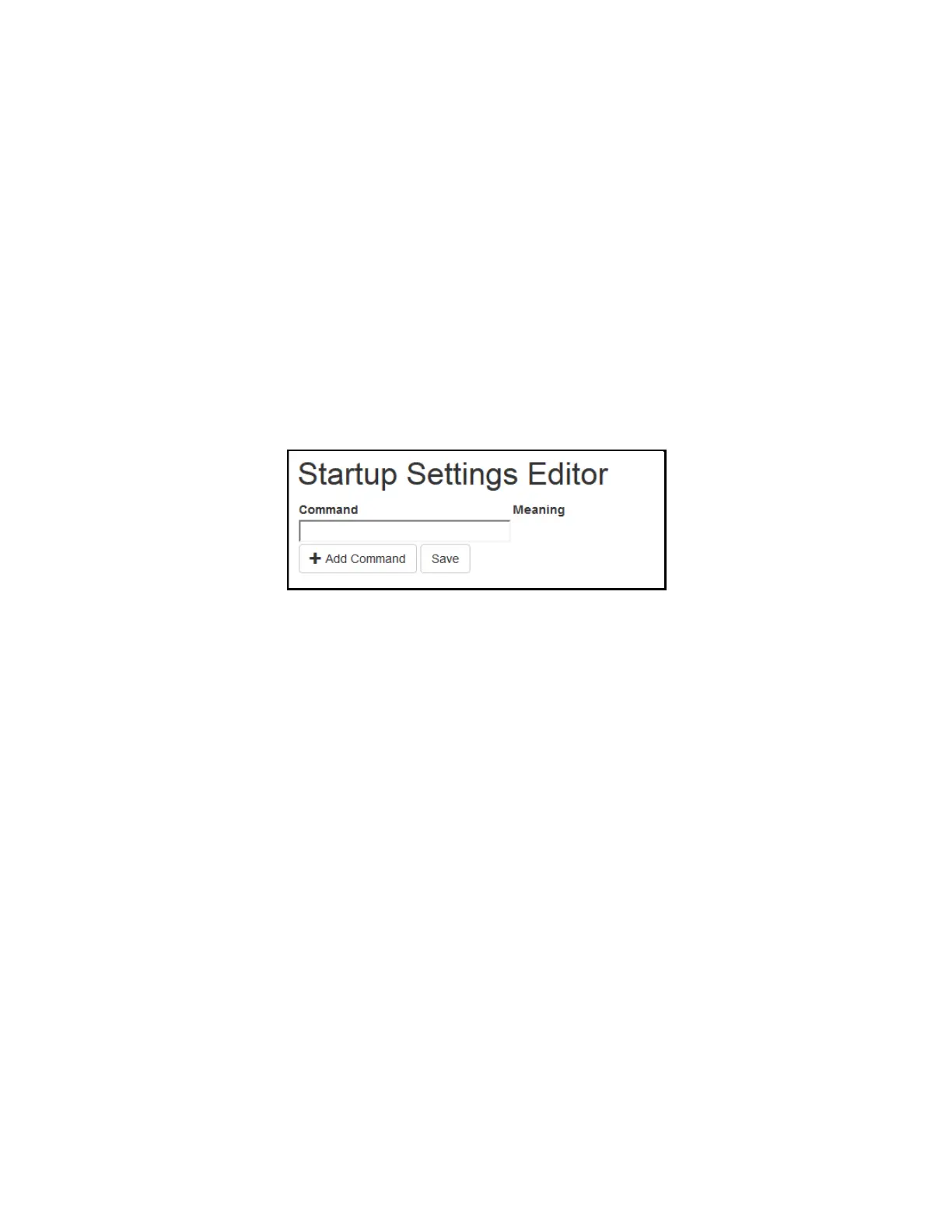
The Startup Settings Editor enables entry of Encoder commands that will run every time the encoder starts up. Use
Startup Settings whenever you want a setting to be “sticky”; settings entered through the Web Terminal or the
serial port only are not sticky and will revert to defaults when the encoder is power-cycled. Startup Settings can be
accessed via the encoder web interface by selecting Startup Settings from the side menu.
To use the Startup Settings editor, type any Smart Encoder command into the command box. Omit the <CTRL+A>
character entirely as this character is implied at the beginning of each line. To add additional commands, press the
‘+’ button and more lines will appear.
When you have entered commands for all the settings that you want to make sticky, click Update Startup Settings.
The configuration changes will take the next time the encoder starts up.
Figure 10: Startup Settings on the Encoder Web Interface
39 Copyright © 2021 EEG Enterprises, Inc.
All Rights Reserved.



 To Next Page