MANUAL
Handling Overview / Menu Overview
EVO
45
5/15
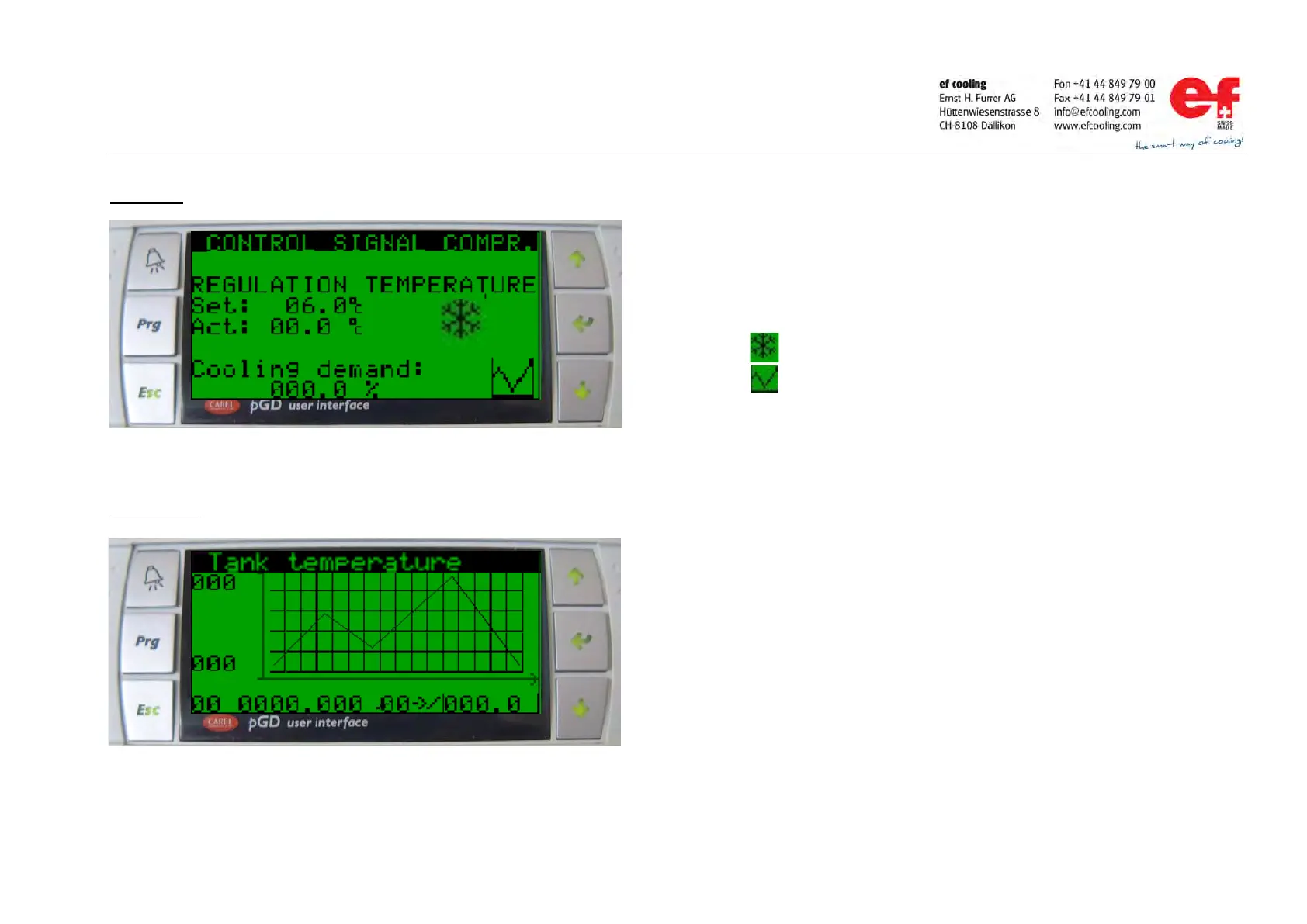
Menu page
Trend display
Press the ENTER key to change between the menu parameters
Press UP or DOWN key to change parameter values
Cooling operation
Press the ENTER key to change to the Trend Display
Trend Display:
The trend display
records an analog value fort the displayed length of time.
ording interval and scaling of the measurement value can be set in the pa-
setting window of the trend display.
Press UP or DOWN key to change between Trend Display and
Parameter Setting display.
Press the ESC key to leave the Trend Display and return to the Menu page.



 To Next Page