MANUAL
Language selection
EVO
45
7/15
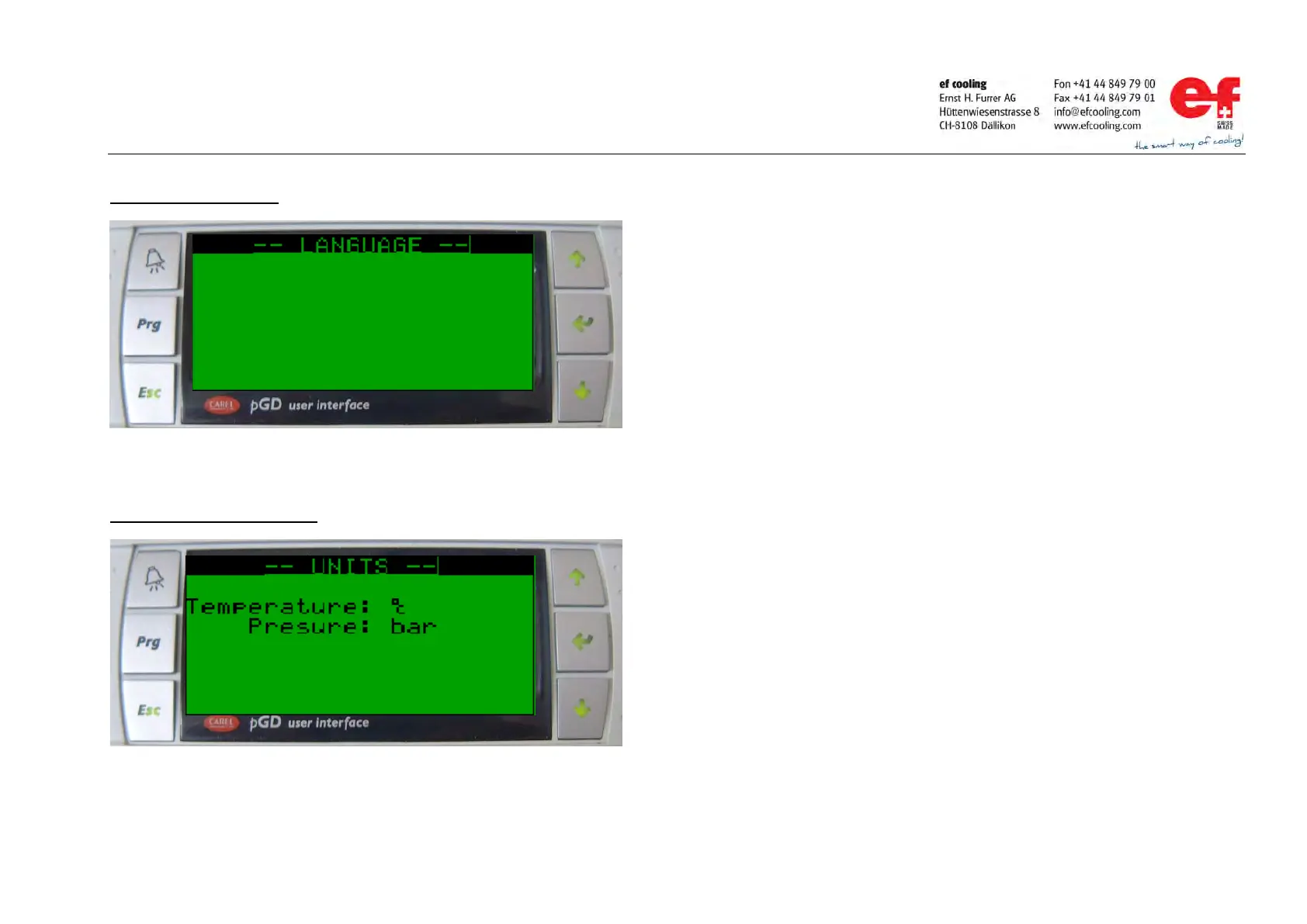
Change display language
Change units (only from SV2.0)
Language selection:
Go to the sub
-menu „language“ consider page 4 for instructions.
Press the ENTER key once.
Press UP or Down key.
Language changes between German and English.
Press the ENTER key at the favored language.
Press the ENTER key once.
Press UP or DOWN key.
Press the ENTER key at the favored unit.



 To Next Page