MANUAL
Alarm History
EVO
45
8/15
Alarm History
Alarm History
Alarm number:
Consider page 11
-15 for description of the alarm number.
Date and time at which the alarm was activated.
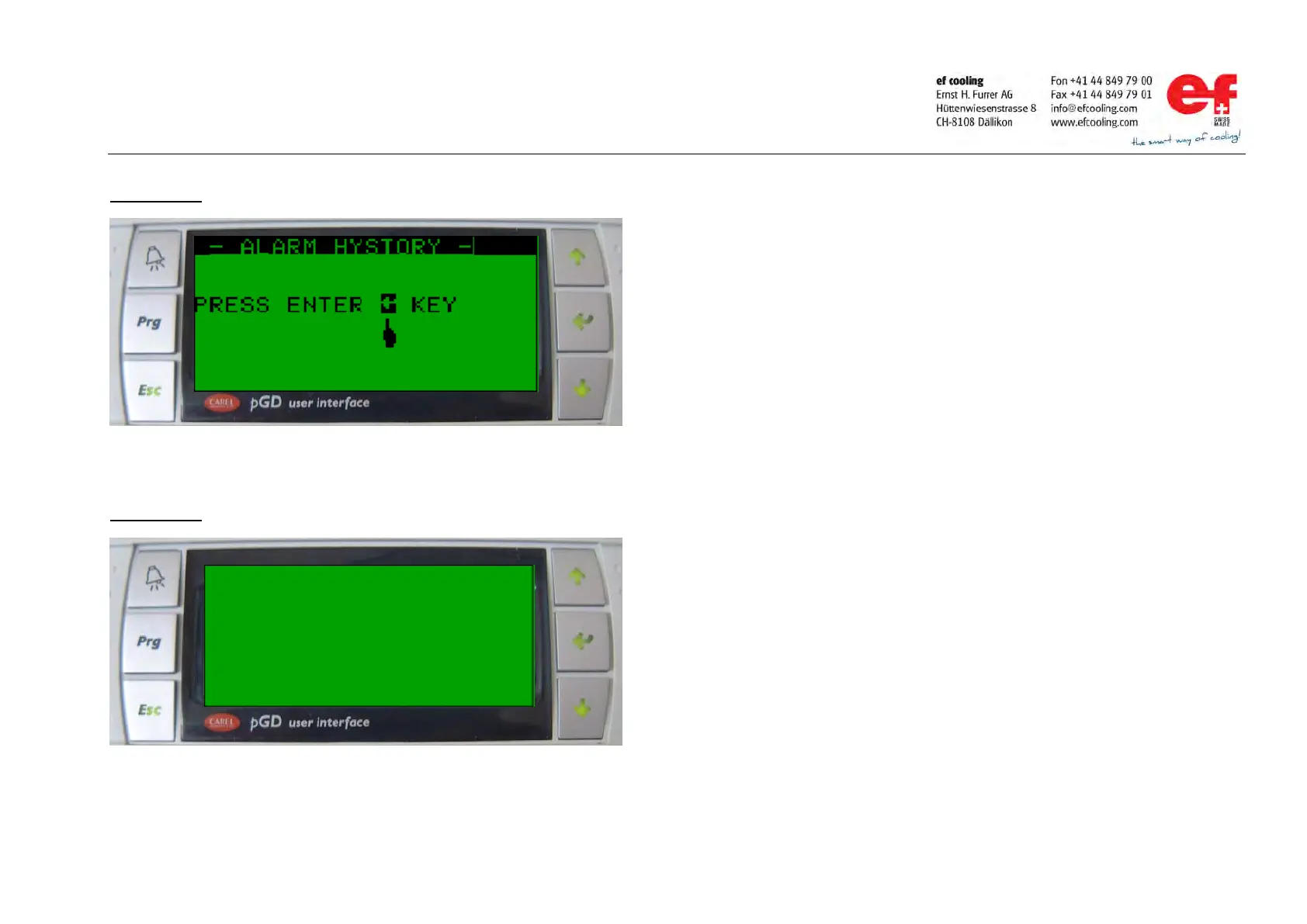
Handling of the alarm history:
Go to the sub
-menu „alarm history“ consider page 4 for instructions.
Press the ENTER key. last stored alarm with time / date stamp is getting
By pressing the UP or DOWN key the display shows the next older / newer
-Press the ESC key to switch back to the main menu.



 To Next Page