MANUAL
Alarms / error messages
EVO
45
10/15
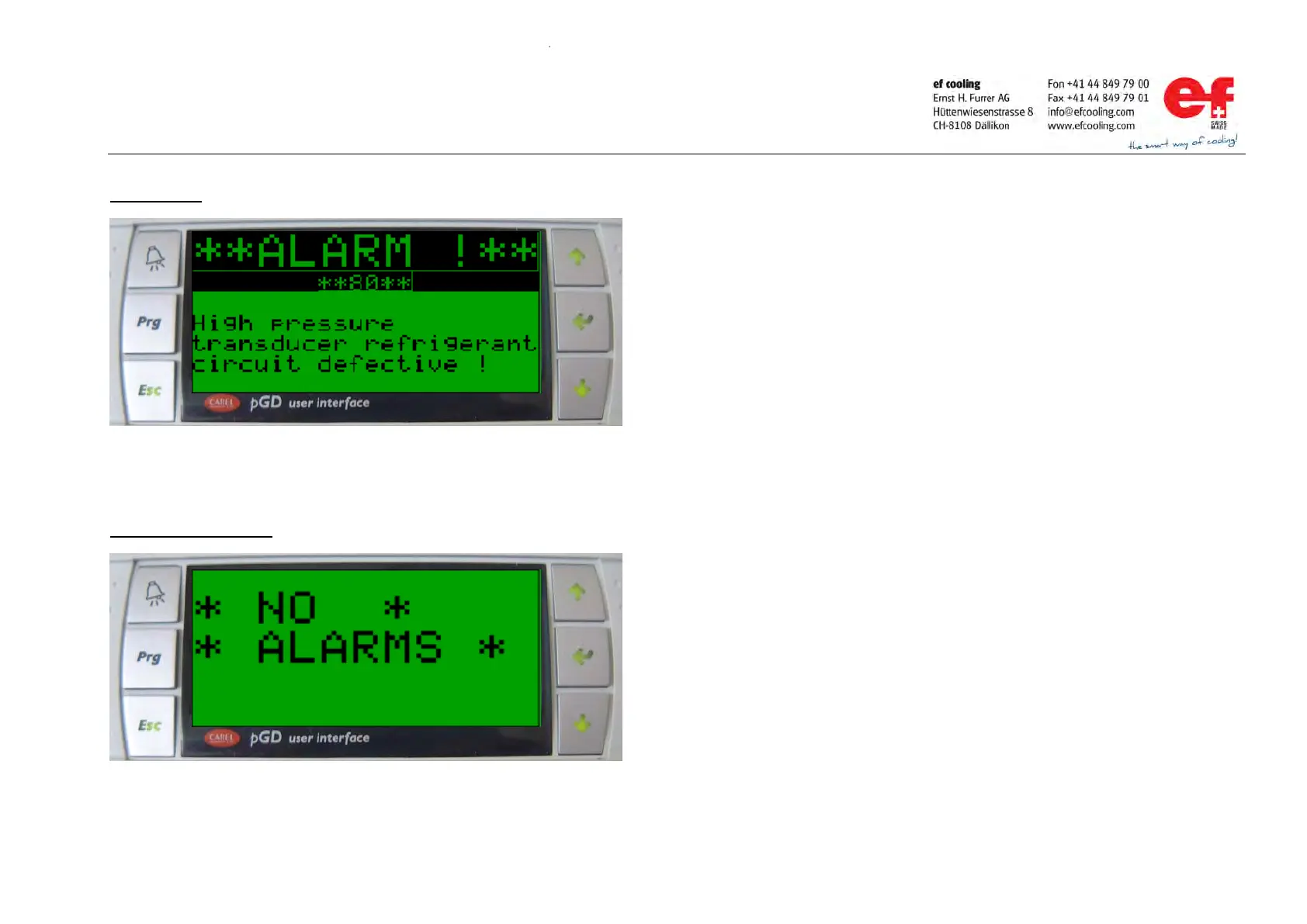
Alarm display
Reset of a present alarm
Handling of present alarms and warnings:
-
Is
one or more alarms / warnings present, the display switch automatically to the
alarm display mask and the ALARM key is flashing.
By pressing the UP or DOWN key it’s possible to change between the active
alarms (just possible if more than one alarm is present)
Press the ESC key to leave the alarm display and switch to the main display
Press the ALARM key again to move back to the alarm display.
After the reason for the alarm is eliminated is it possible to reset the alarm by
Is no other alarm active, the ALARM key stop flashing and the display shows



 To Next Page