MINAC Systems Revision A
USER MANUAL 31 January 2005
63860.doc
© For reproduction rights, see cover page.
6.2 Start
6.2.1 Main switch
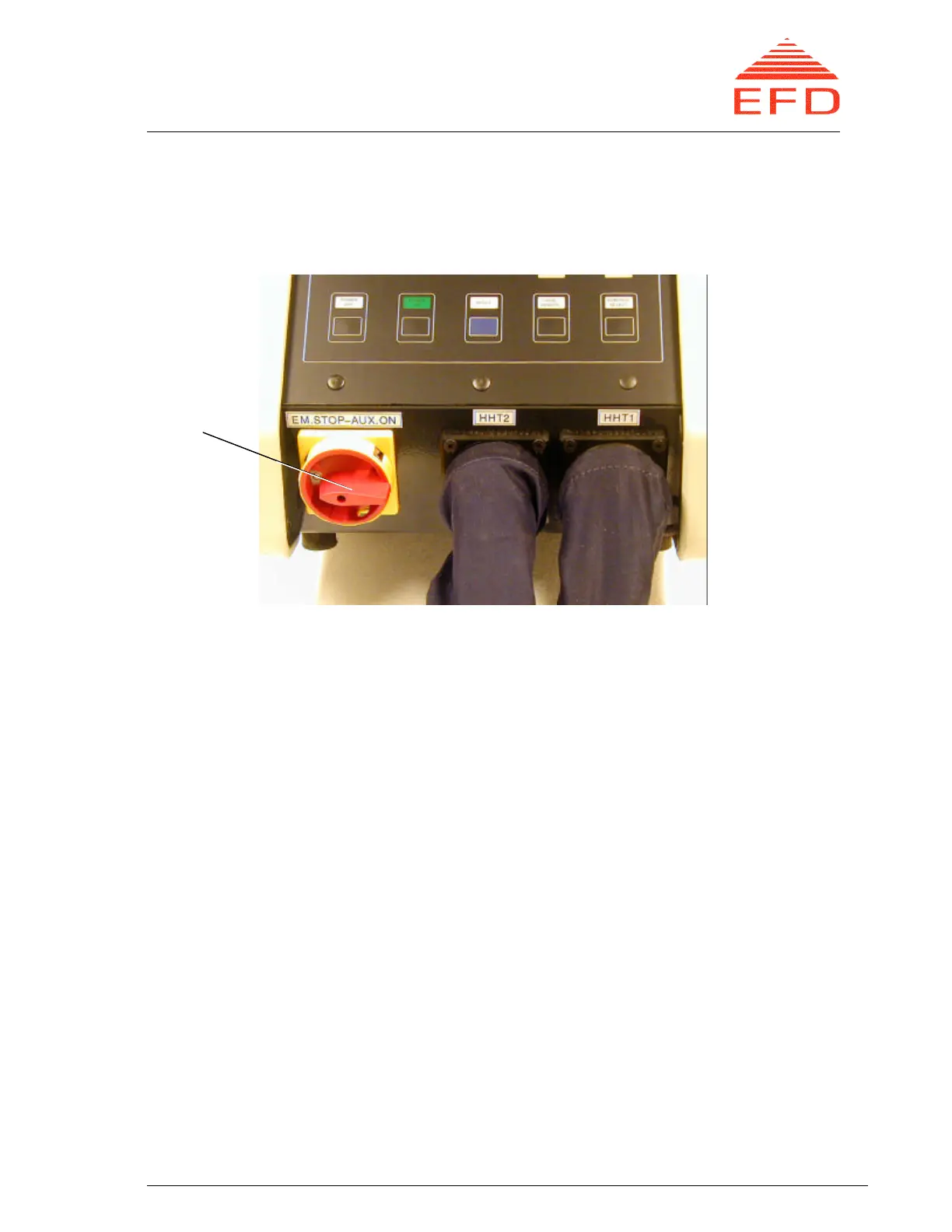
Figure 11. MINAC 25/40 and 50/80 cabinet front, main switch
1. See figure 11. At the front bottom of the cabinet, turn on the converter's main
switch.
2. See figure 6. The following lamps and LEDs should light:
– AUX VOLTAGE lamp on the operating panel
– READY or FAILURE lamp
– LOCAL lamp
– HHT 1 lamp
The display on the Man-Machine Interface (MMI) briefly shows a presentation
screen followed by the Display Values Menu. This menu provides a graphic
presentation of the operational values during the heating process.
6.2.2 Programming the MMI
If the MMI is already programmed and no editing is needed, go to paragraph 6.2.3.
Otherwise, return to the MMI main menu by pressing F9 and perform the necessary
programming/editing.
1. Choose Control Functions (Activate Menu); there are seven types of control
functions:
Main
switch



 To Next Page