Efento SP. J.
Ul.Krupnicza 14/5
31-123 Kraków
In order to set the transfer limit:
1. Connect to the logger, tap on the three dots in the upper right corner -> “Power user” -> “Transfer
limit”
2. Enable the transfer limit and key in the number of transmissions and the time period for the
transfer limit function
Bluetooth turn off time
You can set up the logger to automatically switch off the Bluetooth interface after a selected period of
time. This increases the battery lifetime but you will not be able to connect with the logger and change
its configuration with your mobile device. By default the Bluetooth interface is always on.
If the Bluetooth has been turned off, in order to enable it you either need to restart the device (switch it
off, wait for 10 seconds and switch it on again) or turn it on remotely, from the server.
In order to set the Bluetooth turn off time:
1. Connect to the logger with Efento mobile application, tap on the three dots in the upper right
corner -> “Power user” -> “BLE turn off time”
Encryption (Bluetooth)
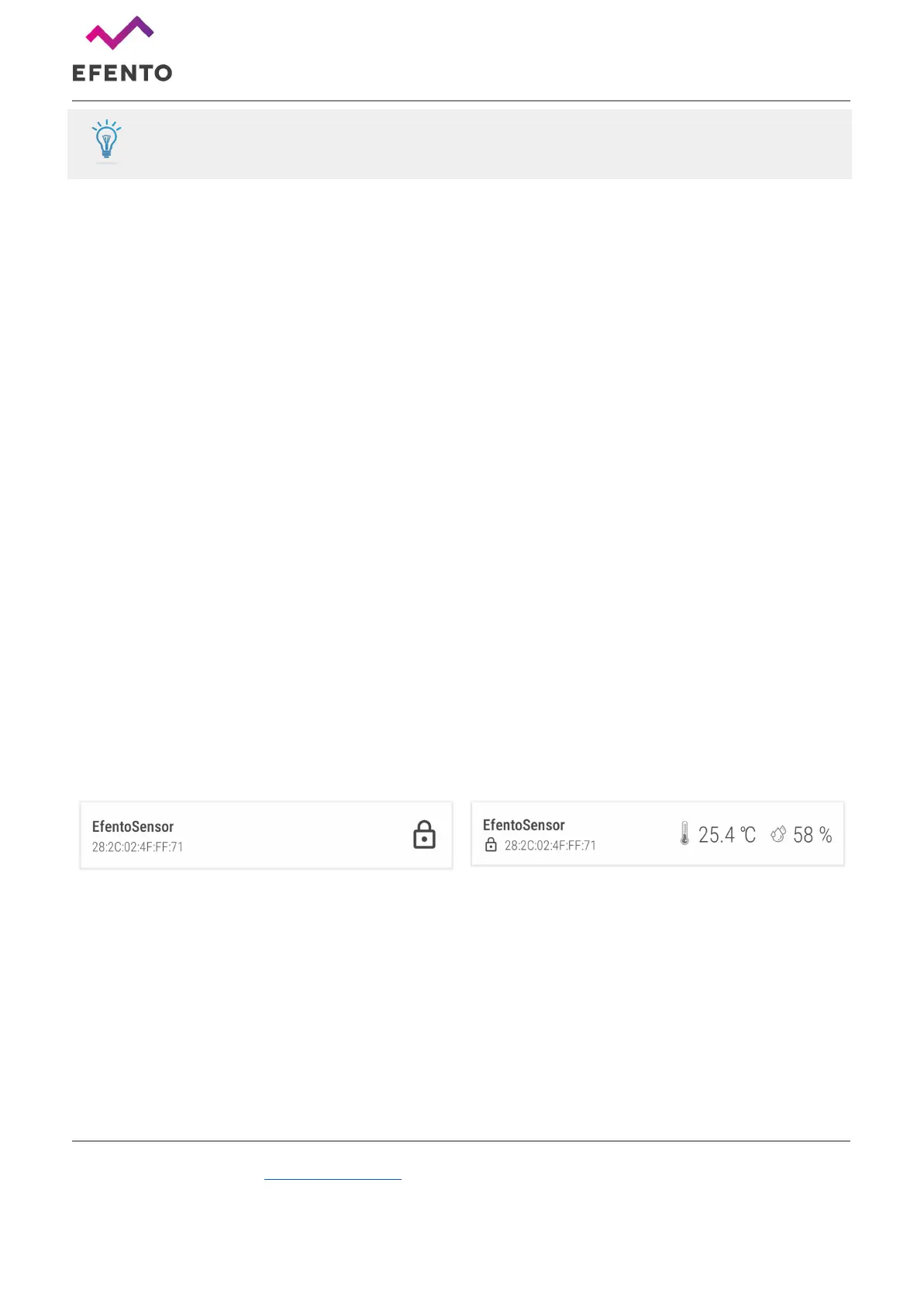
Enabling the encryption will result in encrypting the data sent by the logger over Bluetooth Low Energy
interface. The encrypted data sent by the logger can only be decrypted by a device with the encryption
key.
This feature is useful, if you need to be sure that only the authorized personnel can read the data over
Bluetooth interface. Users who do not know the encryption key, will not be able to read the data.
In order to set the encryption key:
1. Connect to the logger with Efento mobile application, tap on the three dots in the upper right
corner -> “Advanced” -> “Turn encryption on”
2. Key in the encryption key. Make sure you write it down as you will need to add it in mobile
devices that will access the logger data



 To Next Page