Efento SP. J.
Ul.Krupnicza 14/5
31-123 Kraków
During the registration process the logger saves the measurements in its volatile memory (RAM), and
after fetching the time from the network, it will assign correct timestamps to the measurements. If the
battery is removed before fetching the time from the network, these measurements will be lost.
If you set both PLMN and APN correctly, but the logger is not able to register on the network or
communicate with the server, please refer to the “Troubleshooting” section of this manual.
Once the logger is successfully registered in the network, you can set the address of the server, to
which the logger will send the data:
1. Connect to the logger with Efento mobile application, tap on the three dots in the upper right
corner -> “Power user” -> “Server configuration”
2. Select “Other” and key in the address and port of the server, to which the data should be sent
3. If you want to, you can use the “Organisation token” field to send additional information to the
server (e.g. API token). Optionally, you can set the logger to send its IMEI to the server. To
switch that option on, select the checkbox “IMEI as token”.
Device settings
All the settings of Efento loggers described in this chapter can be also done remotely, from the server. In
order to get the information how to configure the device remotely, please refer to “Efento Cloud User
Manual” or to “Efento NB-IoT Loggers Integration Manual”.
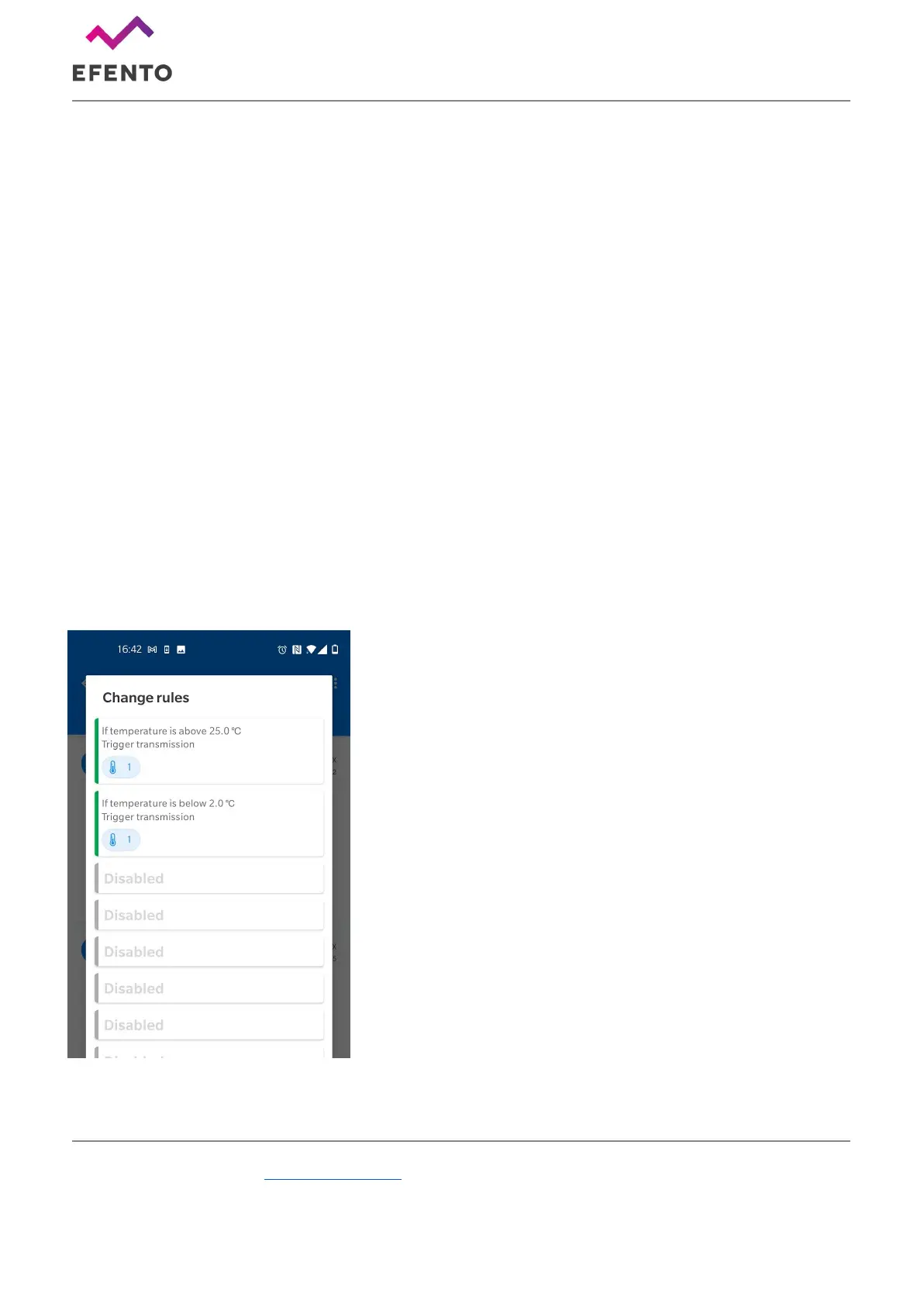
Rules
Users can set up to twelve edge logic rules on the device. Each
rule is an “if condition is met, trigger an action” statement.
Moreover, it is possible to add some mathematical operations to
the conditions and build statements like “If the average value of
the last five measurements is over...”. Rules are used to limit the
number of transmissions done by a device and increase the
battery life time.
Available conditions:
● Above threshold - if a measurement taken by the logger
is lower than the threshold value, the transmission to the server
will be triggered. It is possible to set hysteresis for this type of
condition
● Below threshold - if a measurement taken by the logger
is higher than the threshold value, the transmission to the server
will be triggered. It is possible to set hysteresis for this type of
condition



 To Next Page