WE RECOMMEND THAT YOUR ELECTRICITY MONITOR IS INSTALLED BY A QUALIFIED ELECTRICIAN
17 18
MASTER RESET AND LINK
HOW TO CHANGE MODES
SETTINGS MONITOR MODES
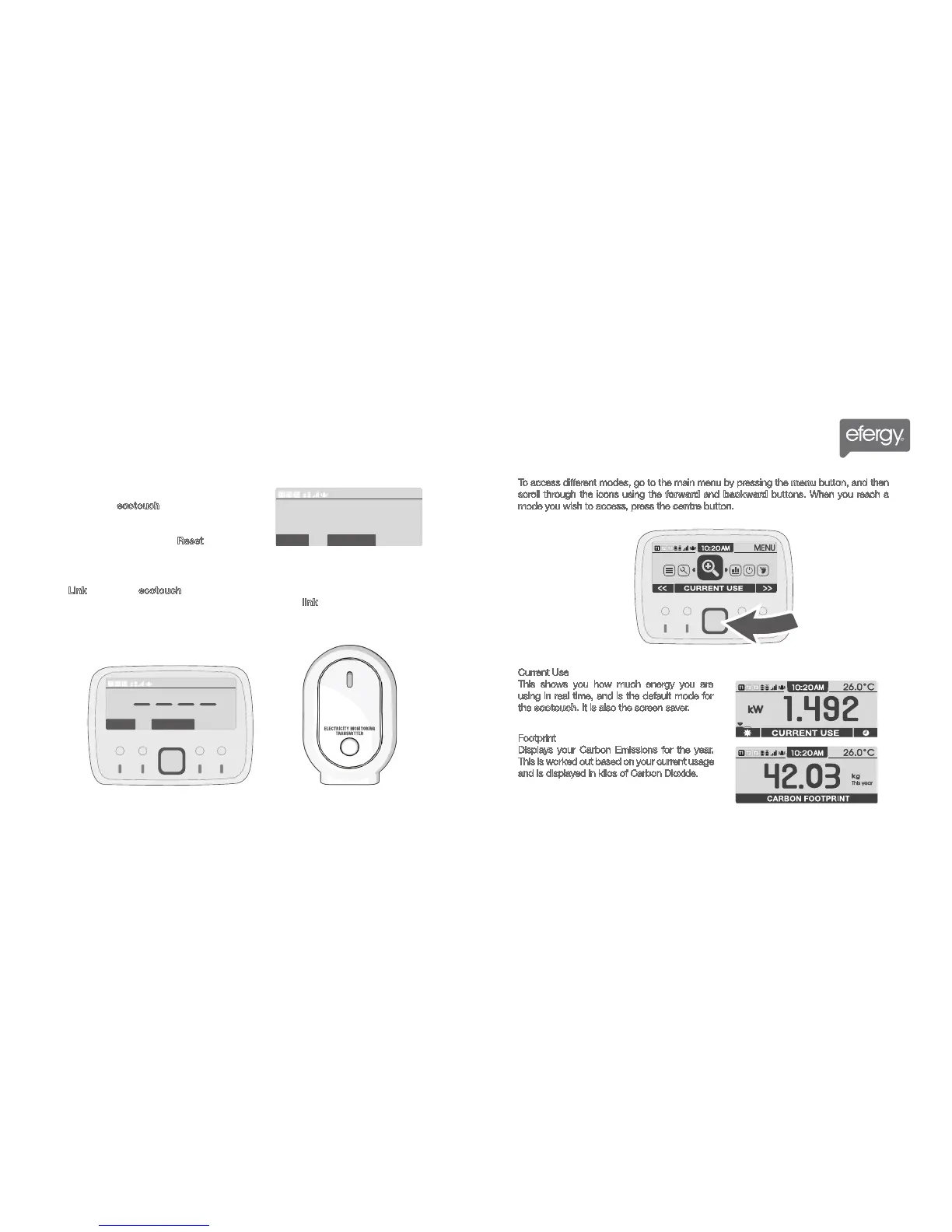
To access different modes, go to the main menu by pressing the menu button, and then
scroll through the icons using the forward and backward buttons. When you reach a
mode you wish to access, press the centre button.
Current Use
This shows you how much energy you are
using in real time, and is the default mode for
the ecotouch. It is also the screen saver.
Footprint
Displays your Carbon Emissions for the year.
This is worked out based on your current usage
and is displayed in kilos of Carbon Dioxide.
10. Master Reset
This settings option will completely delete all saved
data from your ecotouch monitor. A warning
message will appear when you enter this setting,
advising you to only proceed if you want to clear all
data previously collected. Press Reset to continue.
11. Link?
Press Link to link your ecotouch monitor to your transmitter. Four dashes will show while the
device is linking, and a message will read “linking...”. Press the link button on the transmitter to
complete synchronization. If the link is completed the monitor will display “Link OK” message.



 To Next Page