SETTINGS SETTINGS
15 16
9. Control
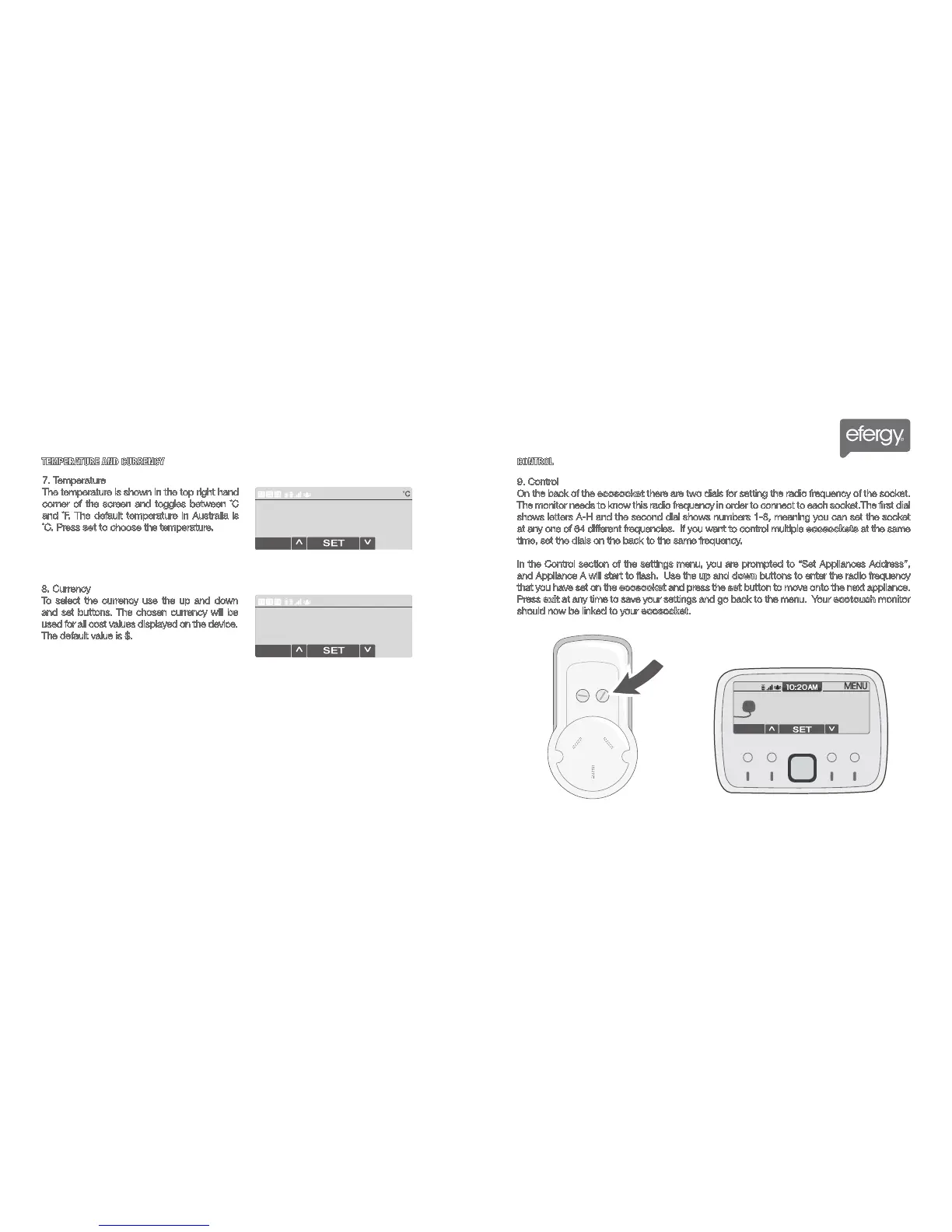
On the back of the ecosocket there are two dials for setting the radio frequency of the socket.
The monitor needs to know this radio frequency in order to connect to each socket.The first dial
shows letters A-H and the second dial shows numbers 1-8, meaning you can set the socket
at any one of 64 different frequencies. If you want to control multiple ecosockets at the same
time, set the dials on the back to the same frequency.
In the Control section of the settings menu, you are prompted to “Set Appliances Address”,
and Appliance A will start to flash. Use the up and down buttons to enter the radio frequency
that you have set on the ecosocket and press the set button to move onto the next appliance.
Press exit at any time to save your settings and go back to the menu. Your ecotouch monitor
should now be linked to your ecosocket.
7. Temperature
The temperature is shown in the top right hand
corner of the screen and toggles between ˚C
and ˚F. The default temperature in Australia is
˚C. Press set to choose the temperature.
8. Currency
To select the currency use the up and down
and set buttons. The chosen currency will be
used for all cost values displayed on the device.
The default value is $.
TEMPERATURE AND CURRENCY
CONTROL



 To Next Page