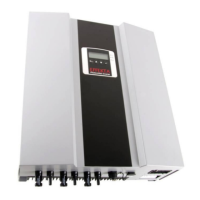
Photovoltaic Solar Inverter Series ES
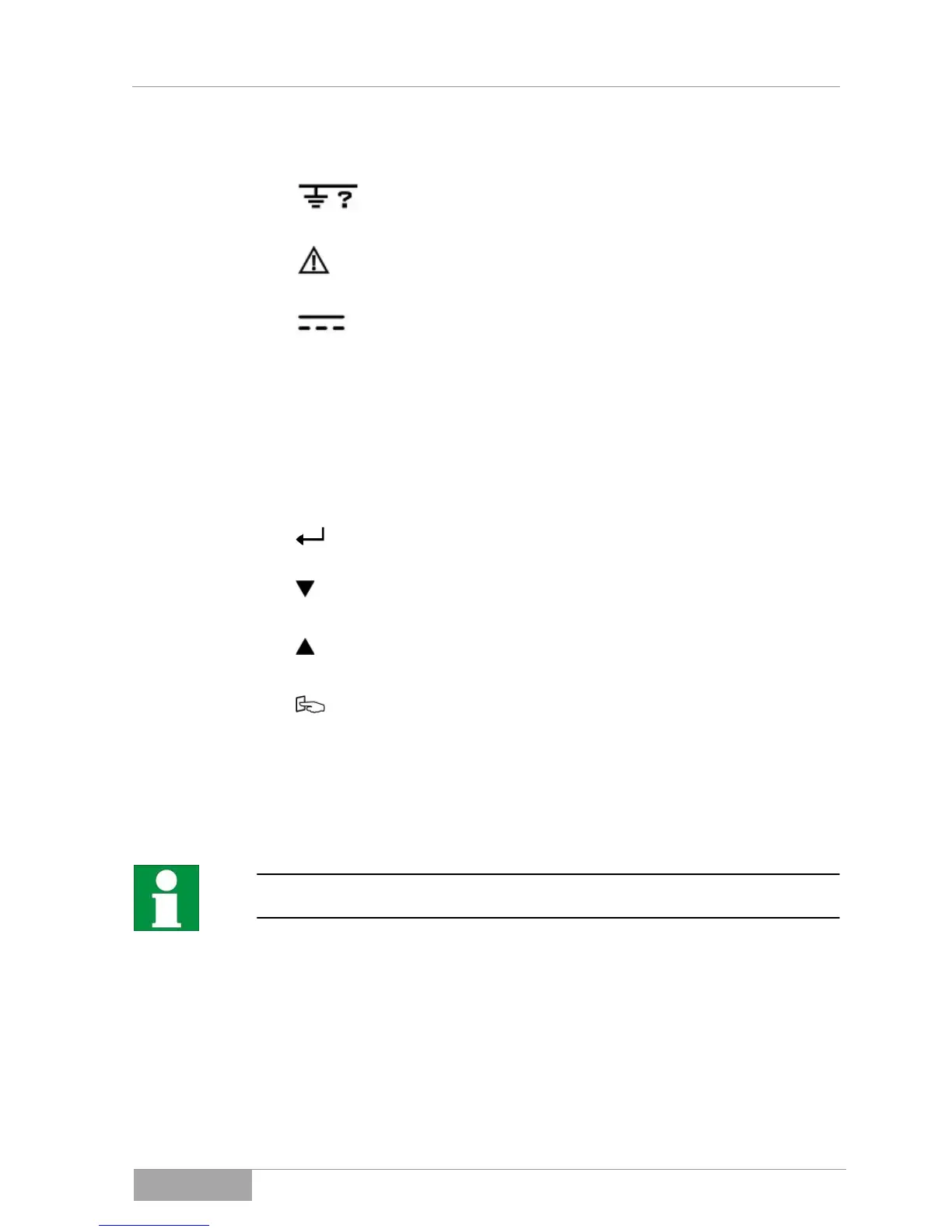
Red LED lights up constantly - indicates a ground fault or an
isolation fault at the DC input.
Yellow LED lights up constantly - indicates that the supply
(voltage, frequency, etc.) does not correspond to the entered
standard of the photovoltaic solar inverter.
o Green LED lights up constantly - indicates that the
performance of the solar cells is greater than 5 % of the
nominal performance of the photovoltaic solar inverter.
o Green LED blinks - indicates that the performance of the
solar cells is less than 5 % of the nominal performance of
the photovoltaic solar inverter.
Confirm a change to the settings of the photovoltaic solar
inverter.
Continue to next page or change the settings of the
photovoltaic solar inverter.
Return to the previous page or change the settings of the
photovoltaic solar inverter.
Special function Log in / Log out.
Log in / Log out
The Log in / Log out function gives you the option of displaying the internal
settings of the photovoltaic solar inverter.
The settings can only be display but not changed.
The following settings are displayed when you operate the Log in / Log out key:
– Bus address
– Country setting
– Operating mode
You can scroll up and down through the settings with the arrow up/arrow down
keys.



 To Next Page