7.4 Checking measurement readings and numbers
You can check the measurement readings and numbers determined by the
photovoltaic solar inverter through the LCD display.
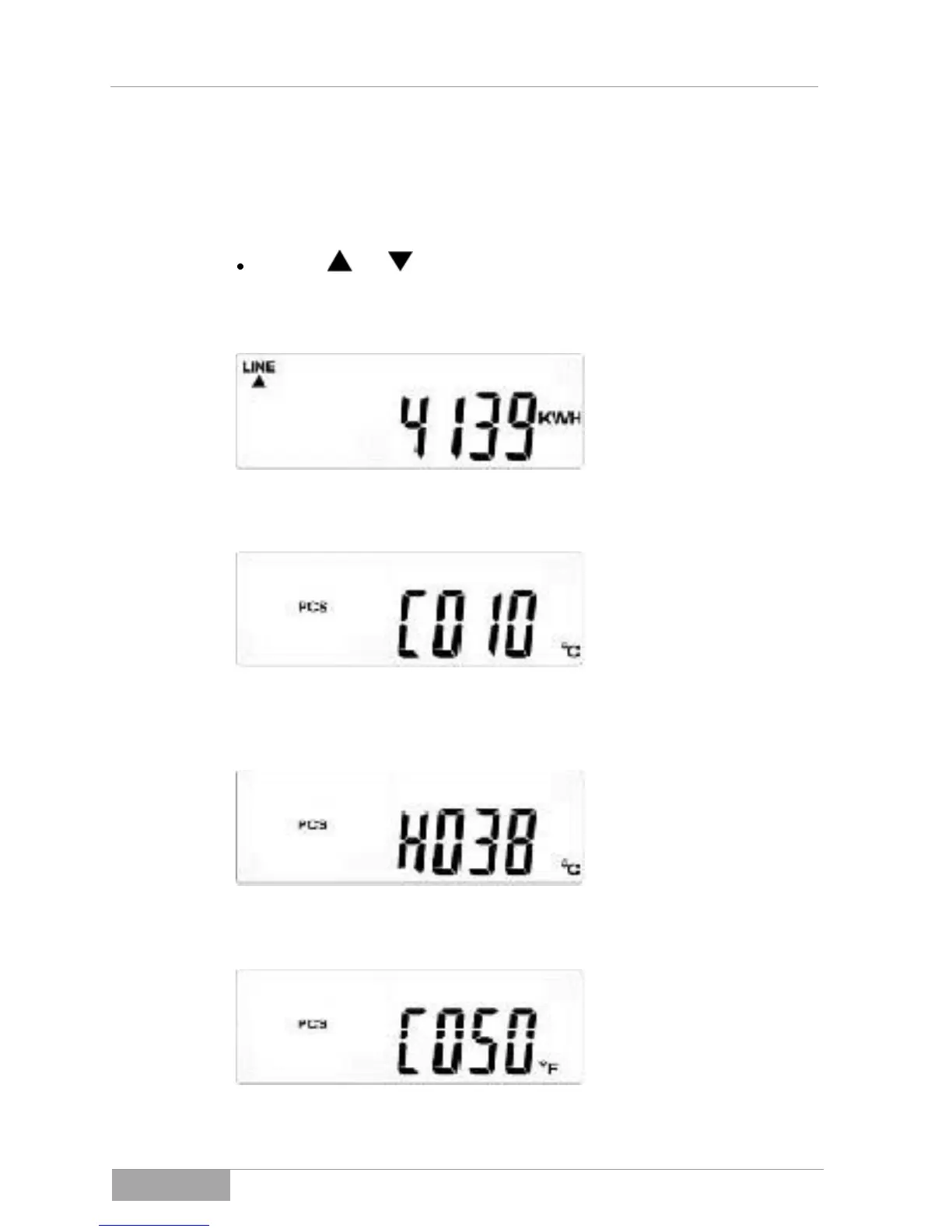
Use the and buttons to scroll the displays.
The measurement readings and numbers are shown in the following order
when scrolling downwards:
Fig. 7-4 - 1 Display G - Total feed power
Fig. 7-4 - 2 Display H - Internal temperature of the photovoltaic solar
inverter in °C
Fig. 7-4 - 3 Display I - Temperature of cooling element in °C
Fig. 7-4 - 4 Display J - Internal temperature of the photovoltaic solar
inverter in °F



 To Next Page