CONNECTING TO THE NETWORK
11
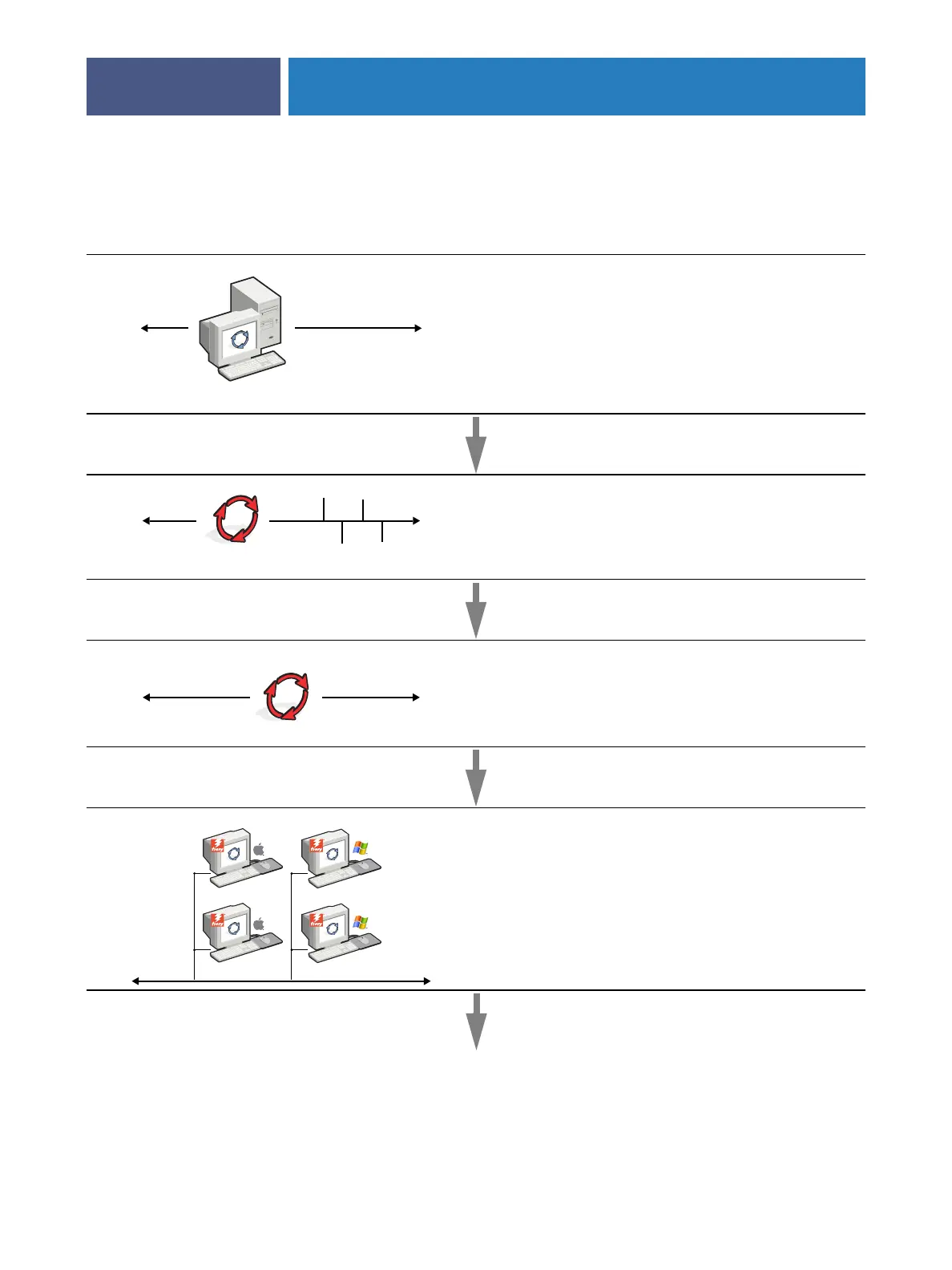
Summary of Fiery X3eTY2 network installation
Fiery X3eTY2 available on the network
Network server configuration
Network server
Configure network servers to specify Fiery X3eTY2 print
queues and Fiery X3eTY2 users.
Connection
Fiery X3eTY2
Prepare a network node. Connect the Fiery X3eTY2 to the
network.
Fiery X3eTY2 Setup
On the Fiery X3eTY2 copier touch panel, configure, at a
minimum, Server Setup, Network Setup, and Printer Setup.
Later, configure the remaining Setup menus.
Client computer Setup
At computers where users print to the Fiery X3eTY2:
•Install the appropriate printer files and connect to one or
more print connections.
•Install utilities and an Internet browser on computers
where users will use them.
•Verify the Fiery X3eTY2 in the list of printers.



 To Next Page