SETTING UP THE FIERY X3ETY2 FROM A NETWORK COMPUTER
31
SETTING UP THE FIERY X3ETY2 FROM A NETWORK COMPUTER
After you perform initial Setup from the copier touch panel, you can change most Setup
options from a network computer using Configure. To use Configure from a network
computer, you must know the Fiery X3eTY2 Administrator password.
Accessing Configure from a network computer
To set up the Fiery X3eTY2 from a network computer, use Configure. You can access
Configure in the following ways:
•WebTools from a supported Internet browser
• Command WorkStation, Windows Edition
TO ACCESS CONFIGURE FROM AN INTERNET BROWSER
1 Start your Internet browser and enter the IP address of the Fiery X3eTY2.
2 Select WebTools on the PSWC home page.
3 Click the Configure tab on the Fiery X3eTY2 home page.
4 Click Launch Configure.
5 Log on as Administrator with the Administrator password.
TO ACCESS CONFIGURE FROM COMMAND WORKSTATION, WINDOWS EDITION
1 Start Command WorkStation.
2 Log on as Administrator with the appropriate password.
3 Choose Setup from the Server menu.
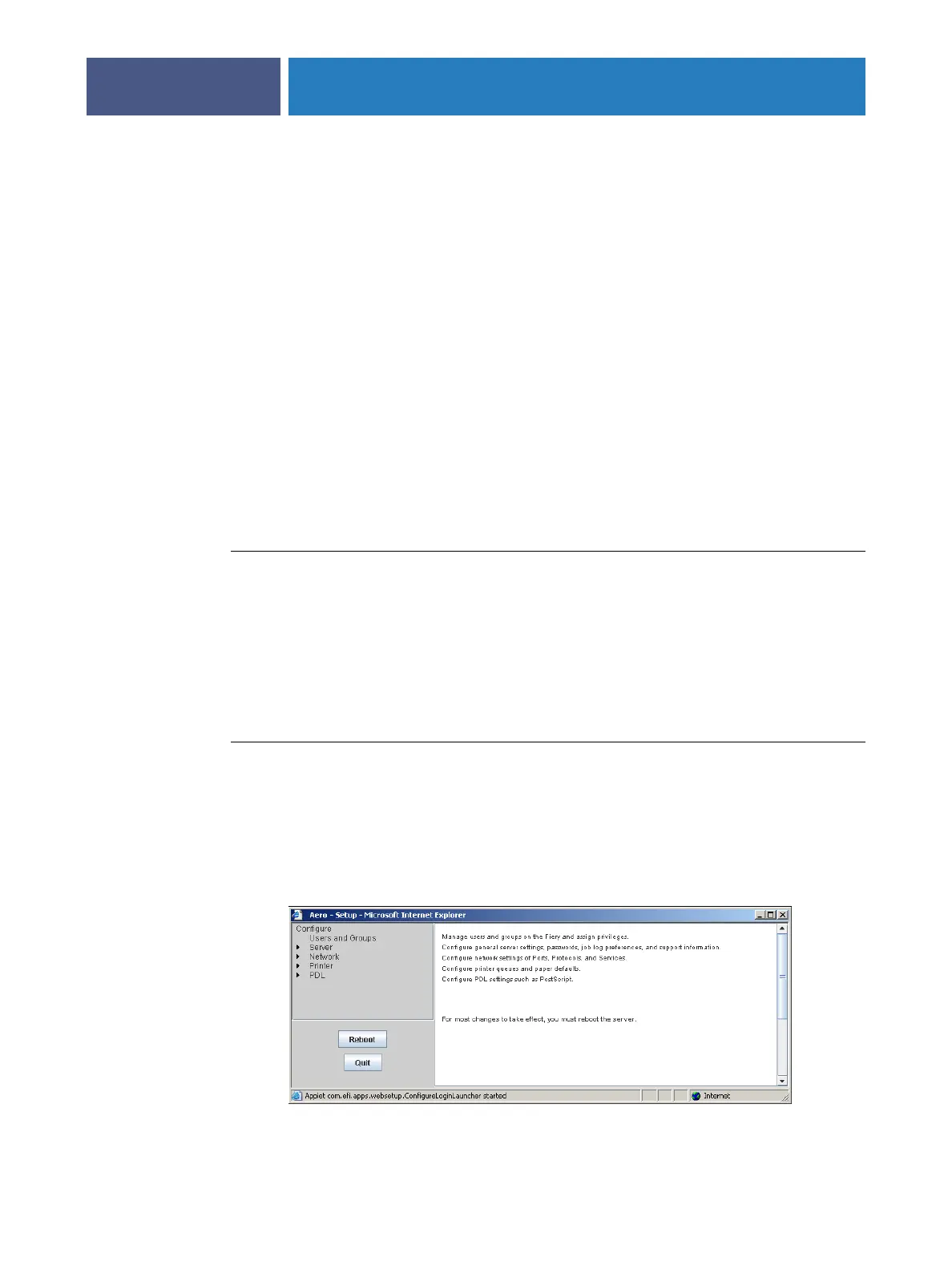
Regardless of the method you use, the following dialog box appears.



 To Next Page