
 Need help?
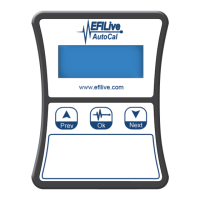
Do you have a question about the EFILive AutoCal and is the answer not in the manual?
Steps for initial device connection, power-up, and reading calibration.
Process of reading the vehicle's stock calibration from the controller.
Instructions for using EFILive Explorer to read and copy tune files.
Process of saving received tunes and loading them onto the AutoCal.
Steps for performing a full flash or programming controllers on the vehicle.
Guide to allocating a VIN license to a new ECM for AutoCal use.
 General
| Category | Automobile Accessories |
|---|---|
| Display | No built-in display |
| Data Logging | Yes |
| Compatibility | GM vehicles |
| Connectivity | USB |
| Firmware Updates | Yes |
| Function | Vehicle tuning and diagnostics |
| Custom Tuning | Yes |
| Interface | PC-based interface |
| Software | EFILive Scan and Tune |
| Tuning Files | Supports multiple tuning files |
| Real-time Tuning | No |
| Vehicle Coverage | Specific GM vehicles (check compatibility list) |

 To Next Page

