54
Entering a PIN
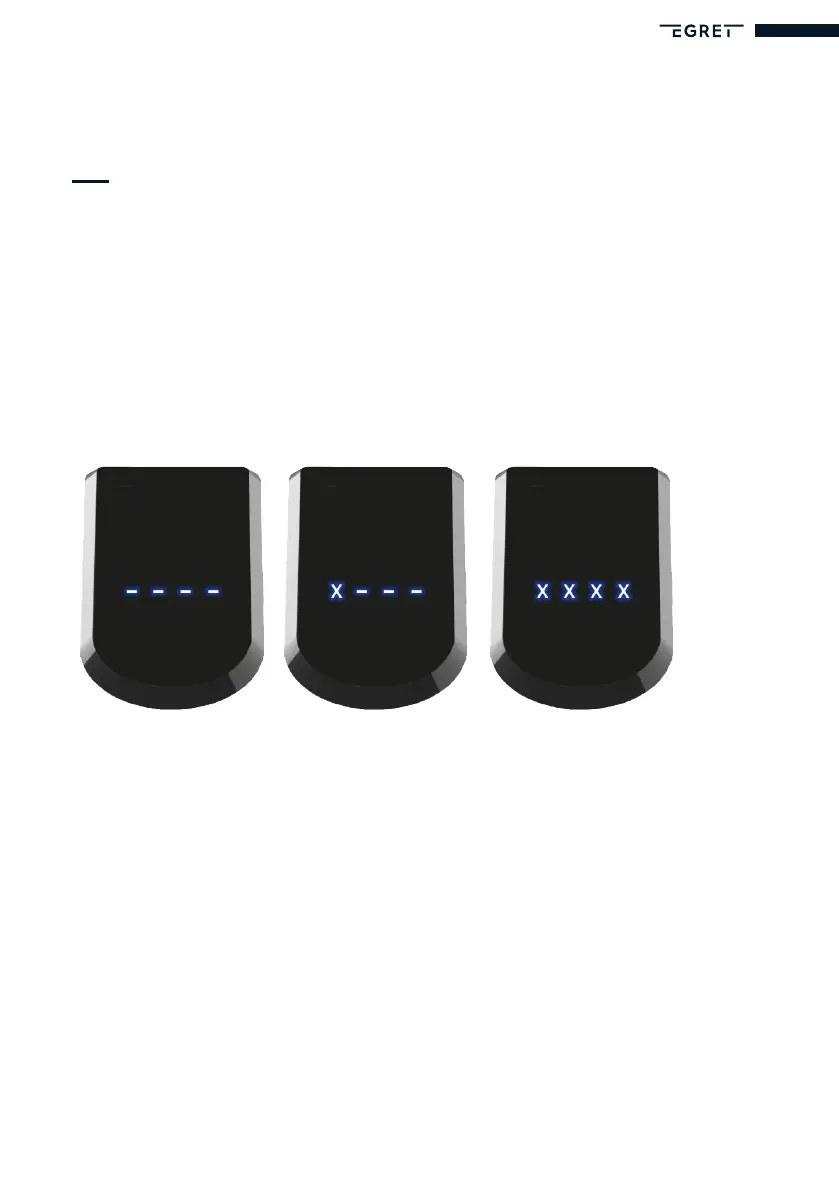
When you start your Egret for the rst time, you will be asked to enter a four-digit PIN. The
digit that is currently active in the program ashes.
Press the ‘Plus’ or ‘Minus’ button to change the number. Press the ‘On/Off’ button to move
to the next number.
When you have entered all four digits of the PIN, press the ‘On/Off’ button. The numbers
now ash for you to check them. Press the ‘On/Off’ button again to conrm the PIN. Press
the ‘Plus’ or ‘Minus’ button to jump back to the rst digit and change the PIN.
This PIN is now saved in your Egret. Please make a note of your PIN and keep it in a safe
place. You will need the PIN to lock your scooter and to operate the menu.
ResengthePIN
You can reset your PIN if you forget it. To do so, connect the scooter to your charger and
switch the scooter on. Then press the ‘Plus’ button and the ‘Minus’ button. Hold this combi-
nation for 10 seconds. You can then enter a new PIN for your Egret.


 To Next Page