57
Riding modes
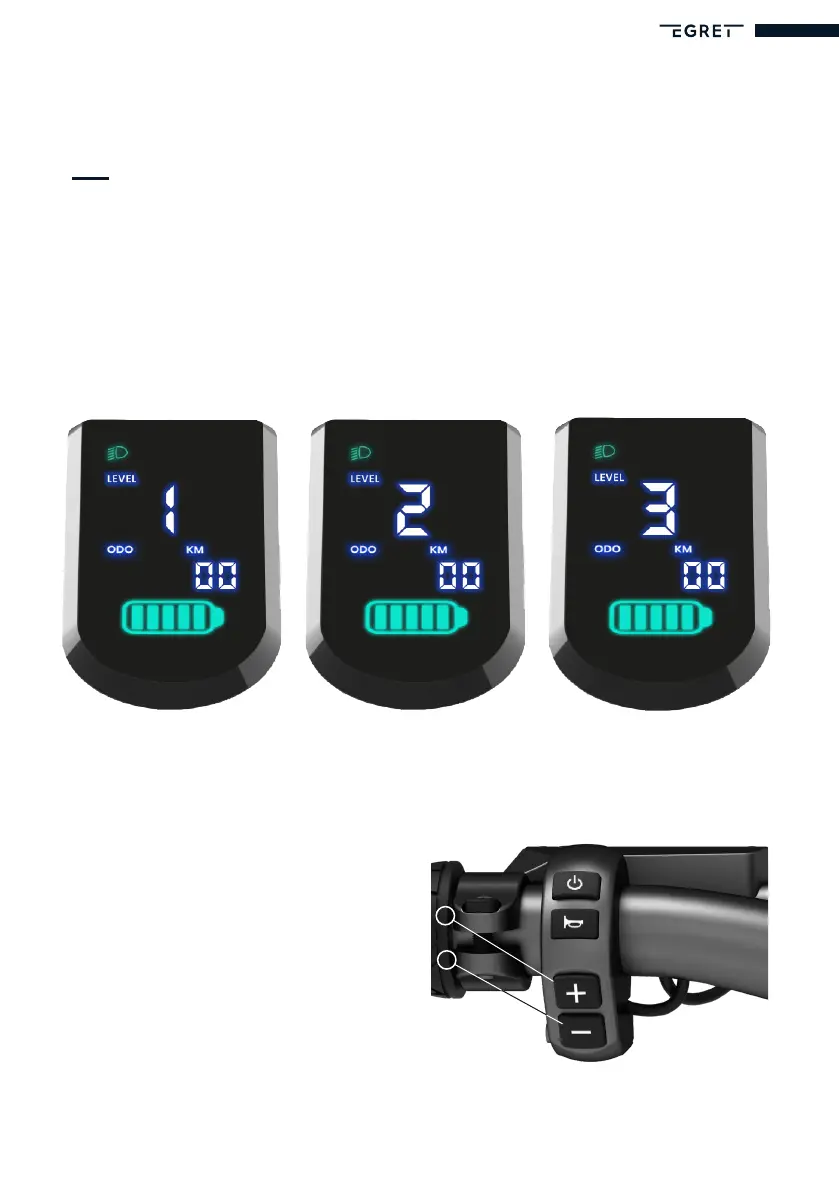
3ridingmodes Level 1 (ECO): Maximum range in energy-saving mode
Level 2 (TOUR): Maximum comfort in balanced mode
Level 3 (SPORT): Maximum fun in sporty mode
The selected riding mode is shown in the centre display area:
Increasingtheridingmode
To increase the riding mode, press the ‘Plus’
button (P). Your scooter will now
run in the next higher riding mode.
Decreasingtheridingmode
To decrease the riding mode, press the ‘Mi-
nus’ button (Q). Your scooter will now run in
the next lower riding mode.
P
Q


 To Next Page