1a
1b
1c
1
2× Coffee
Coffee cleaning
Milk cleaning
Coffee and
Milk cleaning
Coffee and
Milk cleaning
Milk rinsing
Coffee rinsing
Powder rinsing
Motorized Spout
Cleaning
09:15
Choose your drink
Cappuccino
Hot Milk Chocolate Instant Hot Water Cold Water
Large Jug of Coffee
Espresso
Macchiato
2× Espresso
Coffee with Milk
Coffee
Iced Latte
2× Coffee
2× Cappuccino 2× AmericanoAmericano
09
Choose
our drink
Ca
uccin
Hot Milk Chocolate Instan
Hot
ter Cold
ate
ar
e Ju
of Coffe
s
resso
acchiato
Es
ress
Coffee with Mil
Coffe
Iced Latt
Coffe
× Ca
uccin
× American
American
LOGIN
Operator
Manager
Service-Technicain
Password
OK
18
Nettoyage quotidien - NMS/NMS+
Tägliche Reinigung - NMS/NMS+
Daily cleaning - NMS/NMS+
Touch screen
Touch
Touch
Tastiera
Tastatur
Clavier
Do not use abrasive tools! Use cleaning agents suitable for cleaning co ee machines available on the Rancilio Group spare parts portal and follow the instructions on the
machine display!
Keine Scheuermittel verwenden! Für die Reinigung von Ka eemaschinen geeignete Reinigungsmittel verwenden, die auf dem Ersatzteilportal der Rancilio Group erhältlich sind,
und die Hinweise auf dem Gerätedisplay beachten!
N’utiliser pas d’outils abrasifs! Utiliser des produits de nettoyage adaptés au nettoyage des machines à café disponibles sur le portail des pièces de rechange du groupe Rancilio et
suivez les instructions sur l’écran de la machine!
Enable «Allow cleaning without password» in «General Settings» to display the Cleaning icon in the Product Menu
«Reinigung ohne Passwort zulassen» in «Allgemeine Einstellungen» aktivieren, um das Reinigungssymbol im Produktmenü anzuzeigen
Activer «Autoriser le nettoyage sans mot de passe» dans «Paramètres généraux» pour a cher l’icône Nettoyage dans le menu Produit
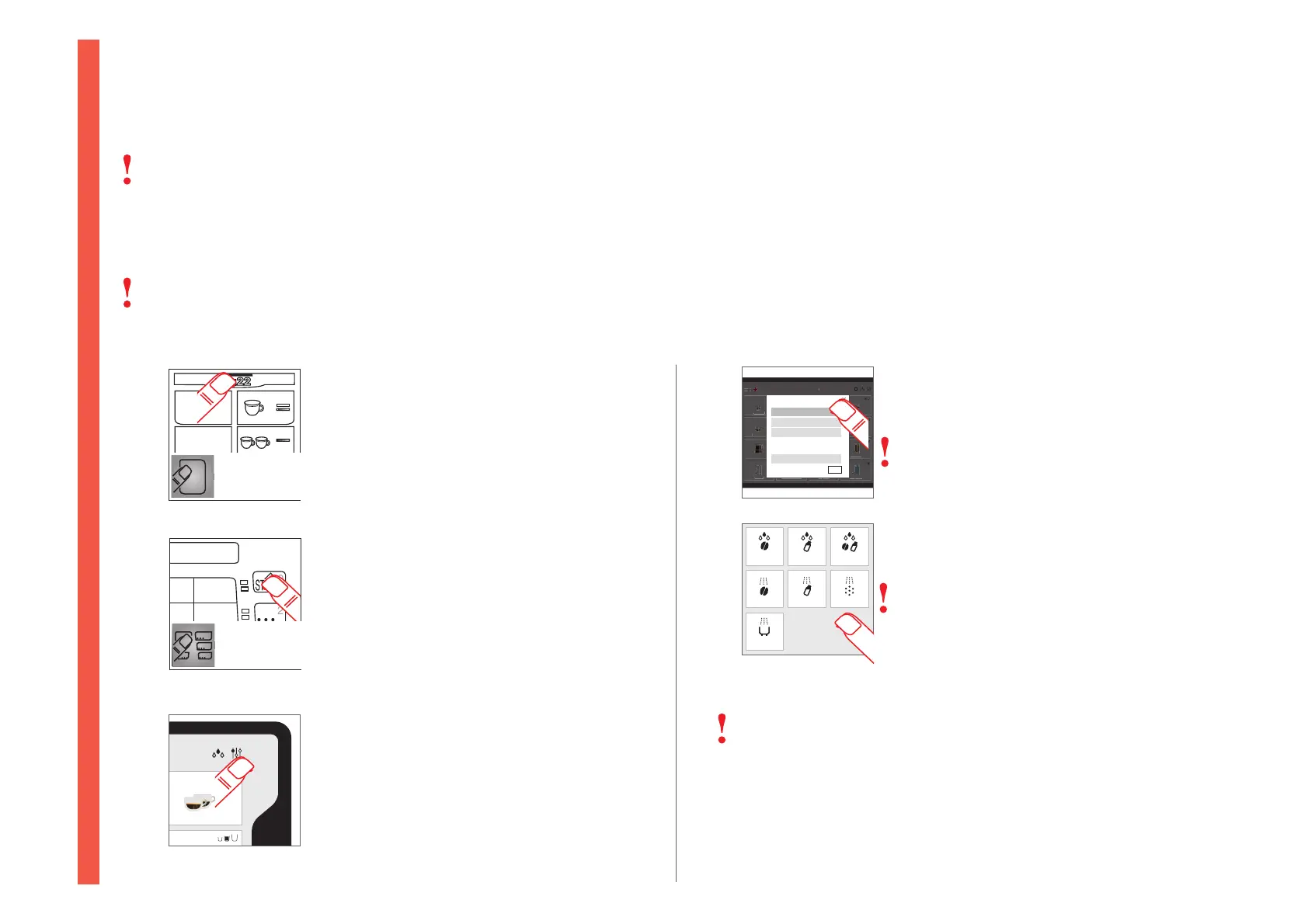
Press 3 times quickly for direct access
3 × schnell drücken für direkten Zugri
Appuyer 3 × rapidement pour un accès direct
Press 5 seconds for menu access
5 Sekunden drücken für Menuzugri
Appuyer 5 s pour accéder aux menus
Enter settings menu
Einstellungsmenü aufrufen
Accéder au menu des paramètres
Select requested cleaning
Gewünschte Reinigung auswählen
Sélectionner le nettoyage souhaité
Select «Operator» and enter password
«Bediener» wählen und Passwort eingeben
Selectionner «Opérateur» et indiquer le mot
de passe
Follow on-screen information
Hinweise im Display beachten
Suivre les instructions sur le display
Recommended cleaning blinks in red
Die empfohlene Reinigung blinkt rot
Le nettoyage recommandé clignote en
rouge
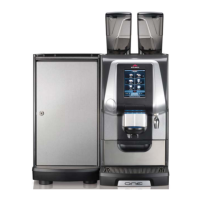
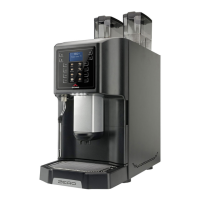
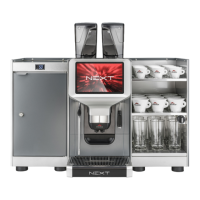
NMS+ is optional for ONE machine
NMS+ ist optional für ONE Maschine
NMS+ est optionnel pour ONE machine
Barista Barista Barista


 To Next Page