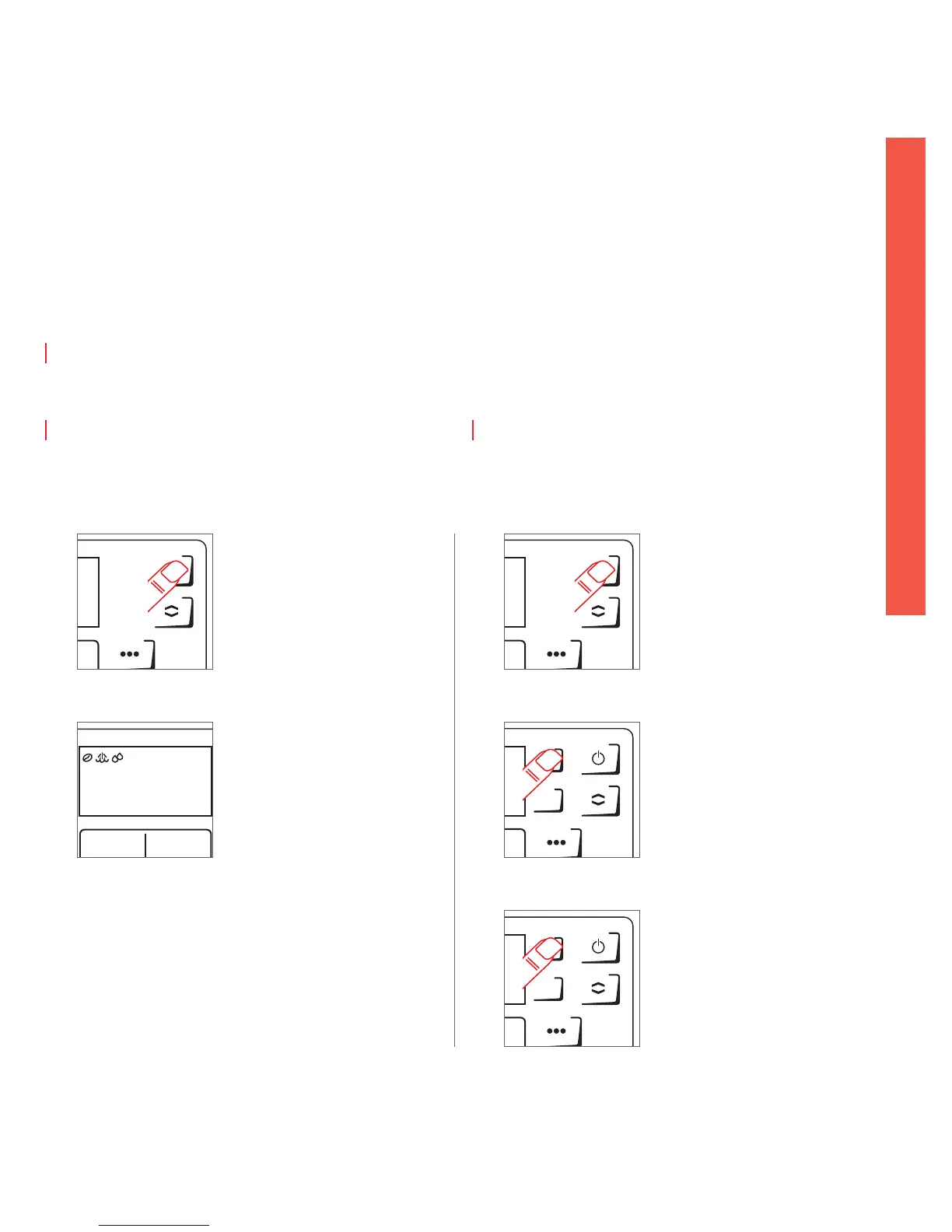
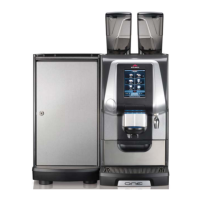
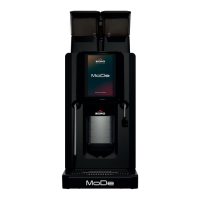
Activer / désactiver le mode veille
Standby ein- / ausschalten
Switch ON / OFF stand by
Caution: Automatic rinse may begin upon start-up! Warning: Hot water!
Von Zeit zu Zeit erfolgt eine automatische Spülung! Achtung: Heisswasser!
Dèpart périodique du rinçage automatique! Attention: Eau chaude!
1
Press ON / OFF button for 5 sec.
Ein- / Aus-Taste 5 Sek. betätigen
Appuyer pendant 5 sec. sur le bouton
Marche / Arrêt
Switch on from Standby
Maschine aus Standby einschalten
Désactiver le mode veille et allumer la machine
22.04.13
14:20
2
Wait until «Please select» is shown in
the display
Warten bis «Produkt wählen» im Display
erscheint
Attendre que «Sélectionner un produit»
apparaisse sur l’écran
Switch to Standby
Maschine in Standby schalten
Mettre la machine en mode veille
Press ON / OFF button for 5 sec.
Ein- / Aus-Taste 5 Sek. betätigen
Appuyer pendant 5 sec. sur le bouton
Marche / Arrêt
1
Confirm to switch o again
Ausschalten nochmals bestätigen
Confirmer à nouveau l’arrêt de la
machine
3
2
Select «Switch o» and confirm with
ENTER
«Ausschalten» wählen und mit ENTER
bestätigen
Choisir «Arrêt» et confirmer en appuyant
sur la touche ENTER


 To Next Page