EasyManua.ls Logo

Eiki EK-610UA - User Manual

Eiki EK-610UA
90 pages
Print Icon
To Next Page IconTo Next Page
Loading...
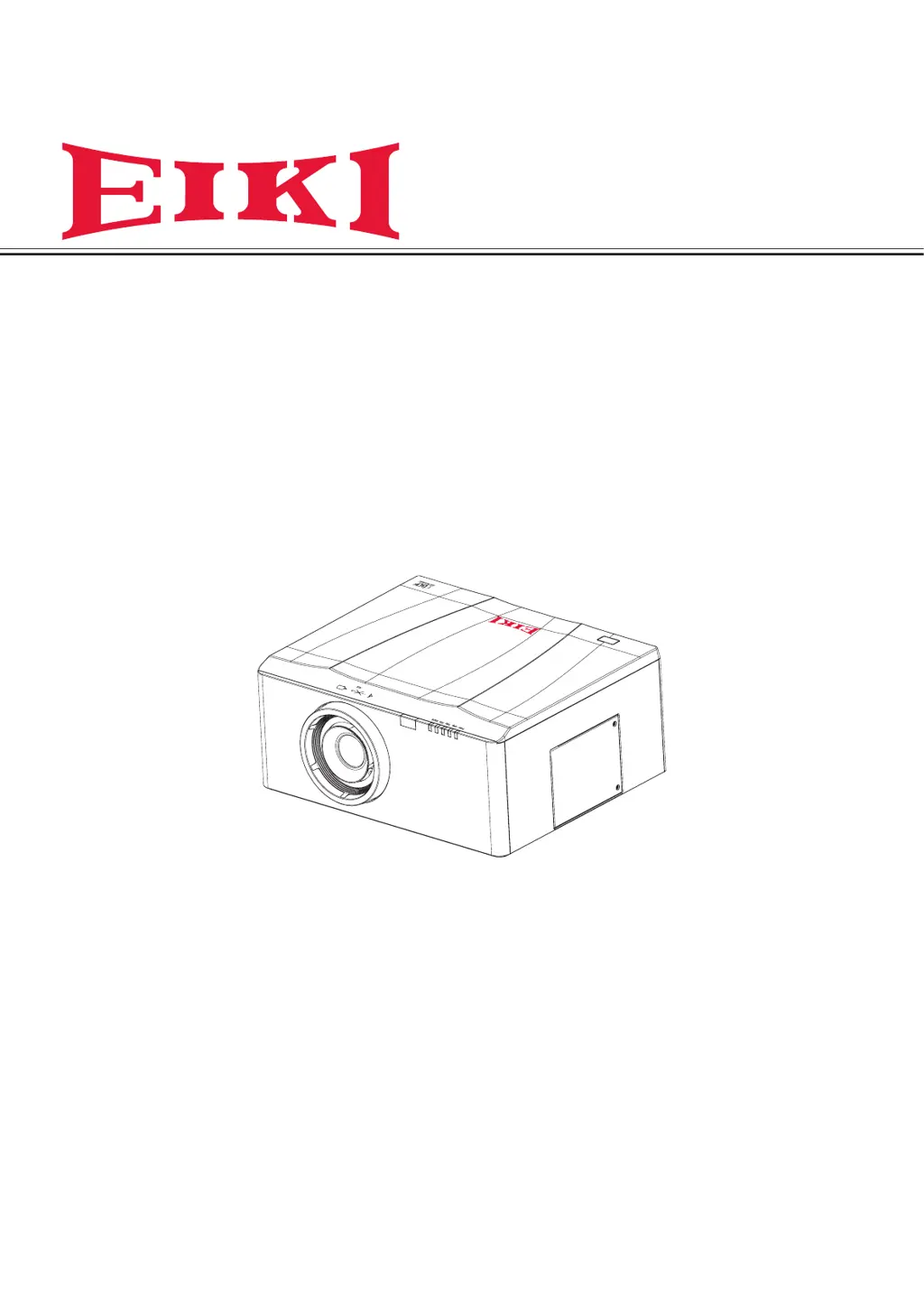
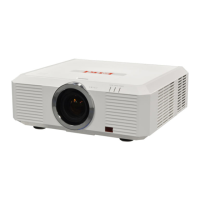
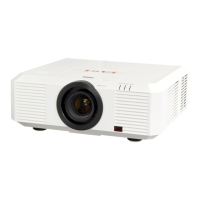
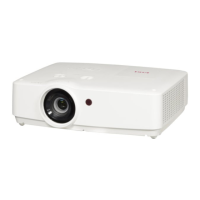
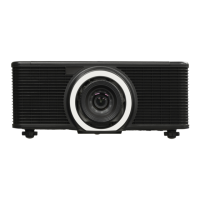
Owner’s Manual
Multimedia Projector
Model EK-610U/EK-611W/EK-612X
EK-610UA/EK-611WA/EK-612XA
(Projection lens is optional.)

Table of Contents

Questions and Answers

  • C
    carpentercrystalAug 16, 2025
    How to fix Eiki Projector when no image appears on the screen?
    • S
      sarah68Aug 16, 2025
      If no image appears on the screen of your Eiki Projector, first verify the settings on your notebook or desktop PC. If that doesn't work, turn off all equipment and power it on again in the correct order.
  • A
    Andrew CervantesAug 19, 2025
    Why is there no light from my Eiki EK-610UA?
    • L
      Lynn RamosAug 19, 2025
      If there is no light from your Eiki Projector, check that the power cable is securely connected and ensure the power source is good by testing with another electrical device. Restart the projector in the correct order and check if the Lamp LED indicator is flashing. If you have recently replaced the lamp, try resetting the lamp connections. If the issue persists, consider replacing the lamp module or putting the old lamp back in the projector and having the projector serviced.
  • J
    Jamie JeffersonAug 22, 2025
    What to do if the lamp goes off on my Eiki EK-610UA?
    • F
      Frederick UnderwoodAug 22, 2025
      If the lamp of your Eiki Projector goes off, it may be due to power surges. Re-plug the power cord. If the Lamp LED is red, press “ ” on the built-in keypad or press “ ” on the remote control to turn off the projector. If the problem continues, replace the lamp module or put the old lamp back in the projector and have the projector serviced.
  • N
    Nicole HaynesAug 25, 2025
    Why is my Eiki EK-610UA not responding to the remote control?
    • S
      Sally LewisAug 26, 2025
      If the Eiki Projector does not respond to the remote control, ensure you are directing the remote control towards the remote sensor on the projector and that the path between the remote and sensor is not obstructed. Also, try turning off any fluorescent lights or other Infrared-enabled devices in the vicinity. Make sure the batteries are installed with the correct polarity, and if needed, replace them. If the issue persists, have the remote control serviced.
  • G
    Gregory HarrisAug 28, 2025
    How to fix a blurred image on Eiki EK-610UA?
    • H
      Holly PerezAug 28, 2025
      If the image from your Eiki Projector is blurred, try pressing the Focus button to adjust the focus. If that doesn't work, press the Auto button to automatically optimize the image. Also, ensure the projector-to-screen distance is within the specified range and check that the projector lens is clean.
  • B
    Bonnie PowellAug 31, 2025
    How to correct trapezoid effect on Eiki EK-610UA?
    • A
      Alexander LongAug 31, 2025
      To correct the trapezoid effect (image wider at the top or bottom) on your Eiki Projector, position the projector so it is as perpendicular to the screen as possible. You can also press the Keystone H or Keystone V button on the remote control to adjust the image.
  • K
    Kelly HarrisonSep 3, 2025
    Why doesn't the color of the projected image match the source image on my Eiki Projector?
    • L
      Leslie MartinSep 3, 2025
      If the color of the projected image does not match the source image on your Eiki Projector, adjust the Color Temperature and Gamma settings on the Picture > Advanced menu of the OSD.
  • P
    parrishaaronSep 6, 2025
    How to resolve a streaked image on Eiki EK-610UA Projector?
    • S
      Sherri WilliamsSep 6, 2025
      If the image from your Eiki Projector is streaked, set the Phase and Frequency settings on the Picture menu of the OSD to the default settings. If the issue continues, ensure the problem is not caused by a connected PC’s video card by connecting to another computer.
  • J
    Jason LewisSep 9, 2025
    How to adjust contrast on Eiki Projector when the image is flat?
    • S
      Steven MillerSep 9, 2025
      If the image from your Eiki Projector is flat with no contrast, adjust the Contrast setting on the Picture menu of the OSD.
  • G
    Gloria StewartSep 12, 2025
    How do I fix a reversed image on my Eiki Projector?
    • B
      Brandi ChambersSep 12, 2025
      To correct a reversed image on your Eiki Projector, check the Rear Projection setting on the Setup menu of the OSD.

Eiki EK-610UA Specifications

General IconGeneral
BrandEiki
ModelEK-610UA
CategoryProjector
LanguageEnglish

Related product manuals