EasyManua.ls Logo

Eiki EK-800U - User Manual

Eiki EK-800U
91 pages
Print Icon
To Next Page IconTo Next Page
Loading...
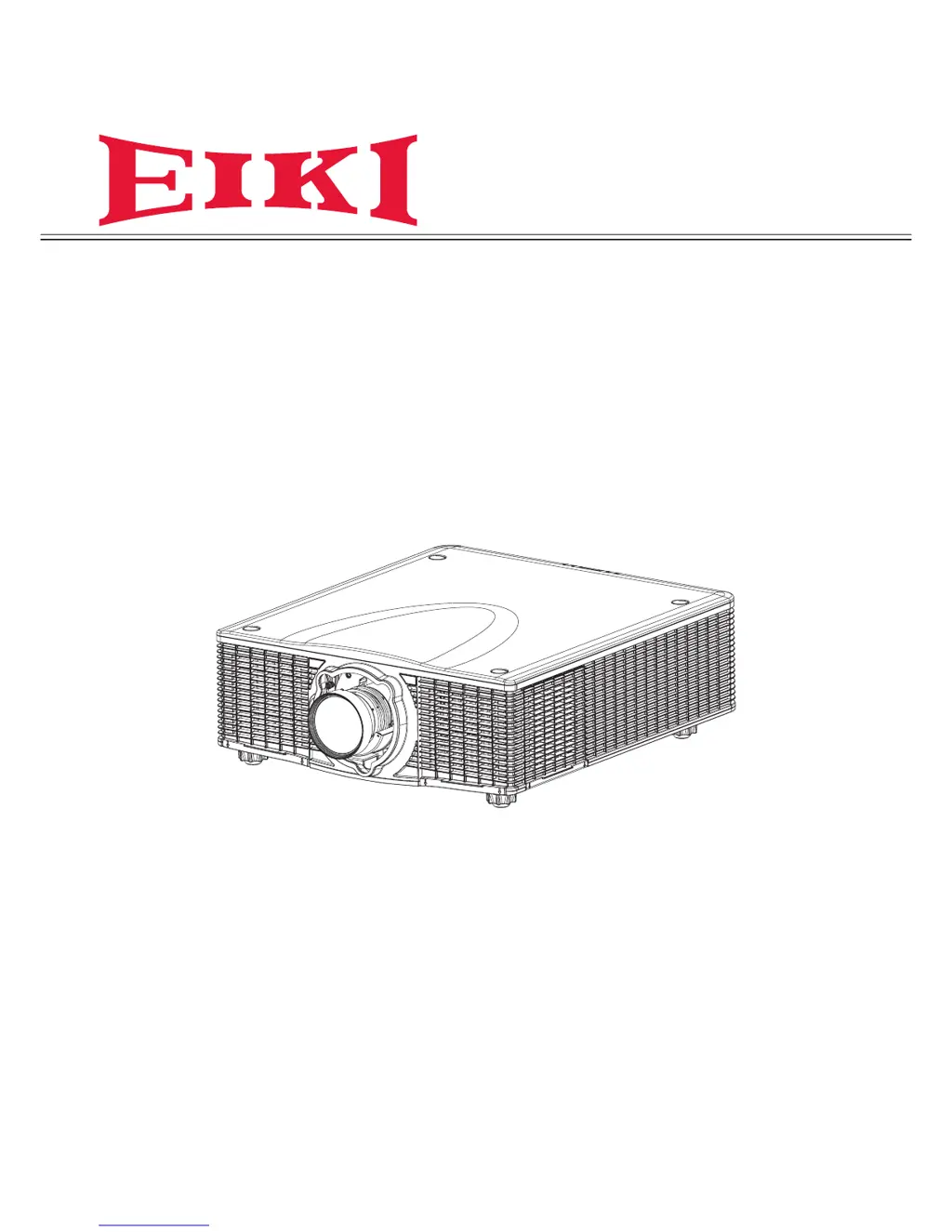
Owner’s Manual
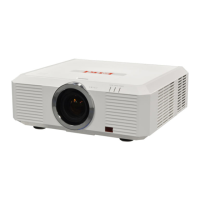
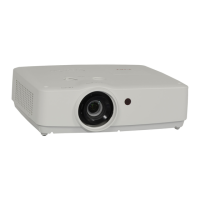
Multimedia Projector
Model EK-800U
(Projection lens is optional.)

Table of Contents

Other manuals for Eiki EK-800U

Questions and Answers

  • T
    Troy RangelAug 20, 2025
    What to do if Eiki Projector shows over temperature warning?
    • A
      ashley12Aug 20, 2025
      If your Eiki Projector is showing an over temperature warning, you should check for any overheating issues. Make sure the projector's vents are not blocked and the room is adequately ventilated.
  • W
    wharperAug 21, 2025
    What to do if Eiki Projector fan fails?
    • H
      Heather MckinneyAug 21, 2025
      If you are experiencing fan failure with your Eiki Projector, you should check the fan functionality to ensure it is working correctly. This may involve inspecting the fan for obstructions or damage.
  • C
    Cynthia RiceAug 25, 2025
    Why Eiki EK-800U Projector image is black?
    • A
      April BrownAug 25, 2025
      If the picture mute is on and the shutter is closed on your Eiki Projector, the image will be black. Ensure that the shutter is open to allow the image to display correctly.
  • K
    Katie WilliamsAug 26, 2025
    What to do if Eiki Projector lamp shuts down unexpectedly?
    • S
      sherry25Aug 26, 2025
      If the lamp on your Eiki Projector has unexpectedly shut down, the system will enter a cooling down state. Allow the projector to cool down before attempting to restart it.
  • J
    jeremypowellAug 27, 2025
    How to fix no light on Eiki Projector?
    • H
      Holly McgrathAug 28, 2025
      If your Eiki Projector shows no light, first ensure the power cable is securely connected and the power source is working by testing it with another device. Then, restart the projector correctly and check that the Lamp Status LED is green. If you've recently replaced the lamp, try resetting the lamp connections. If these steps don't work, try replacing the lamp module. As a last resort, put the old lamp back in and have the projector serviced.
  • A
    andersonrussellAug 30, 2025
    What to do if Eiki Projector lamp goes off?
    • M
      matthew90Aug 30, 2025
      If the Eiki Projector's lamp goes off, it might be due to power surges. Try re-plugging the power cord. If the Lamp 1/Lamp2 LED is flashing red, press the power button on the built-in keypad or remote to turn off the projector. If the issue persists, consider replacing the lamp module or having the projector serviced with the old lamp re-installed.
  • B
    Barbara SummersSep 1, 2025
    Why is my Eiki EK-800U remote not working?
    • C
      Craig WrightSep 1, 2025
      If your Eiki Projector isn't responding to the remote control, first, point the remote directly at the projector's sensor, ensuring nothing is blocking the path. Try turning off any fluorescent lights and check the batteries are correctly installed or replace them. Also, turn off other Infrared-enabled devices nearby. If it still doesn't work, have the remote control serviced.
  • A
    Aaron HowellSep 2, 2025
    How to troubleshoot no sound on Eiki Projector?
    • J
      Johnny PerrySep 3, 2025
      If you're not getting any sound from your Eiki Projector, first, adjust the volume of the audio source. Then, check the audio cable connection and test the source audio output with other speakers. If the problem persists, you may need to have the projector or the remote control serviced.
  • S
    Shelley TorresSep 5, 2025
    Why is the image on my Eiki EK-800U Projector blurred?
    • T
      Tiffany FloresSep 5, 2025
      If the image from your Eiki Projector is blurred, try pressing the Focus button to adjust the focus. You can also press the Auto button to automatically optimize the image. Make sure the projector-to-screen distance is correct and that the projector lens is clean.
  • L
    Leah RussoSep 7, 2025
    How to correct trapezoid effect on Eiki EK-800U Projector?
    • M
      Michele MercerSep 7, 2025
      If the image from your Eiki Projector is wider at the top or bottom (trapezoid effect), position the projector so it is as perpendicular to the screen as possible. Alternatively, use the Keystone H or Keystone V button on the remote control to correct the problem.

Summary

Projector Features and Design

Safety Information and Precautions

Important Safety Information

Crucial safety instructions and warnings for operating the projector.

General Safety Information

Basic safety guidelines regarding unit operation and environment.

Safety Instructions

Detailed instructions for safe installation and operation.

Safety Precautions

Specific precautions to prevent hazards like electric shock and fire.

Safety Guide

Comprehensive safety and operating instructions to follow.

SETUP AND OPERATION

STARTING AND SHUTTING DOWN THE PROJECTOR

Procedure for safely powering the projector on and off.

ADJUSTING THE ZOOM, FOCUS, AND KEYSTONE

How to adjust image size, sharpness, and geometric distortion.

ON-SCREEN DISPLAY (OSD) MENU SETTINGS

SETUP MENU

Covers various projector setup configurations.

CONTROL YOUR PROJECTOR USING WEB BROWSER

Instructions for managing the projector remotely via a web browser.

MAINTENANCE AND SECURITY

REPLACING THE PROJECTION LAMP

Procedure for replacing the projector's lamp when it burns out.

TROUBLESHOOTING

Common Problems and Solutions

Tips for resolving common issues encountered during projector operation.

LED Error Messages

Explanation of status LED indicators and their meanings.

Image Problems

Troubleshooting steps for common display issues like blurriness or color.

Lamp Problems

Solutions for issues related to the projector lamp not lighting or turning off.

Eiki EK-800U Specifications

General IconGeneral
BrandEiki
ModelEK-800U
CategoryProjector
LanguageEnglish

Related product manuals