EasyManua.ls Logo

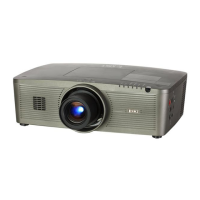
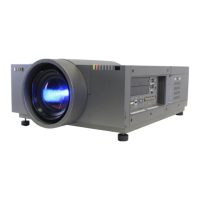
Eiki LC-WNB3000N - User Manual

Eiki LC-WNB3000N
109 pages
Print Icon
To Next Page IconTo Next Page
Loading...
LC-XNB4000N
LC-XNB3500N
LC-WNB3000N
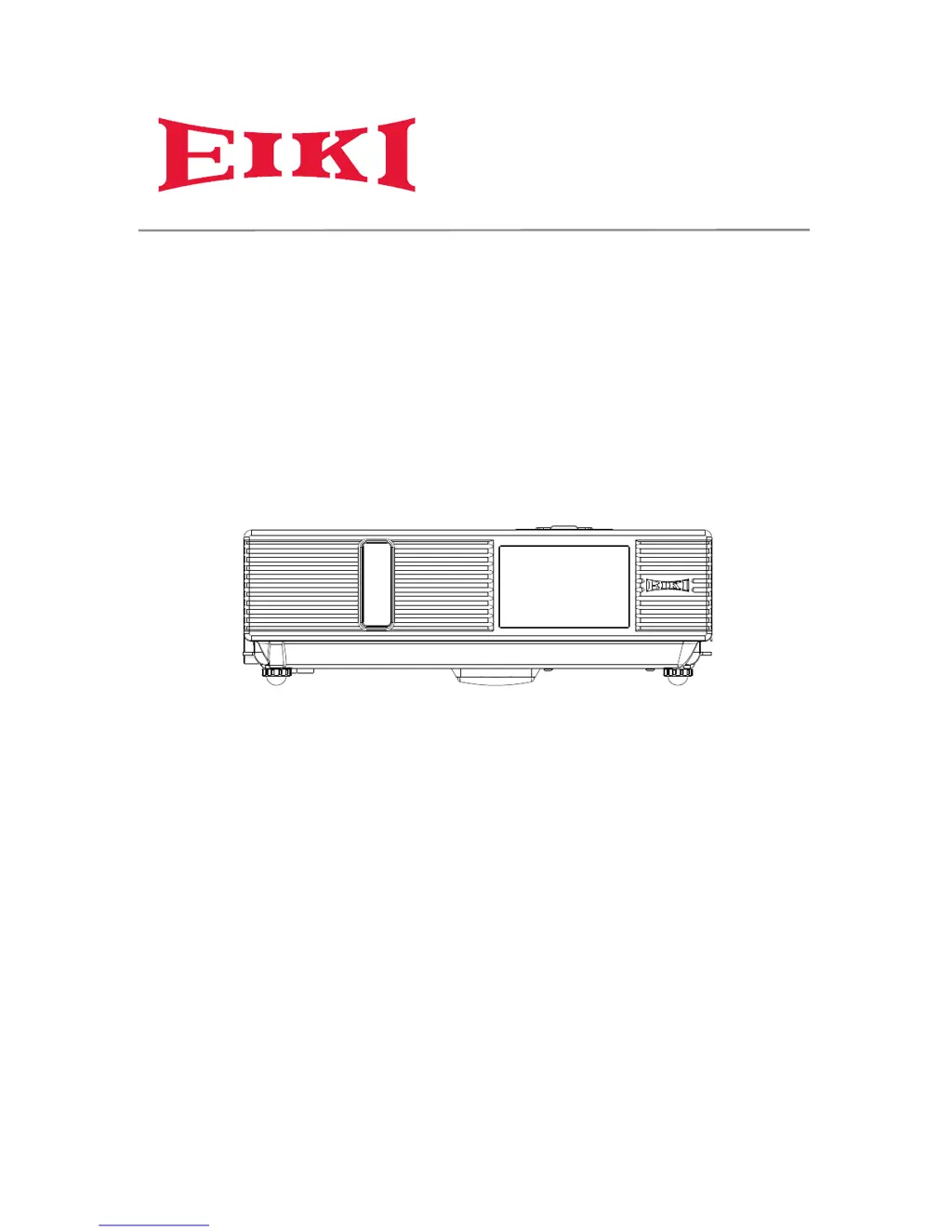
OWNER'S MANUAL

Other manuals for Eiki LC-WNB3000N

Questions and Answers

Summary

Safety Instructions

Specific Safety Labels and Warnings

Details warning labels and specific precautions to avoid hazards.

Setting Up Your Projector

Power Management

Step-by-step instructions for turning the projector on and off safely.

Connecting External Devices

Details how to connect computers, audio, and video sources to the projector.

Remote Control Operation

EZ Suite Features

EZ Media Functionality

Guide to playing media files (photos, videos, audio) using the EZ Media function.

EZ Display Options

Instructions for using USB, WiFi, and LAN to display content wirelessly.

Menu Operations

On-Screen Display Navigation

How to use buttons to navigate and adjust settings in the projector's OSD menus.

Network Control Software

Projector Maintenance

Lamp Replacement and Safety

Procedures for replacing the projector lamp, including crucial safety warnings.

Troubleshooting Common Issues

Appendix and Technical Details

Technical Specifications by Model

Comprehensive technical specifications for LC-XNB4000N, LC-XNB3500N, and LC-WNB3000N models.

Eiki LC-WNB3000N Specifications

General IconGeneral
Brightness3000 lumens
Native ResolutionWXGA (1280 x 800)
Display Technology3LCD
InputsHDMI, VGA, Composite Video, S-Video, Audio In
Contrast Ratio500:1
Weight3.3 kg
Projection Size30 to 300 inches
Keystone CorrectionVertical ±30°
NetworkingLAN
Video ModesNTSC, PAL, SECAM, 720p, 1080i

Related product manuals