EasyManua.ls Logo

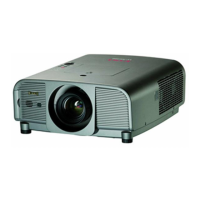
Eiki LC-XL100 - User Manual

Eiki LC-XL100
89 pages
Print Icon
To Next Page IconTo Next Page
Loading...
Network Supported
Refer to the Owner's Manuals below for
details about network function.
Network Set-up and Operation
PJ Network Manager
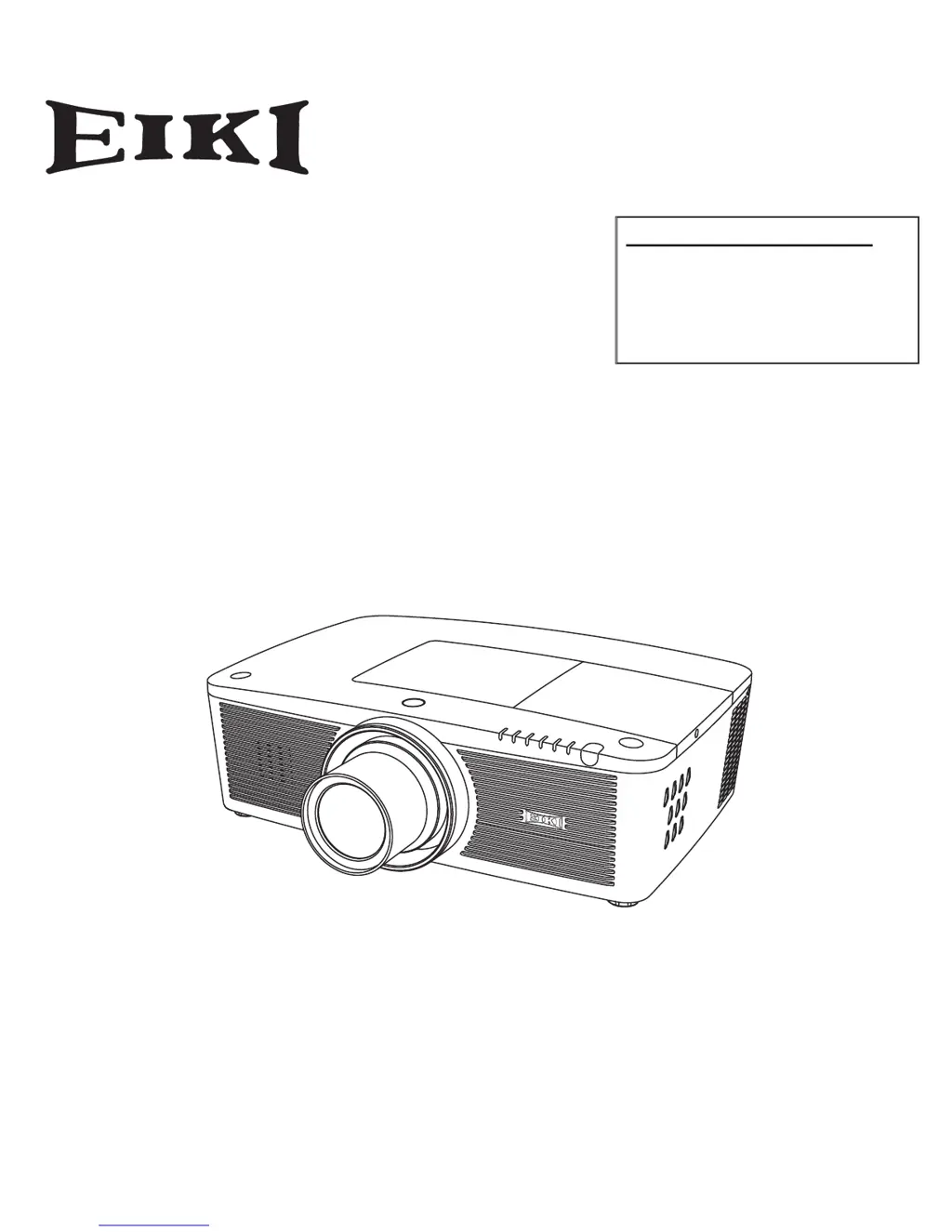
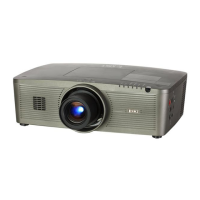
Multimedia Projector
Owner's Manual
LC-XL100
LC-XL200
LC-XL100L
LC-XL200L
MODEL
Projection lens is optional.

Table of Contents

Other manuals for Eiki LC-XL100

Questions and Answers

  • J
    Joseph NormanAug 5, 2025
    What to do if my Eiki LC-XL100 has no power?
    • S
      Sonya AndersonAug 5, 2025
      If your Eiki Projector isn't powering on, ensure the power cord is securely plugged into the AC outlet. If the POWER indicator is blinking, wait for it to stop before attempting to turn the projector on again. Also, check the WARNING TEMP indicator; the projector will not turn on if it's blinking. Verify that the Key lock function is unlocked, the filter cartridge is properly inserted, and the projection lamp is working correctly.

Eiki LC-XL100 Specifications

General IconGeneral
Resolution1024 x 768 (XGA)
Contrast Ratio2000:1
Lamp Life2000 hours (Normal Mode), 3000 hours (Eco Mode)
Display Technology3LCD
Lamp TypeUHP
ConnectivityVGA, Composite, USB
Aspect Ratio4:3

Related product manuals