EasyManua.ls Logo

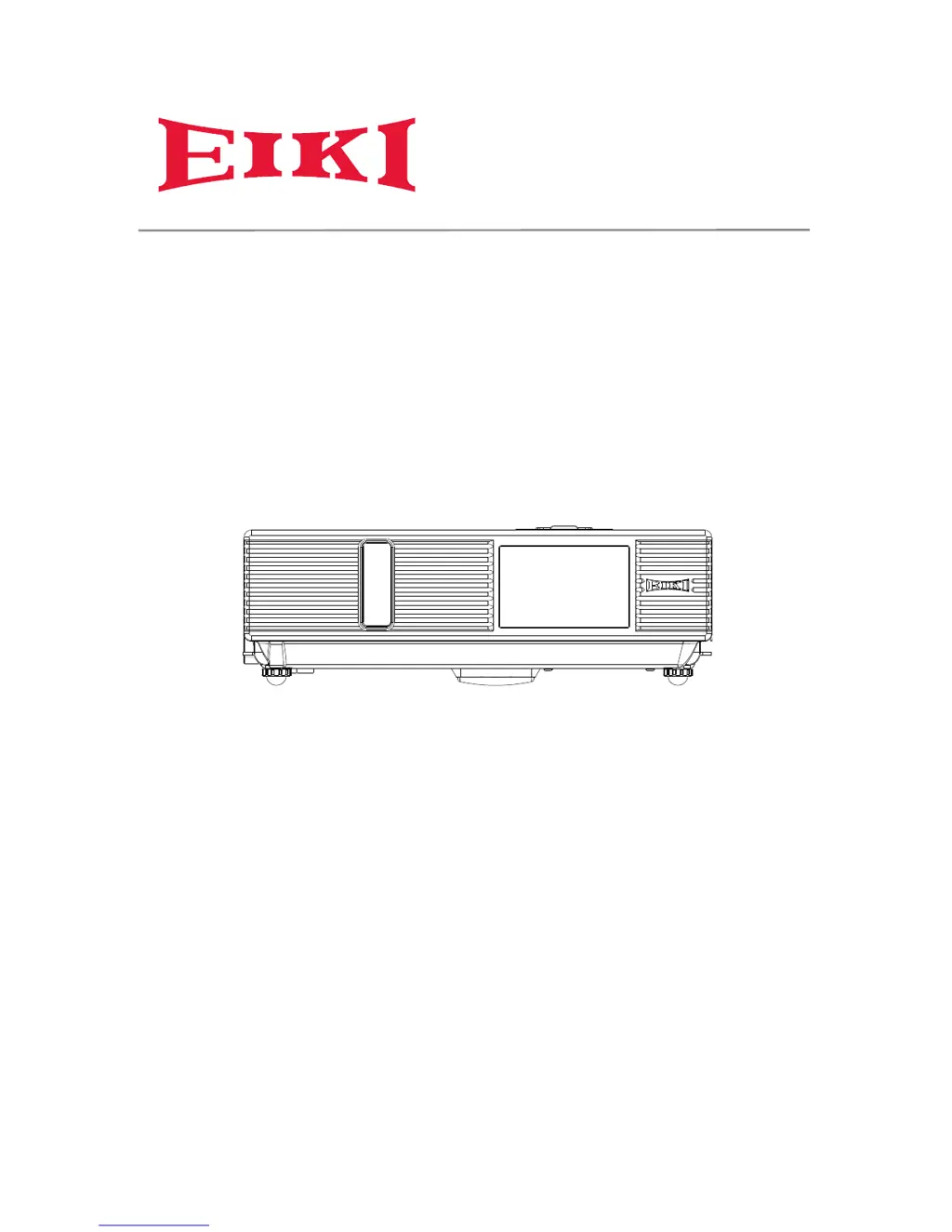
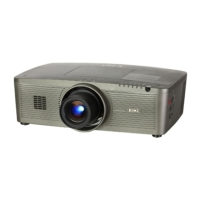
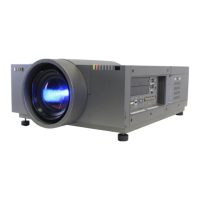
Eiki LC-XNB4000N - User Manual

Eiki LC-XNB4000N
109 pages
Print Icon
To Next Page IconTo Next Page
Loading...
LC-XNB4000N
LC-XNB3500N
LC-WNB3000N
OWNER'S MANUAL

Other manuals for Eiki LC-XNB4000N

Questions and Answers

  • J
    Jesse OwensAug 12, 2025
    What to do if Eiki LC-XNB4000N shows high temperature?
    • J
      Jesse LongAug 12, 2025
      If your Eiki Projector overheats and shuts down, address the issue immediately. First, make sure the ventilation slots are not blocked. Second, check if the air filter is clean.
  • M
    Mrs. Kristin SkinnerAug 19, 2025
    What to do if Eiki LC-XNB4000N Projector lamp fails?
    • C
      Christopher MitchellAug 19, 2025
      If the lamp of your Eiki Projector doesn't light, return to standby mode and press the power button.
  • K
    Kristie ValdezAug 27, 2025
    What to do if Eiki LC-XNB4000N shows fan fault mode?
    • M
      Monica JohnsonAug 27, 2025
      The Eiki Projector has detected a slow internal fan speed, which will cause the lamp to shut off automatically. Contact your dealer.
  • C
    carlos96Sep 3, 2025
    What to do if Eiki LC-XNB4000N says lamp cover open?
    • A
      Amanda VargasSep 3, 2025
      The lamp cover of your Eiki Projector might be open, or there could be a problem with the lamp itself. Ensure the lamp door is closed, and if replacing the lamp doesn't fix it, contact your dealer.

Eiki LC-XNB4000N Specifications

General IconGeneral
Resolution1024 x 768 (XGA)
ZoomManual
Power Consumption (Eco)290W
Noise Level (Normal)37 dB
Noise Level (Eco)32 dB
Brightness4000 lumens
Input PortsS-Video
Zoom Ratio1.2:1
Projection Size30-300 inches

Related product manuals