EasyManua.ls Logo

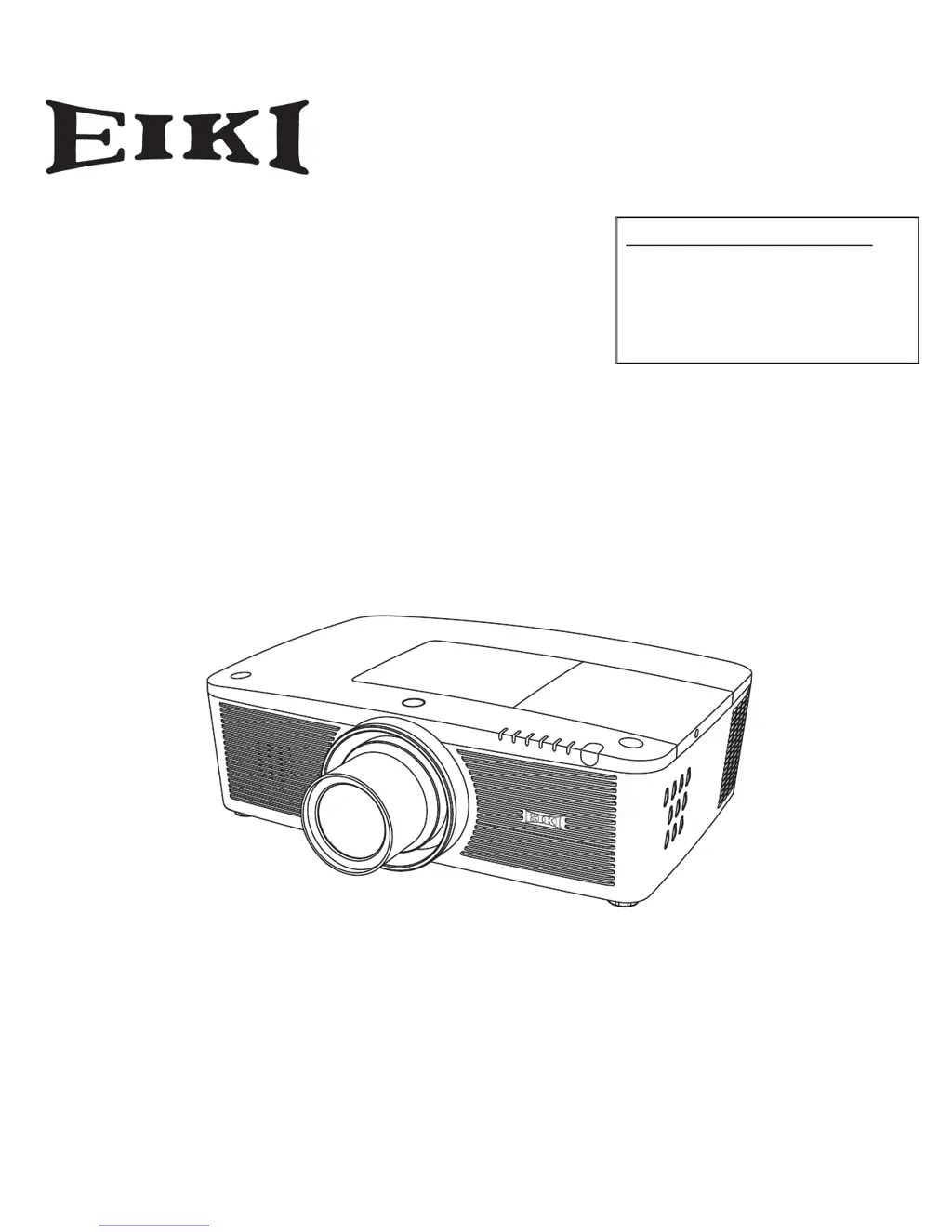
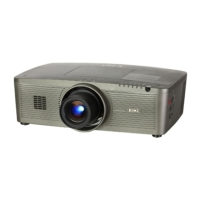
Eiki LC-XL200 - User Manual

Eiki LC-XL200
89 pages
Print Icon
To Next Page IconTo Next Page
Loading...
Network Supported
Refer to the Owner's Manuals below for
details about network function.
Network Set-up and Operation
PJ Network Manager
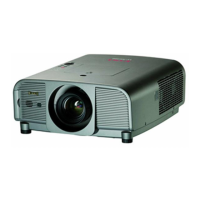
Multimedia Projector
Owner's Manual
LC-XL100
LC-XL200
LC-XL100L
LC-XL200L
MODEL
Projection lens is optional.

Table of Contents

Other manuals for Eiki LC-XL200

Questions and Answers

Summary

Owner Information and Safety

Safety Precautions

Critical safety warnings including earthing, rain/moisture exposure, light intensity, and ventilation space.

Safety Instructions

General Safety Guidelines

Read instructions, cleaning, power, water exposure, attachments, placement, and cart handling.

Installation Procedures

Basic Operation

Powering On and Off

Step-by-step guides for turning the projector on and off, including PIN entry.

On-Screen Menu Navigation

Guide on navigating and operating the projector's on-screen menu system.

Remote Control Usage

Details frequently used remote control buttons and advanced functions.

Keystone Correction

Manual adjustment for keystone distortion using standard or corner correction.

Input Selection

Switching Input Sources

Direct and remote switching using the INPUT button.

Selecting Computer Inputs

Choosing computer input sources via the menu.

Selecting Video Inputs

Choosing video input sources via the menu.

Computer Input

Computer System Selection

Automatic and manual selection of computer system modes.

Auto PC Adjustment

Automatic adjustment of image parameters like sync, dots, and position.

Manual PC Adjustment

Detailed manual adjustment of PC signal parameters for optimal image.

PC Adjustment Storage and Reset

Storing, clearing, and resetting manually adjusted PC parameters.

PC Image Adjustment

Adjusting image parameters like contrast, brightness, color, and sharpness.

PC Screen Size Adjustment

Adjusting screen size for Normal, Wide, Full, or Custom aspect ratios.

Video Input

Setting

Security Settings

Maintenance and Care

Filter Maintenance

Explains filter function, replacement indicators, and precautions.

Replacing the Filter Cartridge

Step-by-step guide for replacing the projector's filter cartridge.

Lamp Replacement and Safety

Procedure for replacing the projection lamp and handling precautions.

Warning Indicators

Temperature and Abnormal Condition Alerts

Explains projector status based on temperature and abnormal condition indicators.

Appendix

Troubleshooting Common Issues

Common problems and their solutions for projector operation.

Indicator and Projector Status

Details projector status based on indicator lights and their combinations.

Technical Specifications

Comprehensive list of projector specifications including mechanical, optical, interface, and power details.

Eiki LC-XL200 Specifications

General IconGeneral
Display TechnologyLCD
Projection LensManual Zoom and Focus
Aspect Ratio4:3
Screen Size30 - 300 inches
Lamp TypeUHP
Output TerminalsAudio
Resolution1024 x 768 pixels (XGA)
Lamp Life2000 hours (normal mode), 3000 hours (economy mode)

Related product manuals