

 To Next Page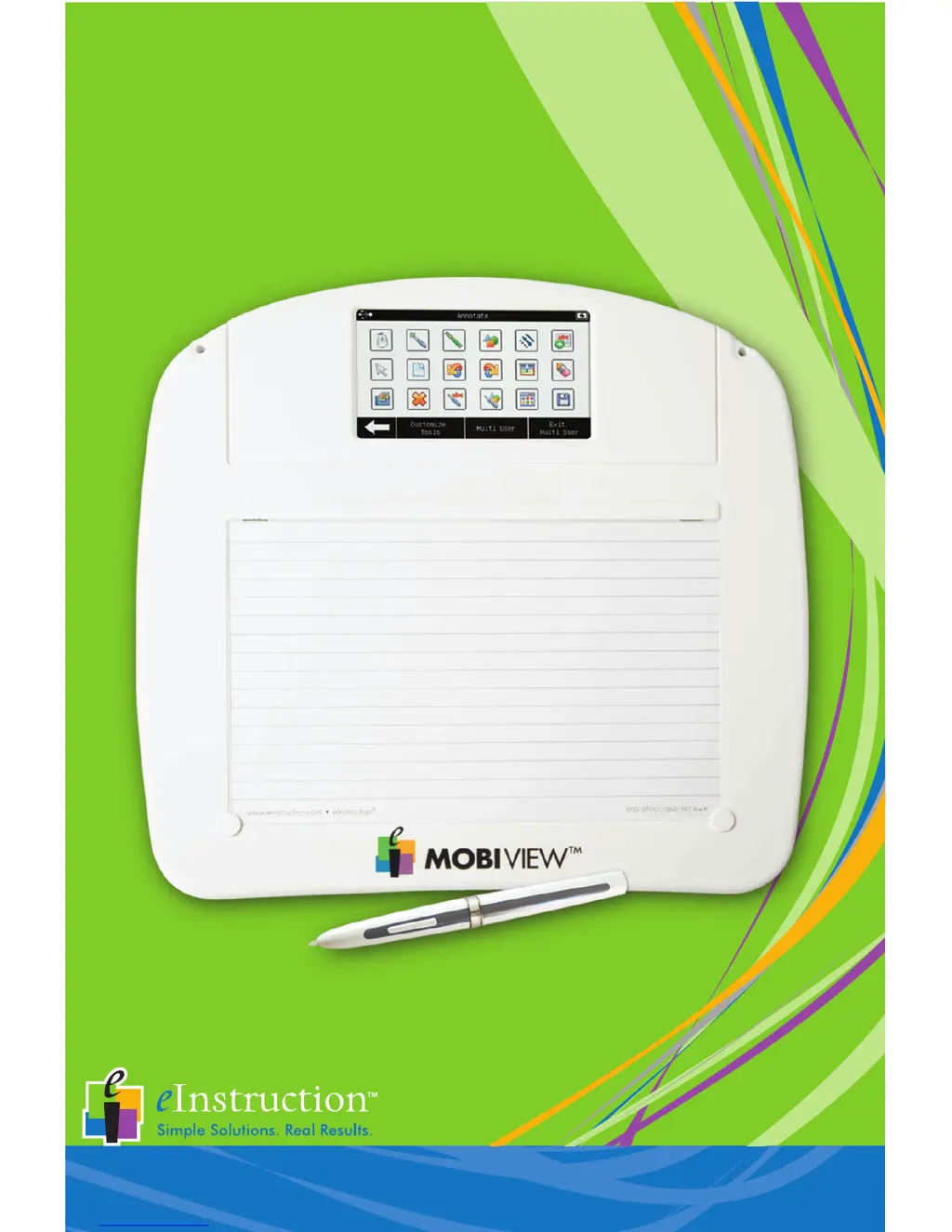
M
Michael McmahonJul 26, 2025
What to do if Mobi View eInstruction Toy is not communicating?
- NNicole CookJul 27, 2025
If your Mobi View eInstruction Toy is not communicating, here are a few things to try: * Press the touchscreen to reactivate it, as Mobi View goes into “sleep” mode after 15 minutes of inactivity by default. * From the Settings screen, select the Pair with Hub button, or from the Device Manager utility, try reconnecting the board. * If you are in a multi-device environment, ensure you are using the Mobi View RF hub.
 General