9
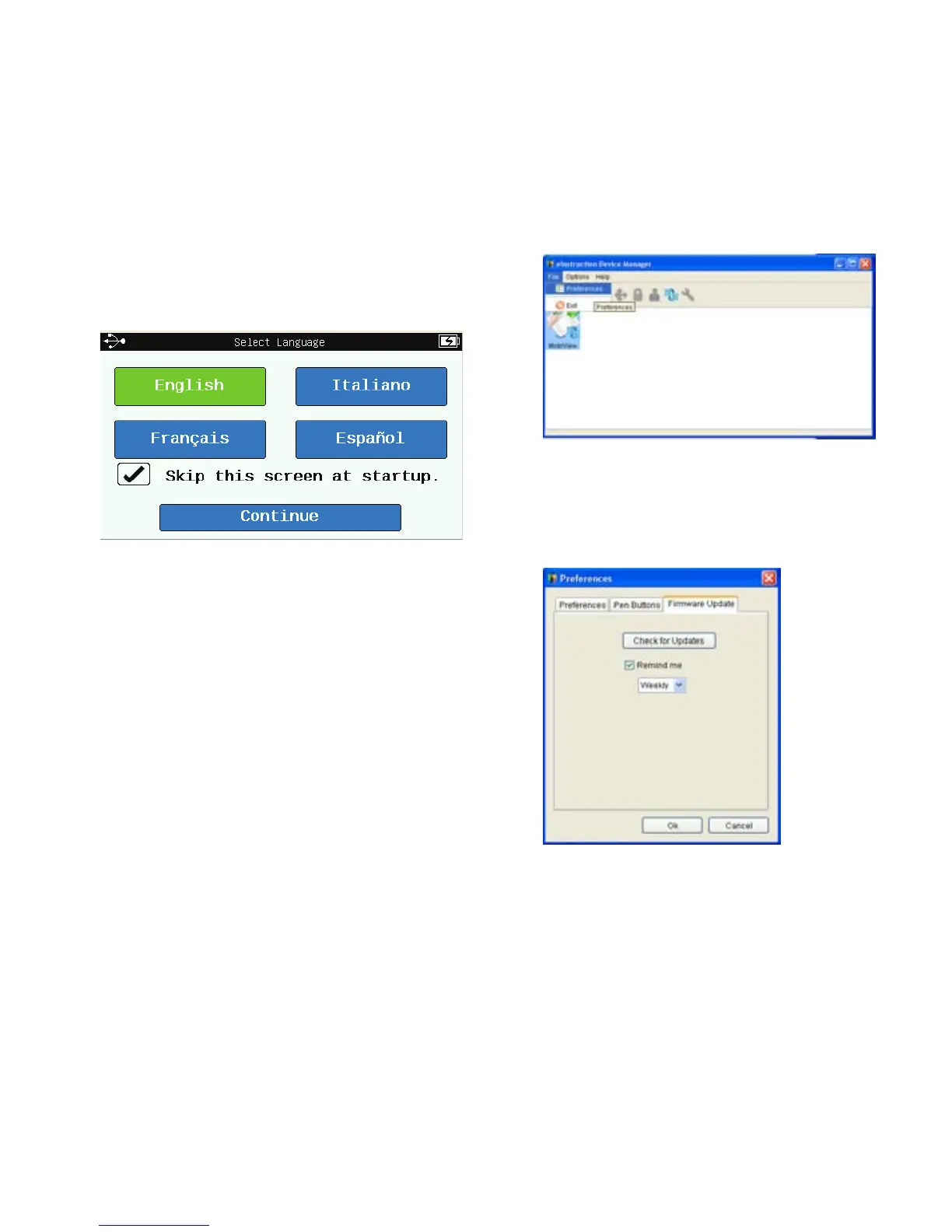
c. Select your desired language to
view the Home screen.
3. Check for Firmware Updates
a. Open Device Manager. Select
the eInstruction icon from the
system tray on your computer,
and then select Device Manager.
b. In Device Manager, select
the Mobi View icon and then
select File > Preferences.
c. Select the Firmware
Updates tab, and press the
Check for Updates button.
d. If firmware updates are
available, follow the on-screen
prompts to install the updates.
Go! Begin Using Mobi View



 To Next Page