8
Pen charging
Battery
charging
Home
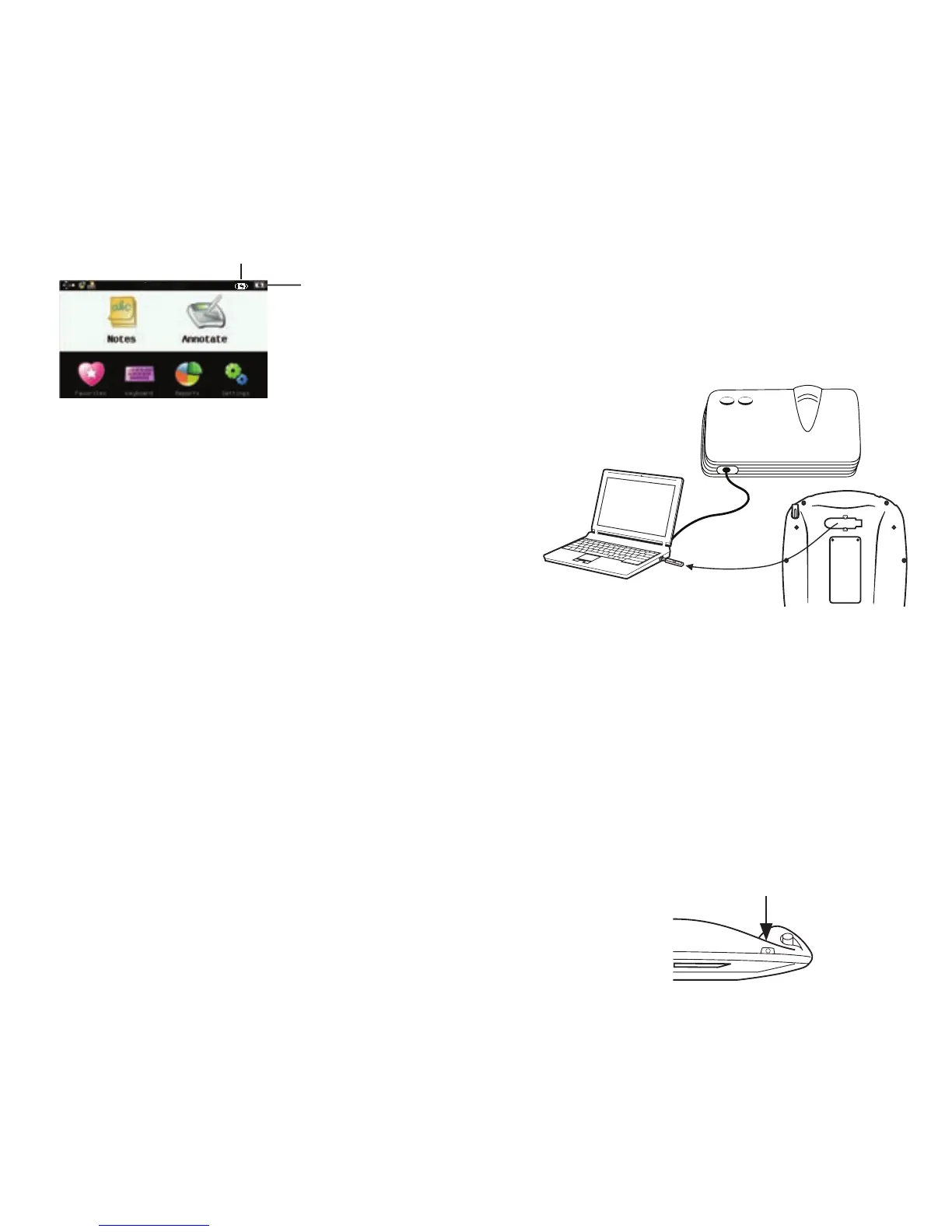
Mobi View charging indicators
(power on only)
Tip! Alternately, charge Mobi View by
connecting it to a computer using the
provided USB cable. Allow 12 hours
if using this method.
2. Install Software
Load the Workspace software onto
your computer from the included CD.
Note: You may need administrator
rights on your computer to install
Workspace.
3. Turn on Mobi View
a. Remove the RF hub from the
back of Mobi View and plug it
into a USB port on the computer.
Tip! Connect the computer to a
projector to project Workspace to the
class.
b. Press the power button. If
connected, you will see the
Select Language screen. If
not, follow the on-screen
prompts to troubleshoot.



 To Next Page