EasyManua.ls Logo

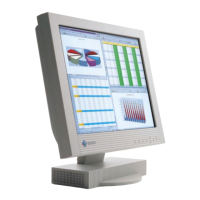
Eizo FlexScan L760T-C - User Manual

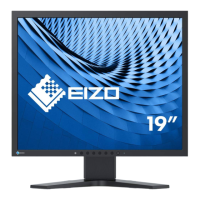
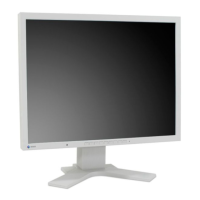
Eizo FlexScan L760T-C
46 pages
Print Icon
To Next Page IconTo Next Page
Loading...

Other manuals for Eizo FlexScan L760T-C

Questions and Answers

  • N
    Natasha CampbellAug 27, 2025
    What to do if the screen is too bright on Eizo Monitor?
    • R
      rhondasanchezAug 27, 2025
      If your Eizo monitor screen is too bright or too dark, adjust the Contrast and brightness settings. If the screen becomes dark or begins to flicker, please consult your dealer.
  • M
    mercedes73Aug 25, 2025
    What to do if letters and lines appear blurred on Eizo FlexScan L760T-C Monitor?
    • E
      Erin SimsAug 26, 2025
      If letters and lines appear blurred on your Eizo Monitor, try switching the Smoothing mode.
  • J
    Justin FryAug 25, 2025
    How to unlock the Enter Button on my Eizo FlexScan L760T-C?
    • M
      Meredith MathisAug 25, 2025
      To unlock the Enter Button on your Eizo LCD monitor, switch the monitor off. Then, while pressing the Auto Adjustment Button, switch the power back on.

Eizo FlexScan L760T-C Specifications

General IconGeneral
Screen Size19 inches
Panel TypeTN
Resolution1280 x 1024
Aspect Ratio5:4
Brightness250 cd/m²
Response Time25 ms
Viewing Angle (Horizontal)170°
Viewing Angle (Vertical)170°
ConnectivityDVI-D, VGA
Color Support16.7 million colors

Related product manuals