- 10 -
BACK PL ATE
PREPARING THE WATER BLOCK FOR INSTALLATION
STEP 1
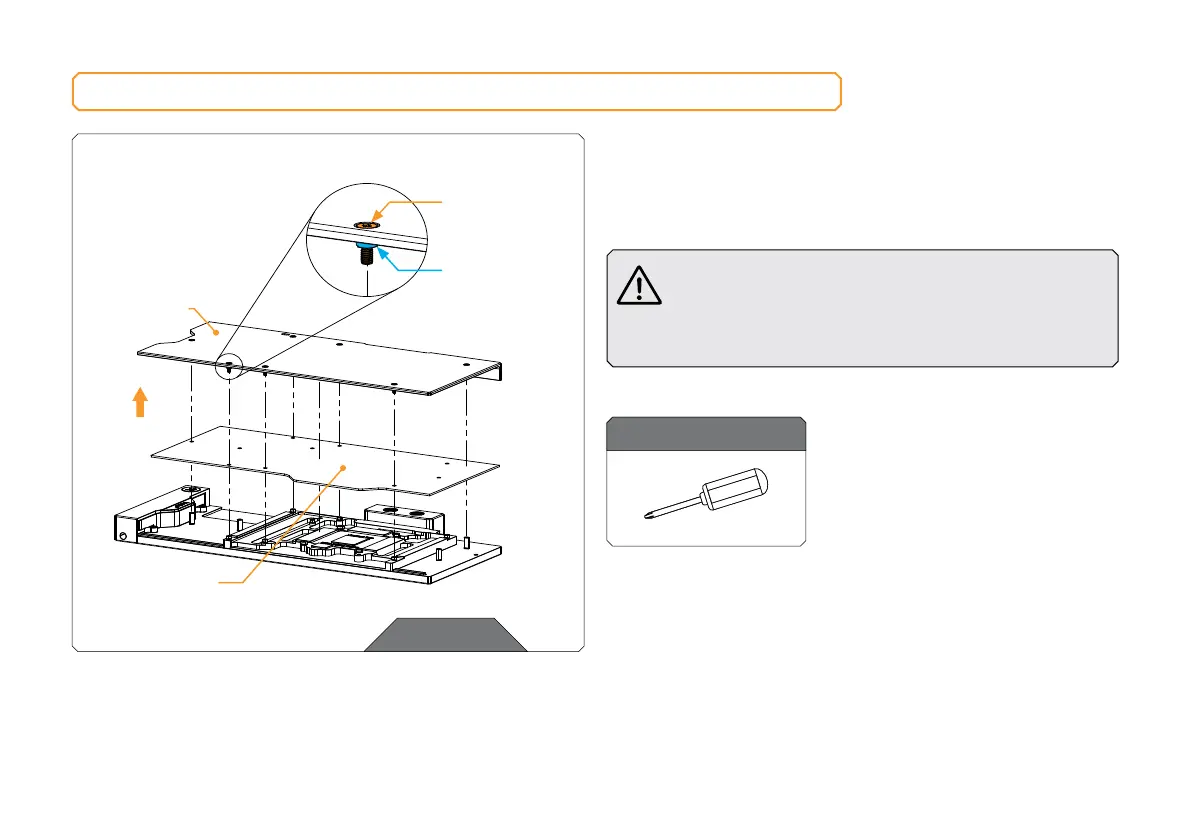
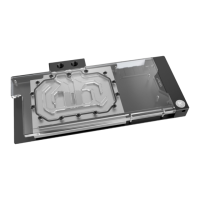
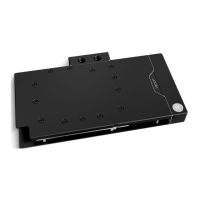
Unscrew seven (7) Screws AX1 M2.5x8 as shown in the image.
Remove the backplate together with seven (7) Screws AX1 M2.5x8
and backplate standoffs. Standoffs must stay on Screws AX1
M2.5x8. Remove cardboard. Save the backplate set for later steps.
Do not remove standoffs from screws! In case the
standoff detaches from the screw, replace it with a
spare one. When replacing the standoff make sure
that you screw it on the AX1 M2.5x8 screw. Do not
push the standoff onto the screw AX1 M2.5x8!
STEP 1
For this step, you will need:
Phillips Head Screwdriver
M2.5 x 8 AX1
BACK PL ATE
STA N DO FF
DO NOT
REMOVE
STANDOFFS
FROM
SCREWS!
CARDBOARD







 To Next Page