- 8 -
PREPARING THE GRAPHICS CARD
For this Step, you will need:
Phillips Head Screwdriver
STEP 1
REMOVING THE STOCK COOLER AND BACKPLATE
Place your graphics card on the flat surface and carefully remove
the stock cooler. Do not forget to unplug all the LED and fan
connectors. Pay attention to the following steps in order to install
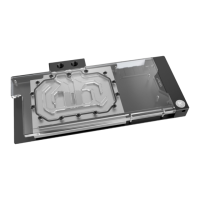
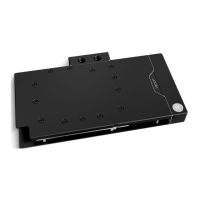
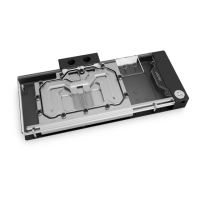
the EK-Quantum Vector
2
Trio RTX 3080/90 D-RGB water block on
the graphics card.
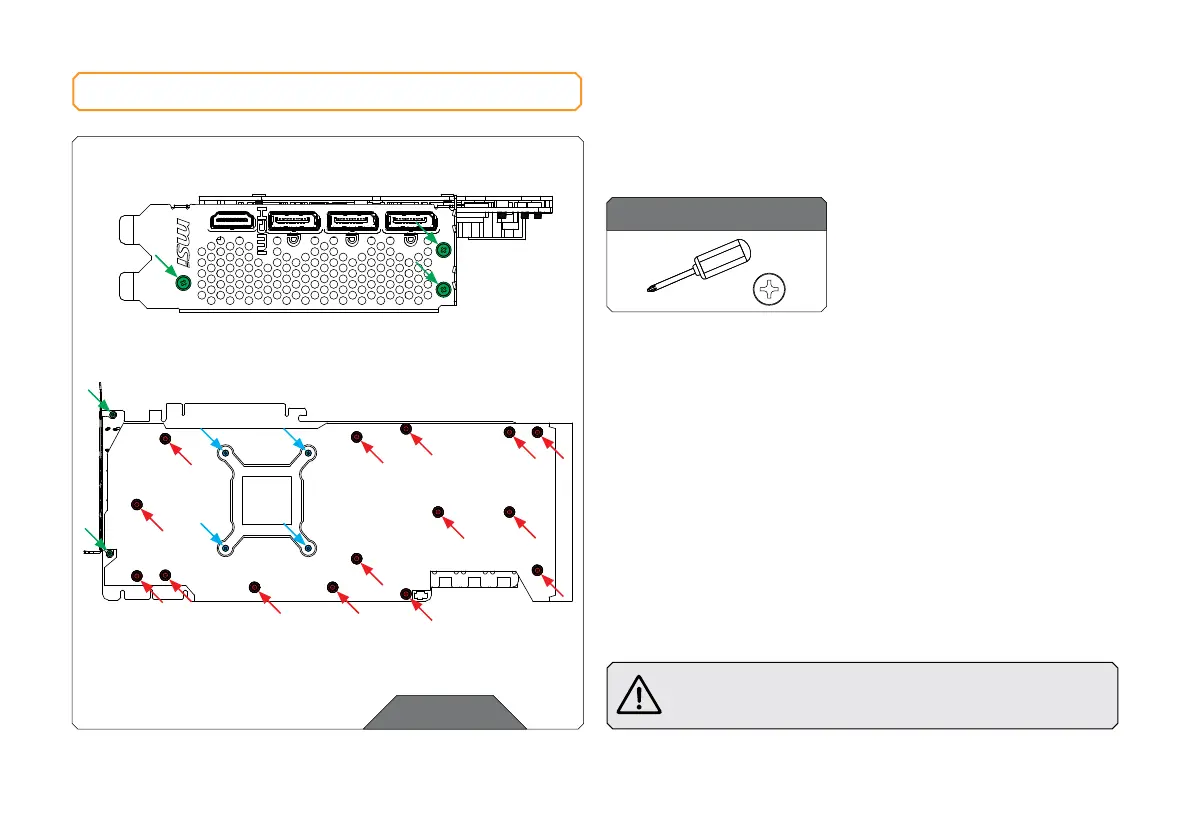
Use the Phillips head screwdriver to remove the five (5) green marked
screws from the GPU bracket side.
Then remove the fifteen (15) red marked screws with Phillips
head screwdriver and carefully detach the stock backplate from
the PCB. After removing the stock backplate remove four (4) blue
marked screws on retention bracket and you can move to step 2
of the process.
Always remove the stock cooler slowly - it might be firmly
glued to the PCB with thermal pads.
OPTION 1: USING THE MSI GEFORCE 3080/90 SUPRIM X
STEP 1







 To Next Page