_TECNOEKA Srl___________________________________________________________ use and instruction manual _
_ page 14 _________________________________________________________________________________________
4.3
4.3 4.3
4.3
How to use the control panel
How to use the control panelHow to use the control panel
How to use the control panel
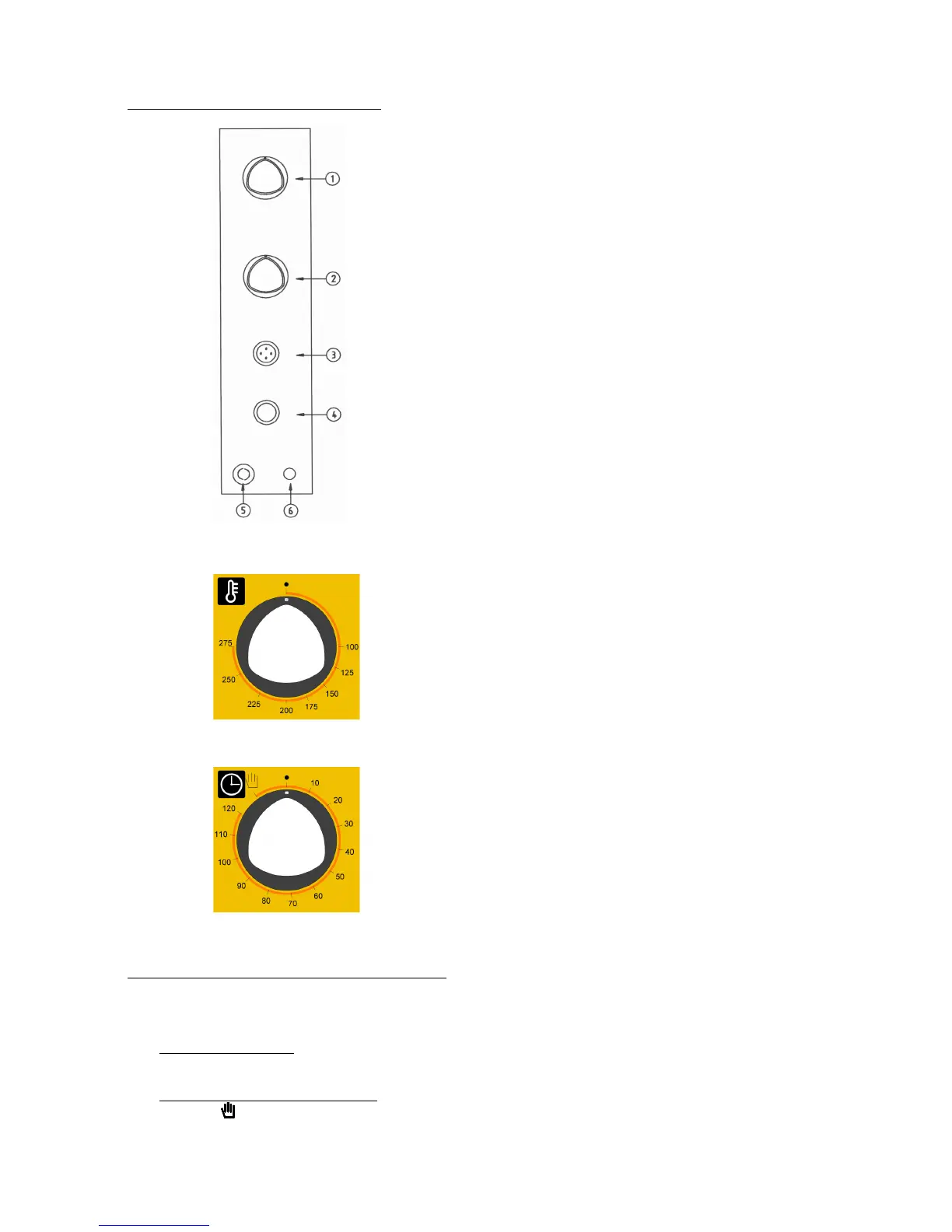
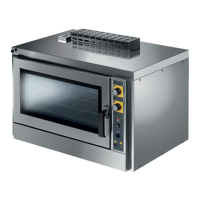
Fig.7
Fig.7Fig.7
Fig.7
1) Control thermostat knob
2) End of cooking “programmer knob”
3) Humidifier key
4) Line switch key (on/off key)
5) “No gas” backlit push-button
6) Control thermostat indicator-light
Fig. 8
Fig. 8Fig. 8
Fig. 8
Thermostat knob
Thermostat knobThermostat knob
Thermostat knob - Controls temperature inside the
cooking chamber maintaining it at set values.
Fig. 9
Fig. 9Fig. 9
Fig. 9
Programmer knob
Programmer knobProgrammer knob
Programmer knob - To start the appliance.
To start the oven, follow these instructions
- Open the gas and water ON/OFF taps upstream of the appliance and turn ON electrical
power.
- Line key (ON/OFF) - To electrically power up the appliance, turn “ON” the line switch. In
this state, the oven is ready to operate.
-
Cooking time programming - To start the oven, turn the programmer knob to the
symbol (continuous operation) or to the selected cooking time (up to 120 minutes) –
in the latter case, end of cooking is signalled by automatic switch-off of the oven.




 To Next Page