30
PARENTAL CONTROL
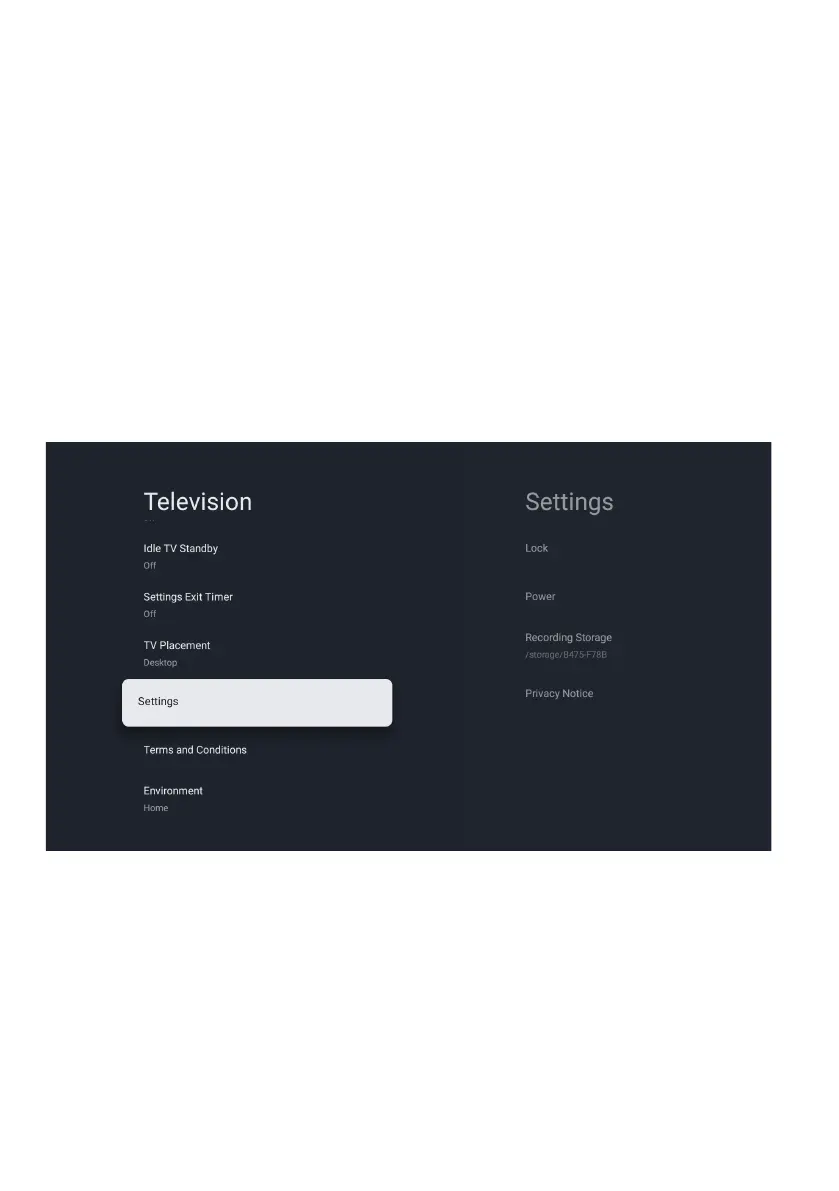
To access PARENTAL CONTROL menu,
1. Select Profile Icon (#7 on page 23) menu
2. Select Settings
3. Go down and select System
4. Go down and select Television
5. Go down and select Settings
6. Go down and select LOCK
From here you have the option to select and create a new password to lock the channels
you want to lock.
Note: please make sure to store/save password somewhere you can access at a later date.
Forgetting password, you may need to factory reset TV to use again.


 To Next Page