EasyManua.ls Logo

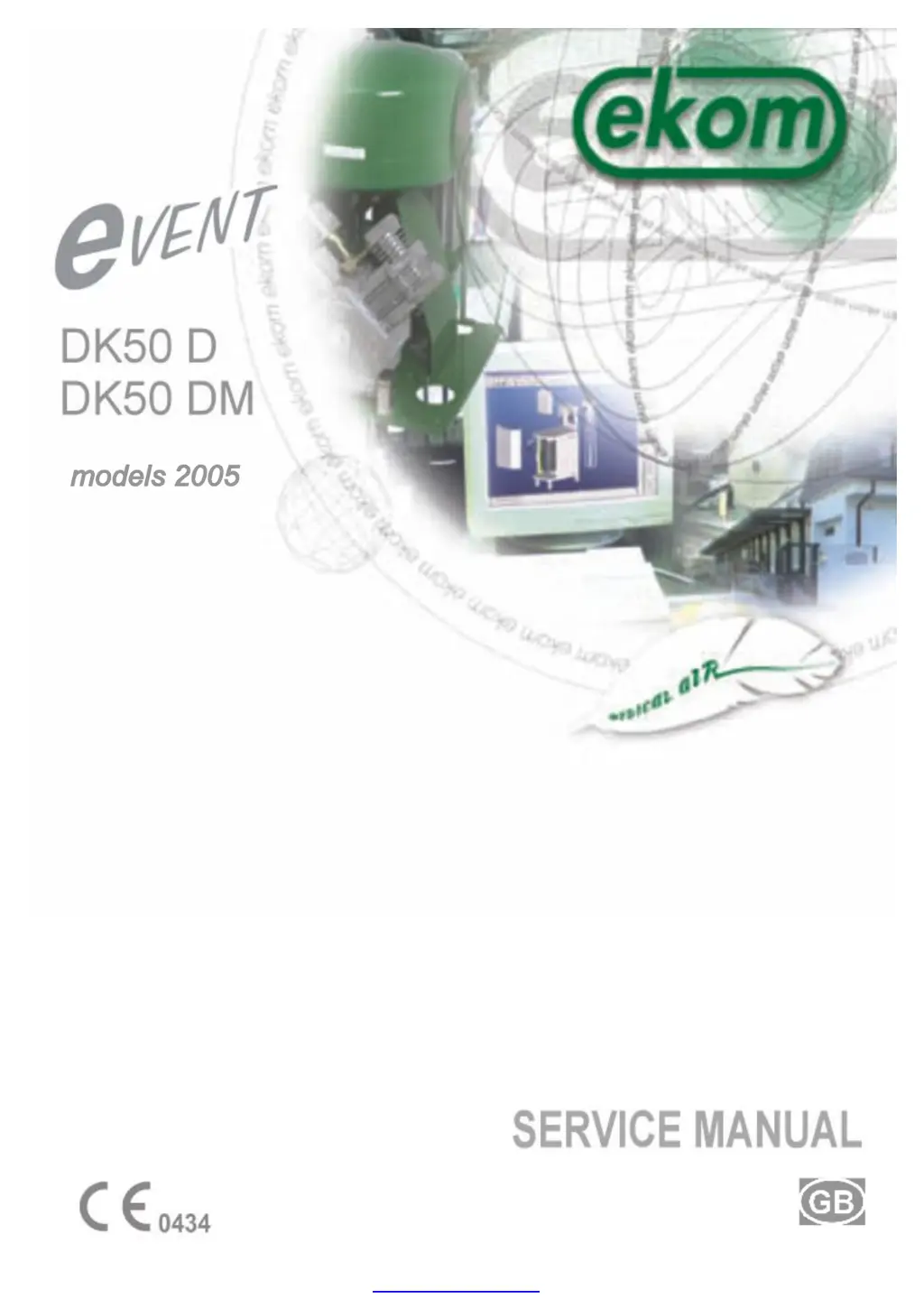
EKOM Event DK50 D - User Manual

EKOM Event DK50 D
29 pages
Print Icon
To Next Page IconTo Next Page
Loading...
PDF created with pdfFactory trial version www.pdffactory.com

Questions and Answers

  • A
    Alisha GibsonAug 3, 2025
    Why does my EKOM Event DK50 D not start?
    • C
      Caroline ScottAug 3, 2025
      Your EKOM Compressor might not start due to several reasons: there could be no mains voltage (check the switched-off mains breaker in the distribution system), no current in the pressure switch (check the supply), a blown fuse (replace the defective fuse), a loose wire terminal (tighten it), a defective power cord (replace it), interrupted winding of the motor or damaged thermal protection (replace the motor), a defective capacitor (replace the capacitor), a jammed piston or another rotary part (replace the damaged parts), or a pressure switch that doesn't switch on (change the pressure switch).
  • T
    Terrence HarmonAug 9, 2025
    What to do if my EKOM Event DK50 D Compressor often switches on?
    • B
      Brian EricksonAug 9, 2025
      If your EKOM Compressor switches on frequently, it could be due to a leakage of air from the pneumatic distribution system. To resolve this, control the pneumatic distribution system and seal any loose connections. Another cause might be a leakage of the check valve, in which case you should clean the check valve, replace the sealing, or replace the check valve entirely.
  • J
    Jason BassAug 13, 2025
    Why is the operation of my EKOM Event DK50 D Compressor extended?
    • L
      loganmelissaAug 13, 2025
      The extended operation of your EKOM Compressor could stem from a leakage of air in the pneumatic distribution system. You should control the pneumatic distribution system and seal any loose connections. Other potential causes include worn-out piston rings (replace them) or dirty filter inserts (replace them with new ones).
  • M
    mwelchAug 18, 2025
    What does it mean when the red light is on my EKOM Compressor?
    • S
      stewartchristopherAug 18, 2025
      A red light on your EKOM Compressor indicates a state of overheating. This can be caused by a dirty air intake filter (clean or replace it), dirty filter inserts (replace them), cooling fans that aren't working (replace the faulty fans), a faulty thermo-switch (replace it), or a high ambient air temperature (ensure suitable environmental conditions).
  • L
    Leslie LyonsAug 23, 2025
    How to fix a noisy EKOM Compressor?
    • C
      Carla MartinAug 23, 2025
      If your EKOM Compressor is noisy, producing knocking or metal sounds, it might be due to a damaged piston bearing or a bearing on the motor (replace the damaged bearing). Another cause could be a loose or cracked belt of the air pump hanger (replace the damaged hanger).
  • H
    Harold GatesAug 28, 2025
    What to do if the humidity indicator is out of the green zone in EKOM Event DK50 D Compressor?
    • R
      rojasmaryAug 28, 2025
      If the humidity indicator on your EKOM Compressor is out of the green zone, it could be caused by a leakage of air from the pneumatic distribution system. Control the pneumatic distribution system and seal any loose connections. It may also indicate a large consumption of compressed air; avoid exceeding the maximum flow specified in the technical data.

Summary

Warnings and Safety Information

CE Marking Compliance

Compliance with European Union safety guidelines.

General Operational Warnings

Important operational and maintenance guidelines for safe appliance use.

General Safety Precautions

Precautions to prevent damage and ensure safe operation.

Electrical Safety Guidelines

Guidelines for safe connection and use with electrical power.

Alert Symbols and Notations

Explanation of symbols used to indicate hazards and instructions.

Product Information and Description

Intended Usage

Intended use of the medical compressor for respiratory equipment.

Component Overview

Detailed explanation of the compressor's components and function.

Technical Specifications

Storage and Transport

Installation and Initial Operation

Environmental Requirements

Requirements for installation area and ambient temperature.

Unpacking and Pump Securing

Steps for removing securing elements after unpacking.

Compressed Air Connections

Procedures for connecting air input and output lines.

Electrical Hook-up

Guidelines for safe electrical hook-up and compliance.

First Start-up Procedure

Initial steps for starting the compressor and automatic mode.

Optional Accessory Installation

Information on installing the tube for supporting equipment.

Operational Procedures and Maintenance

Compressor Start-up

Procedure for turning the compressor on using the main switch.

Compressor Running Modes

How the compressor operates automatically based on air pressure.

Air Filter Maintenance

Cleaning and replacement schedule for the air intake filter.

Cooling Failure Alarm Handling

Actions to take when the cooling failure indicator is activated.

Compressor Cleaning

Recommended methods for cleaning the appliance.

Service and Maintenance Schedule

Scheduled Service Intervals

Recommended schedule for maintenance tasks.

Available Service Kits

Overview of available service kits and their components.

Service Preparatory Steps

Recommended tools and preparations for performing service.

Safety Valve Verification

Procedure for checking the safety valve's functionality.

Air Pump Filter Replacement

Steps for replacing filters within the air pump.

Blow Filter Cartridge Replacement

Procedure for replacing the filter in the blow filter assembly.

Pressure Regulator Filter Replacement

Steps for replacing the filter in the pressure regulator.

Pressure Switch Replacement Procedure

Procedure for replacing the pressure switch.

Pressure Switch Adjustment

How to adjust the pressure switch settings.

Leak Detection and Inspection

Checks for leaks and general appliance condition.

Compressor Performance Check

Procedure for verifying the compressor's air output capacity.

Securing Unit for Transportation

Steps to secure the unit before transportation.

Piston and Ring Replacement

Detailed procedure for replacing piston and rings.

Cut-off Procedures

Appliance Disposal

Troubleshooting Guide

Repair Service Information

Delivery Contents and Options

Standard Delivery Package

List of items included in the standard delivery package.

Optional Accessories

List of optional accessories available for separate order.

Wiring Diagram

Pneumatic Diagram

Spare Parts List

EKOM Event DK50 D Specifications

General IconGeneral
Air delivery150 l/min
Tank volume50 l
Voltage230 V
Frequency50 Hz
Noise level62 dB(A)
TypeOil-free compressor

Related product manuals