6
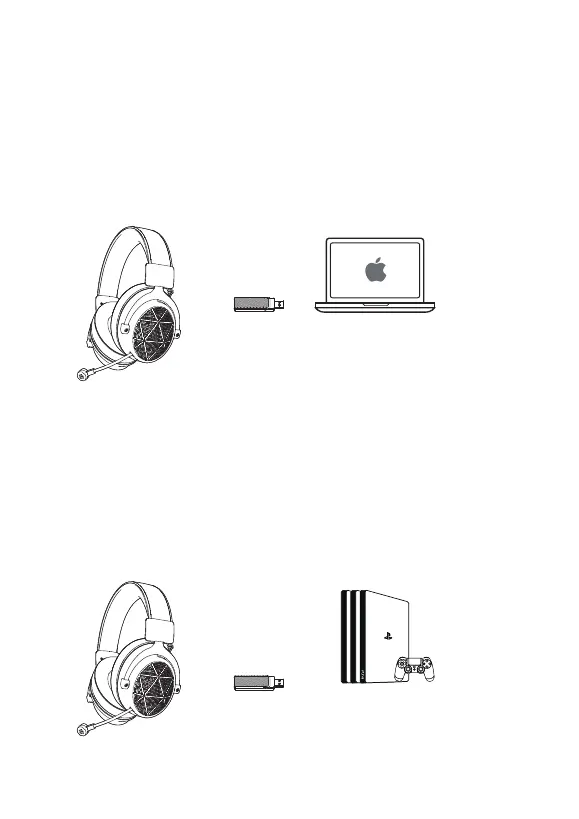
3, Usage on Mac/ Mac OS
Step 1, Insert the 5.8G USB Dongle into the USB port on Mac;
Step 2, In "System Preferences", click on the “Sound" icon;
Step 3, Click on the Input tab and select the “USB Audio Device" for default sound input;
Step 4, Click on the Output tab and select the “USB Audio Device" for default sound output;
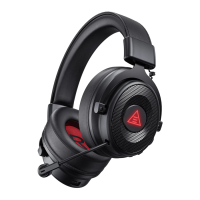
4, Usage on PS4/PS5
Insert the 5.8G USB Dongle directly to the Playstation 4 Console and
follow these steps:
Step 1, Navigate to the Settings Menu and select it;
Step 2, Highlight the ''Devices '' menu option and select it;
Step 3, Scroll down to ''Audio Devices'' and select it;
Step 4, Choose ''Output to Headphones'' and select ''All Audio'';



 To Next Page