5
How to Use?
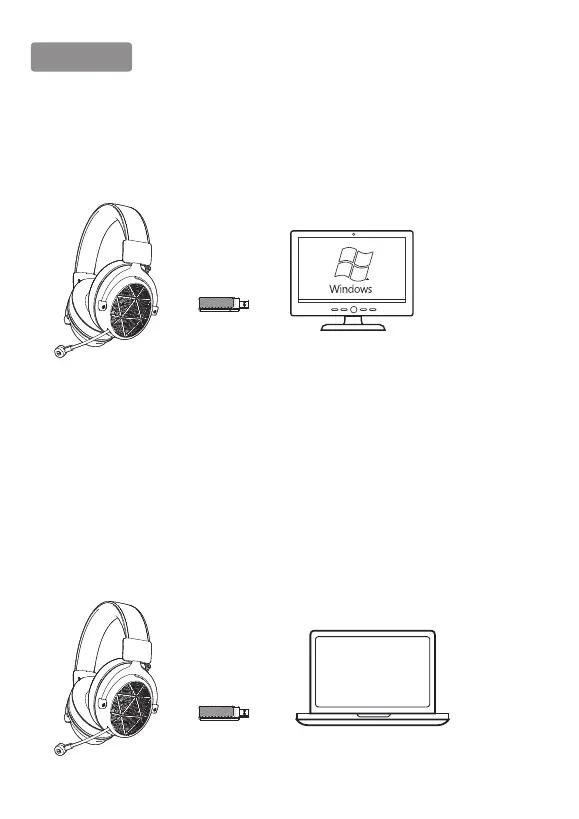
1, Usage on Windows 7/8/10 PC
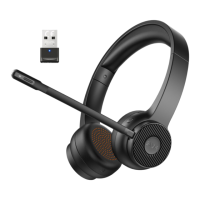
Plug the 5.8G USB Dongle into any USB ports that can work normally on PC, or connected to
a long USB cable. The headset will automatically paired when it is turned on. Then you can
use it without installing any drivers.
2, Usage on Laptop
Step 1:
1. Insert the 5.8G USB Dongle into the USB port on the Laptop;
2. Open your ''Sound'' settings from ''Control Panel'' and select ''Hardware and Sound'' and
then select ''Sound''. (You can also right-click your sound icon on the system tray and select
Playback devices).
Step 2:
In the Playback tab, select ''USB Audio Devices'' from the list and click ''Set as Default Device''.



 To Next Page