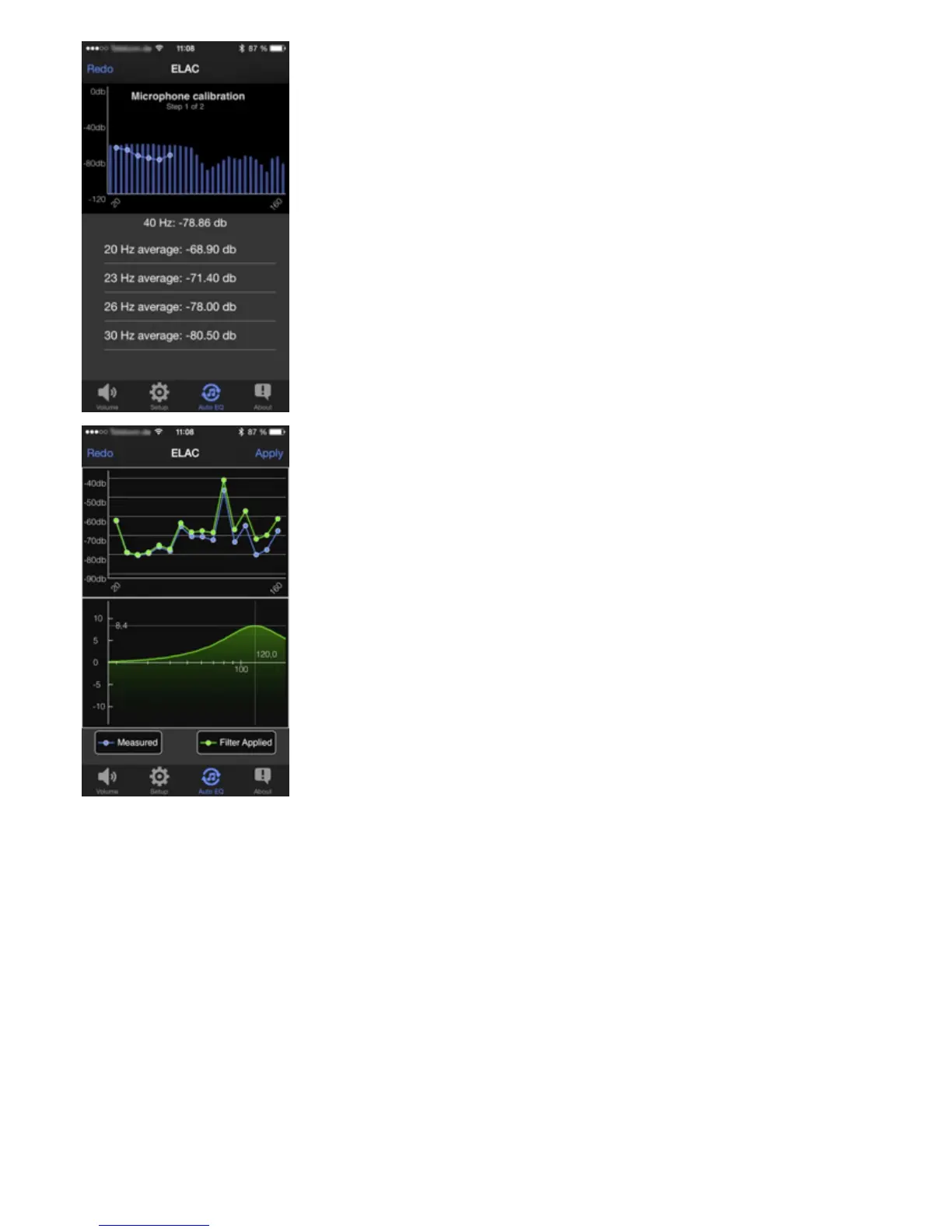
When you start the measurement, you will rst be asked to hold the smartphone
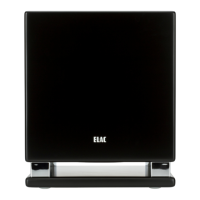
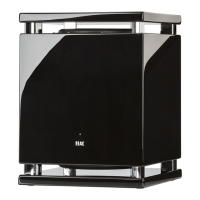
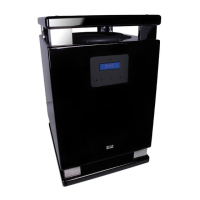
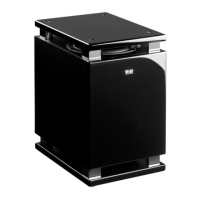
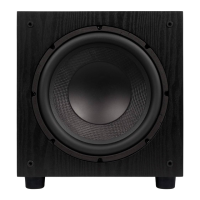
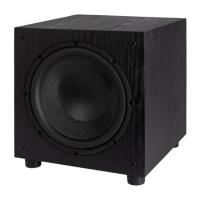
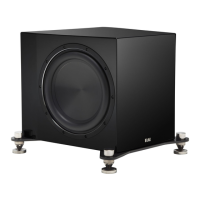
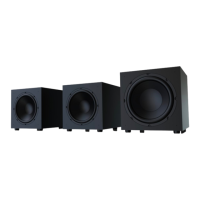
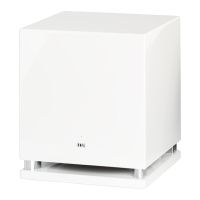
close to the sound opening of the subwoofer (on the SUB 2050 or SUB 2070, this is
the gap between the bottom plate and the cabinet). The measurement can then be
started. Once the calibration step is completed, the actual room measurement can be
performed. To do this, hold your smartphone at the listening position and start step2.
After the measurement is successfully completed, the measured room frequency
response is displayed along with the automatically calculated lter function.
Press “Apply” to use the lter data to compensate the frequency response. Press “Redo”
to start another measurement.
Once you have accepted the measurement with “Apply”, the equalization curve is
retained until it is overwritten by a new measurement.
You can deactivate the automatically calculated frequency response compensation at
any time by switching o the AUTO EQ function in the SETUP menu (see picture at
point2).
26


 To Next Page