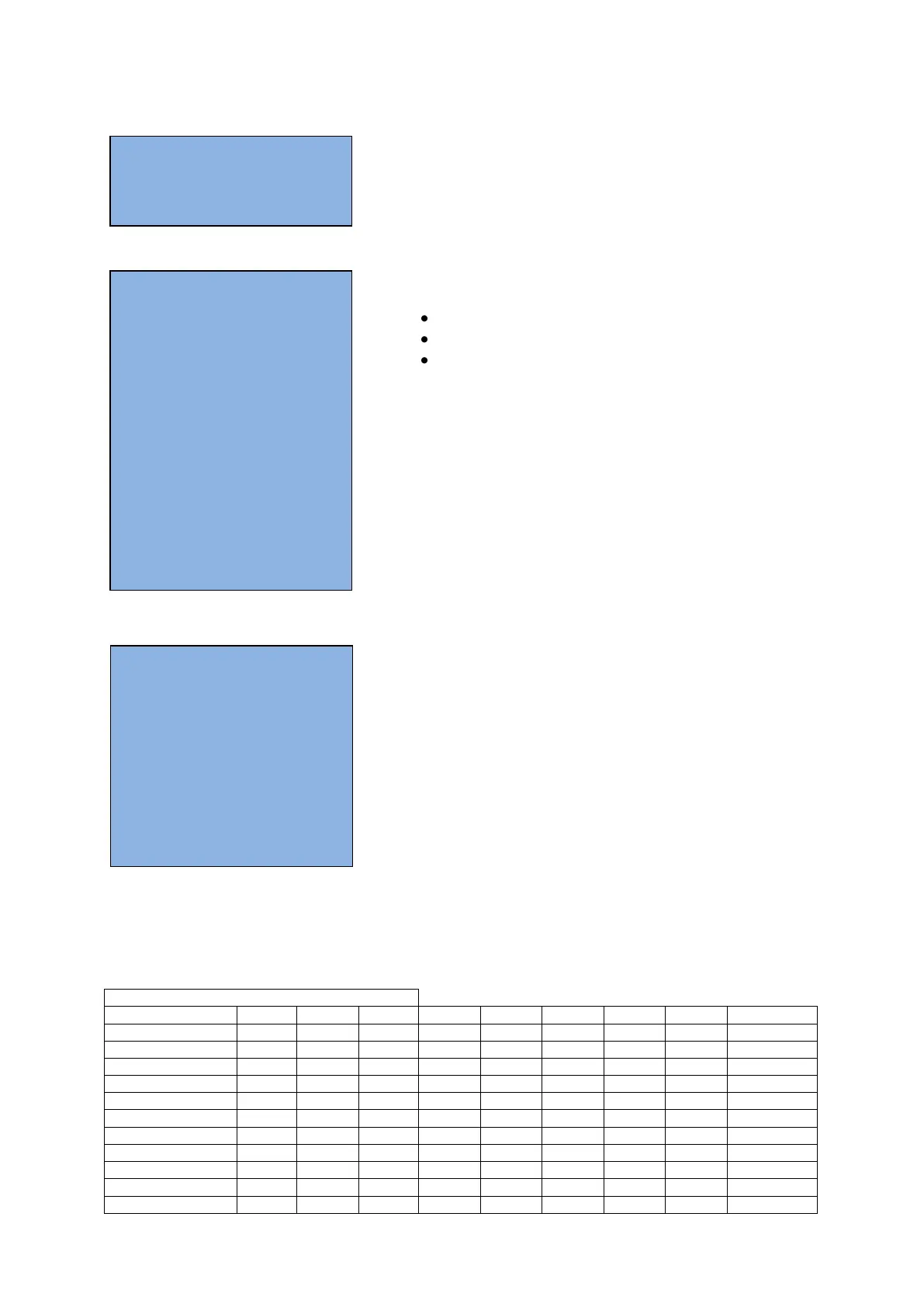
TEST INFO
i coin in 00000000
i bill in 00000000
i ctrl but. 00000000
i det&ext 00000000
i lamps 00000000
i coinm.out 00000I00
i hopper1 00000000
i XYstatus 00000I00
i Xposition 0
i lnk.stat 00000000
i data in 0
Mechanical diagnostics
calibrate carr: calibration of the carousel
tot tokens: Total amount of the played tokens
clear tot tokens: to clear the total of played tokens.
Module Info
playfield nb *: identification number of the playfield.
Following lines are use to verify the different ITX modules
ON= OK
OFF= not OK
ERR= does not work correct.
ID= ITLNK_A0000*: software version on this
Test info
This menu shows if the input to the IntraXion controller is
activated (=I) or not (=O), a very useful tool to track
problems with the system.
The list below shows all in and outputs, and where you can
activate them.
The information lines above indicates if the input to the Intelli controller is activated
(=I) or not (=O). The inputs are counted from the right to the left.
If an input changes, it has to be visible only on 1 position!
This menu will help you to localize and possibly solve a problem.
in/output checklist via Interaxion programmer
MODULE INFO
i play field nb. 0
i soundfile
ID= ITXSND6100R00
i controls mod. ON
ID= ITBIO_D0101
i motor mod. ON
ID= ITXGX_B0102
i hopper mod. ON
ID= ITBIO_D0401
i bonus mod. ON
ID= ITBNS_B0101
i linker mod. ON
ID= ITLNK_B0002
i caroussel mod. ON
ID= ITX6200R02.5
MECHANIC DIAGN.
S calibrate carr.
i tot tokens 0
S clear tot tokens



 To Next Page