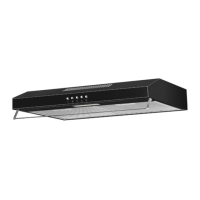
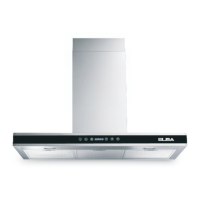
4
PRODUCT DESCRIPTIONS
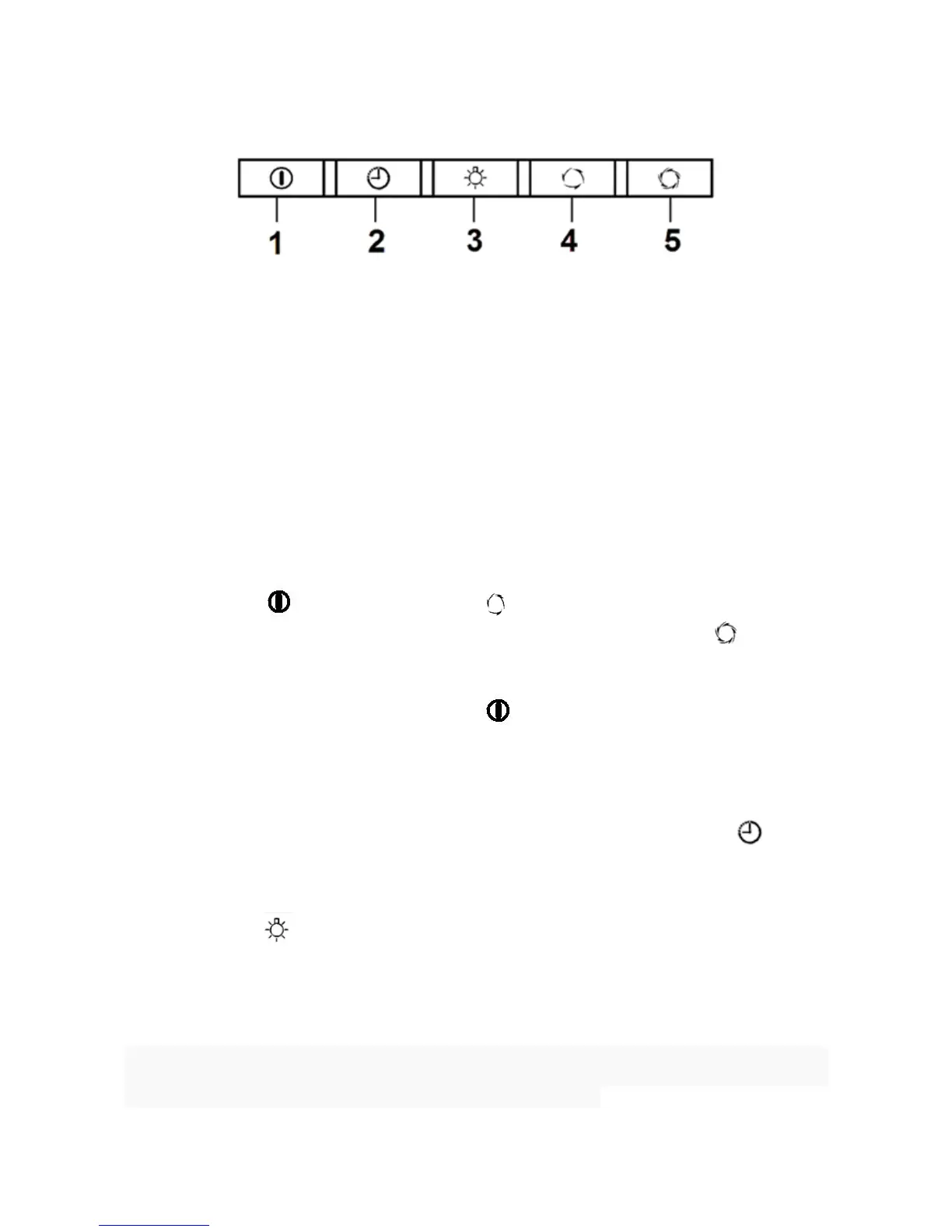
1 On/Off Button – To switch the cooker hood to standby mode and turn off the
cooker hood.
2 Fan Delay Off Function – To schedule three minutes delay timer to turn off
the cooker hood.
3 LED Light Illumination – To switch on/off the LED light and open the panel
cover.
4 Normal Fan Speed – To operate at normal fan speed.
5 High Fan Speed – To operate at high fan speed.
OPERATING INSTRUCTIONS
1 Press the button and press the button to operate the cooker hood at
normal fan speed. Front panel cover will open. Press the
button to
operate the cooker hood at high fan speed.
2 When the motor is running, press
button to turn off the cooker hood.
(Front panel cover will shut slowly). NOTE: Do not obstruct the cover or place
finger near the cover to avoid breakage or damage to the appliance, as well
as to prevent injury incident.
3 When the motor is running at normal or high fan speed, press the
button
to schedule the cooker hood to turn off after three minutes. Front panel cover
will shut slowly after three minutes.
4 Press the button to turn on the LED light or open the front panel cover.
Press again to turn off.
5 The front panel cover will close automatically after 30 seconds when the
motor/LED light is not operating.
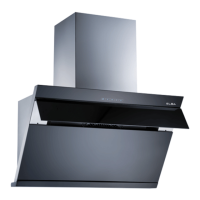
※ Caution when the front panel cover open or close, it may cause damage or injury
incident. Do not obstruct the front panel cover at all time.


 To Next Page