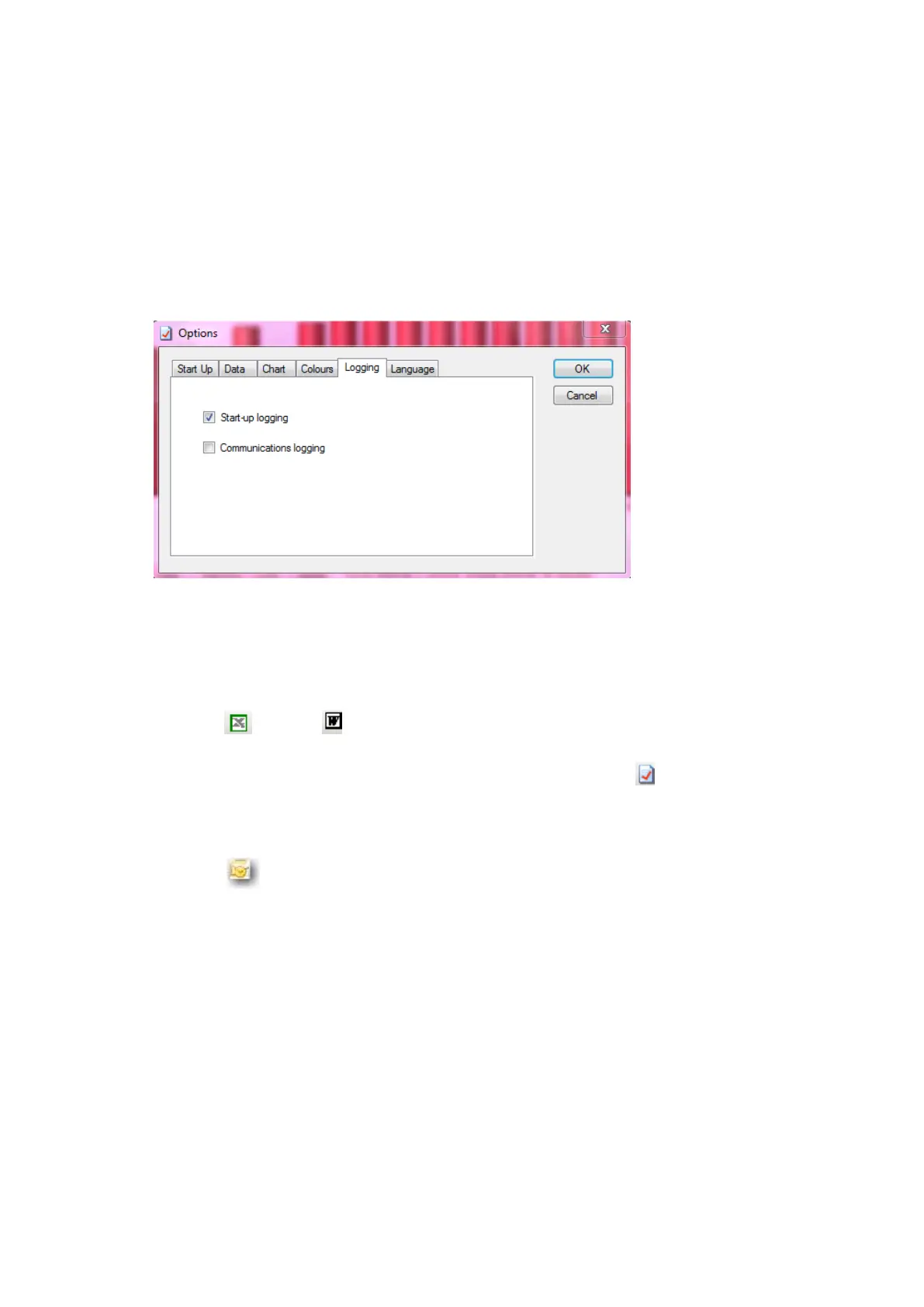
‘Logging’
External Logs
Start-Up is selected by Default
Communications can be enabled if experiencing difficult communicating with
logger.
ADDITIONAL GRAPH FUNCTIONS
Export to Microsoft Office:
Click the Excel or Word buttons on the main toolbar to export the graph
image to either of these programs. (This can also be done using the ‘Edit/Select
All’ function on the menu bar or from the graph toolbar icon , and copy and
paste buttons on the toolbar).
Sharing Surveys
Click the button on the main toolbar to email the survey to a third party.
This will open Outlook with the files already inserted, with a reminder /weblink
to the recipient that they will need to have PowerPackPro running on their PC to
view the survey. These files should not be opened in Excel.



 To Next Page