OPERATION
Getting Started:
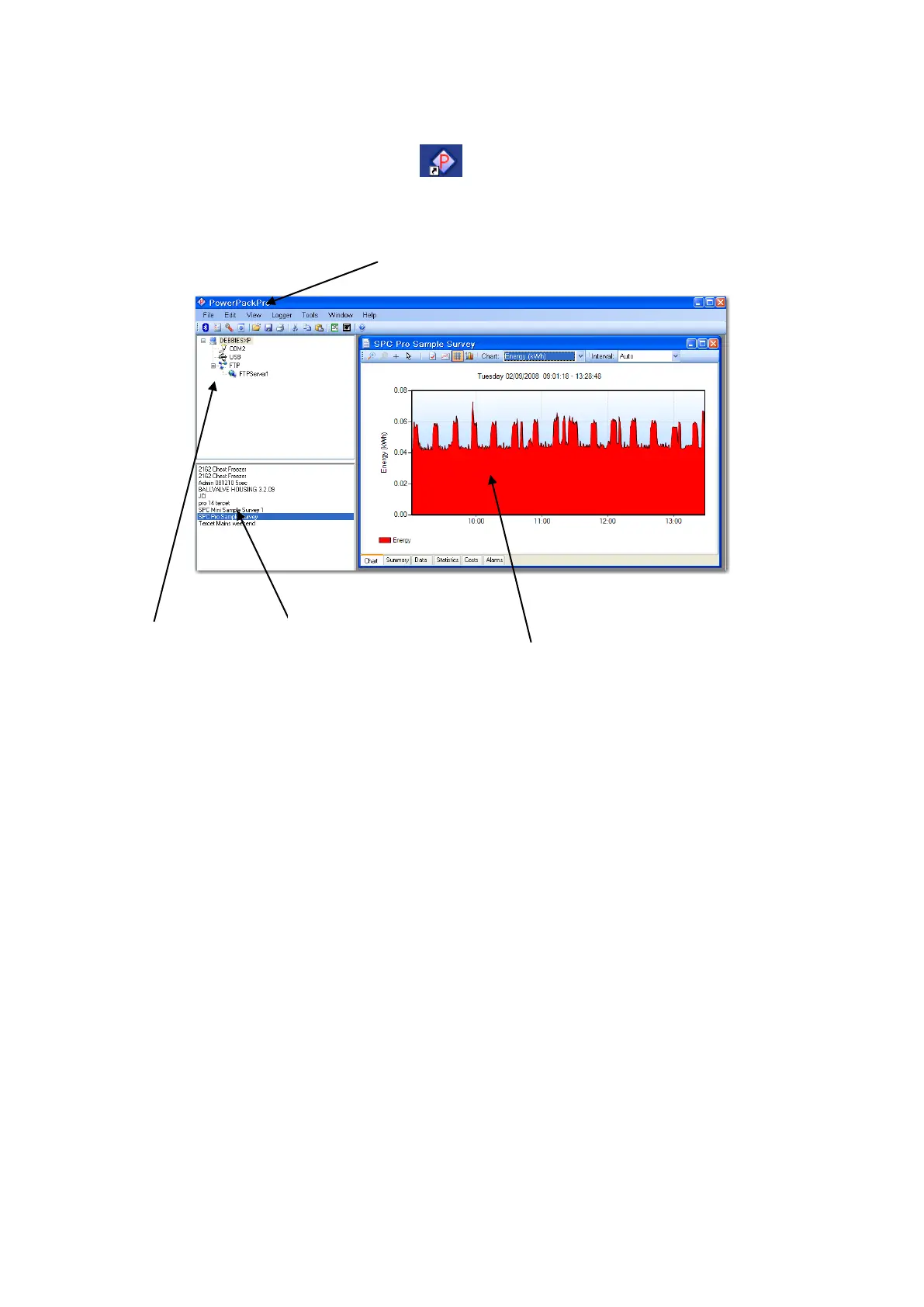
Open the software by clicking the desktop icon and double click ‘SPCPro2
Sample Survey’ to show the following screen.
The software ships with some sample data pre-loaded which can be used for
familiarisation of the package, and is used in the examples in the ‘Using The
Graphing Package’ section.
CONNECTING THE SPCPro2
Connect the SPCPro2 to the PC using an A to B type USB cable, and an unused
USB port on the PC.
NOTE: Ensure that the CD supplied is present in the CD drive
when the SPCPro2 is first connected.
The PC will automatically recognise the SPCPro2 (indicated by the “Found New
Hardware” message) and will install the necessary drivers to allow
communications to be established.
NOTE: the drivers are included on the CD supplied with the unit.
This must be present in the CD drive at this stage in the proceedings.
List of downloaded
surveys



 To Next Page