The successful completion of the process is indicated by a “Your hardware is
installed and ready to use” message appearing. Within a few seconds
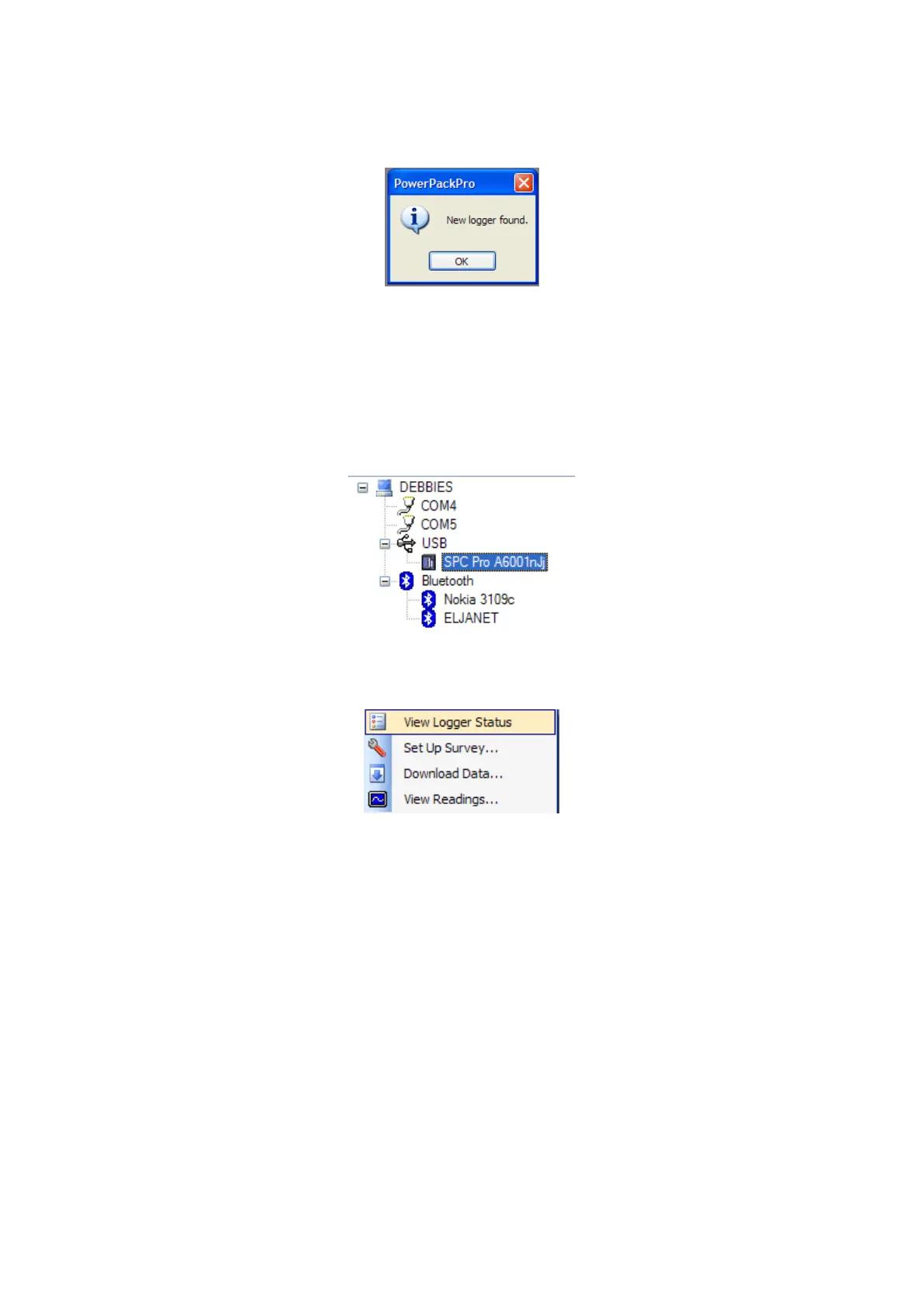
PowerPackPro will locate the SPCPro2 and generate a new message.
NOTE: If the Windows device recognition/drivers load process
fails to function if may be necessary to load the drivers manually. See
Appendix 1 for details on this procedure.
Click OK and the logger will appear on the tree at the upper left of the screen as
shown.
Right click the SPC Icon to open the command menu



 To Next Page