This provides four options:
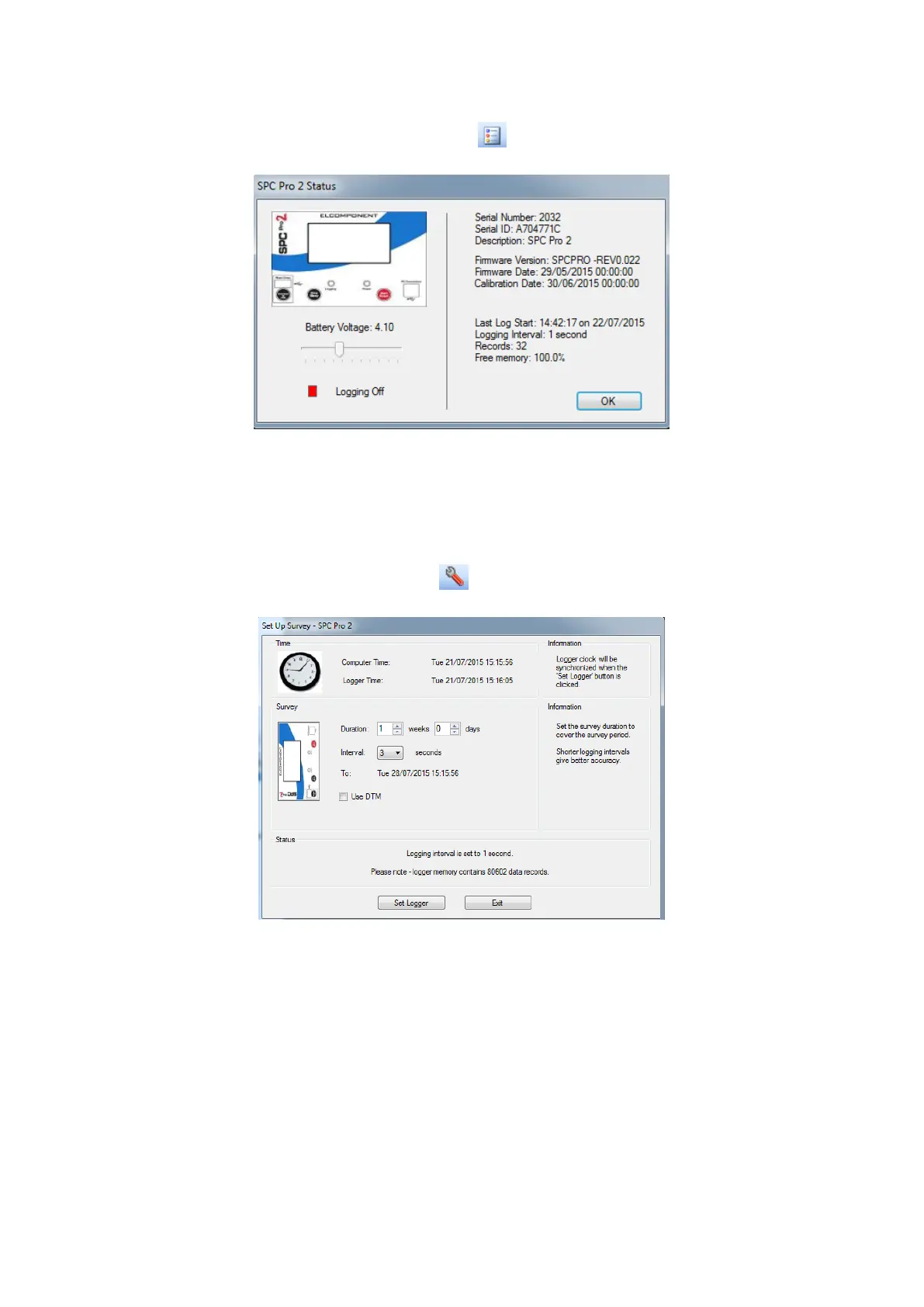
‘View Logger Status’ (also available via the icon).
Battery voltage should read over 3.7 volts. If it is lower than this the logger may
shutdown if it is not connected to a mains supply.
Details of the device and any recorded data are shown, along with the logging
status indicator. Green for ‘on’ and red for ‘off’.
‘Set Up Survey’ (also available via the icon.
This screen allows the following parameters to be set.
NOTE: Ensure your PC clock is correct!
NOTE: This will erase all survey data on the logger!
NOTE: Should the unit not respond a General Reset may be
required – Hold down the Reset/Sleep button together until the unit
restarts.



 To Next Page