NOTE: It is not necessary to have a wall socket voltage connection
available to carry out a survey. The SPCPro2 will continue to operate
on battery power for up to two weeks on a fully charged battery. In
this case, power and energy values are based on user-defined
references.
STARTING A SURVEY
Once the unit is connected, logging is initiated by pressing and holding the
‘Start/Reset’ button for 5 seconds. Note that the display will ‘count down’ to the
survey start. Logging is confirmed by the red ‘logging’ led flashing every few
seconds.
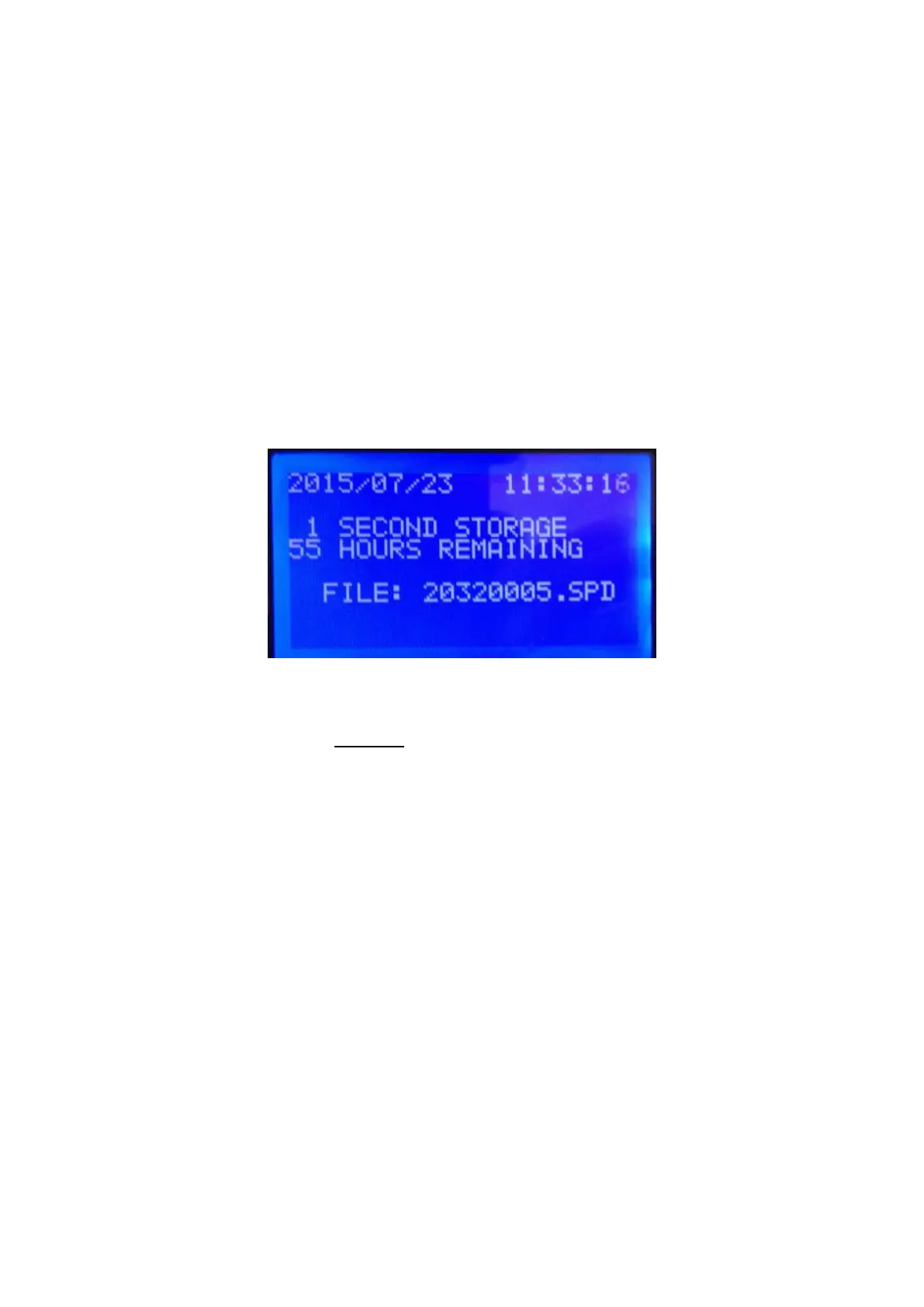
For “Good Housekeeping” – press the “start/reset” button briefly to show the
logger set-up screen.
ENDING A SURVEY
A survey may be ended manually by pressing & holding the ‘sleep’ button.
Surveys will end automatically if the programmed survey duration is reached, or
if the power is removed and the battery life exceeded.
In all cases the recorded data will be securely saved for download.



 To Next Page