Selecting Data:
Hold down the left mouse button and drag the cursor to select data. To select
the whole table click “Edit/Select All’ button on the main menu bar.
Selected data may be copied and pasted as required using the relevant buttons
on the main toolbar.
Exporting Data:
Data may be exported in tabular form to Excel or Word by clicking the relevant
buttons on the main toolbar or emailed to a third party by clicking the
button.
STATISTICS TAB
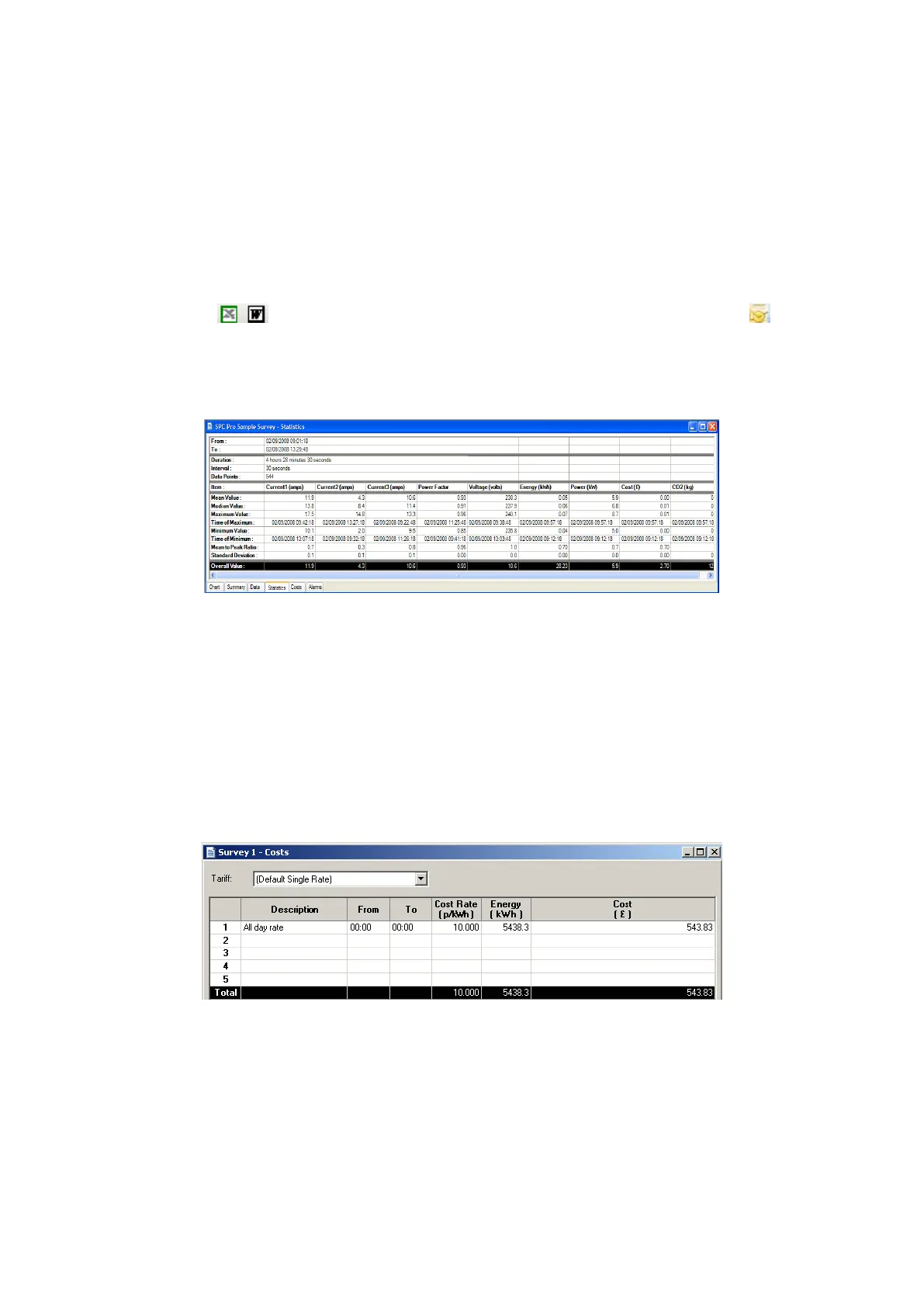
Click the ‘Statistics’ tab to display the stats window showing the key values and
ratios for all parameters.
COSTS TAB:
Click the ‘costs’ tab to display the costing window.
PowerPackPro is supplied with two preloaded tariffs (Default Single Rate and
Default Day & Night Rate). These are provided as examples and do not
necessarily reflect actual tariffs.
ADDING AND AMENDING TARIFFS:
PowerPackPro supports the entry of multiple tariffs with up to 5 time bands.
NOTE: Time bands cannot span a date change. If a desired time
band runs across midnight it must be entered as two bands.



 To Next Page