Storage Interval – Select the desired data storage interval from the available
options. Note that the “Interval” pane will alter to show the storage interval at
the selected survey duration, and the end time/date of the proposed survey,
based on the current time.
Click ‘Set Logger’ to update the unit.
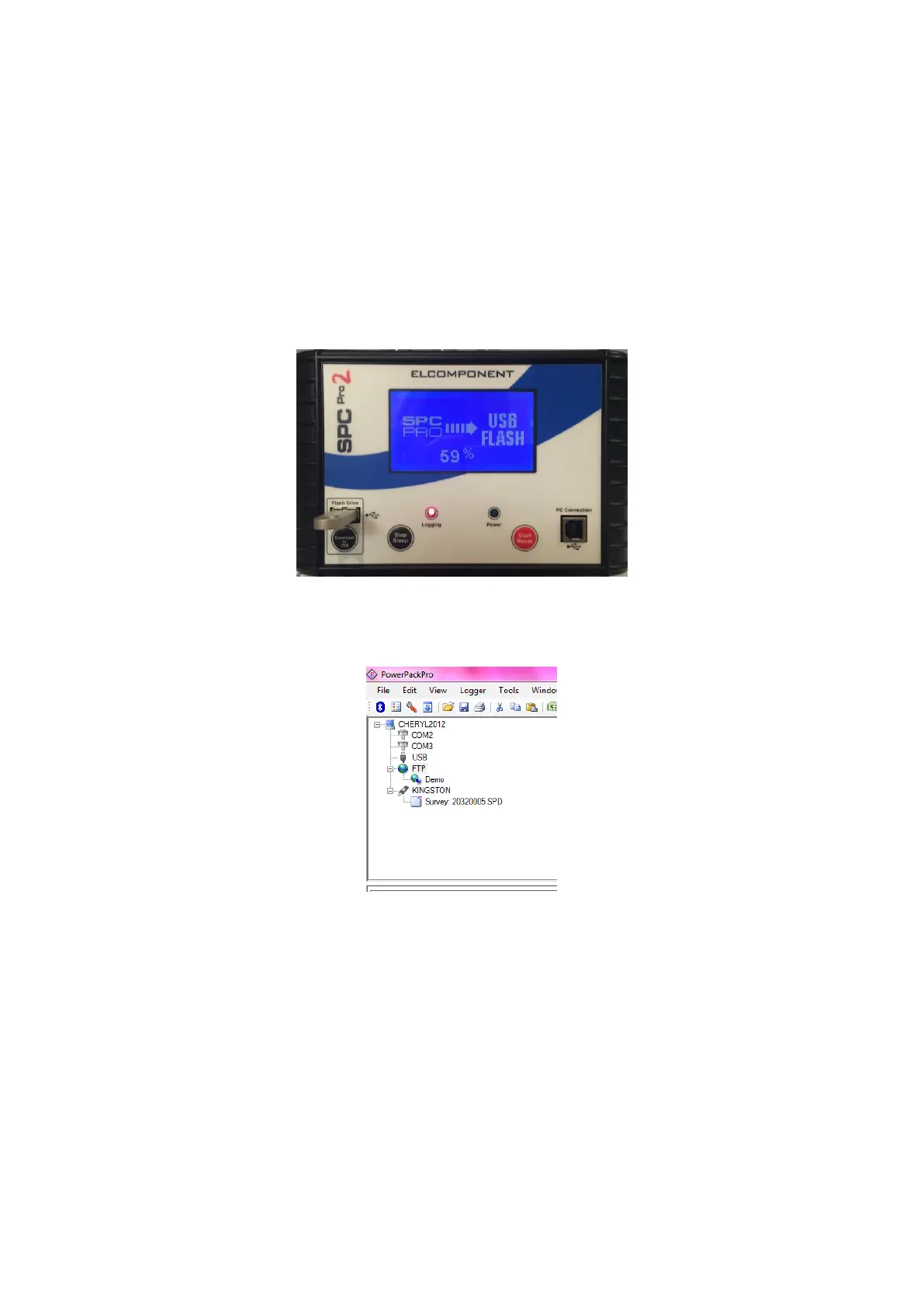
Downloading via the USB Memory Stick
To download the survey via the memory stick you will need to press the
‘Download to USB’ button and wait for the survey to download.
Once the download has completed then plug your USB into the PC and you will
see the PPP software show the memory stick as follows:
Double click on the survey file and then continue through the download steps
below.



 To Next Page