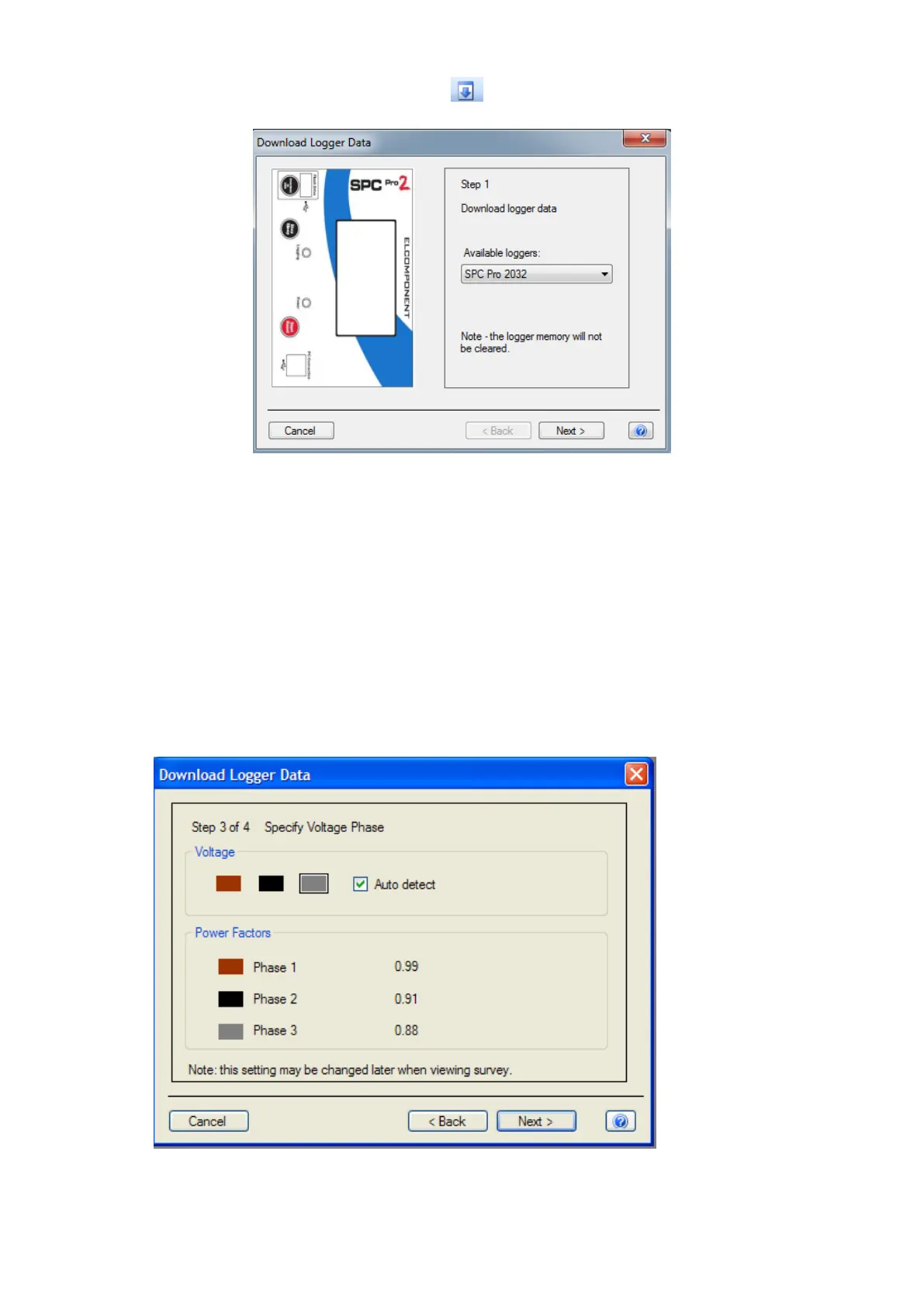
‘Download Data’ (also available via the icon).
Step 1
Click ‘next’ to download the data.
NOTE: This does not clear the logger memory.
Step 2
When the download reaches 100%, click ‘next’ to enter the survey name,
location and any relevant notes.
Step 3 (Voltage present)



 To Next Page